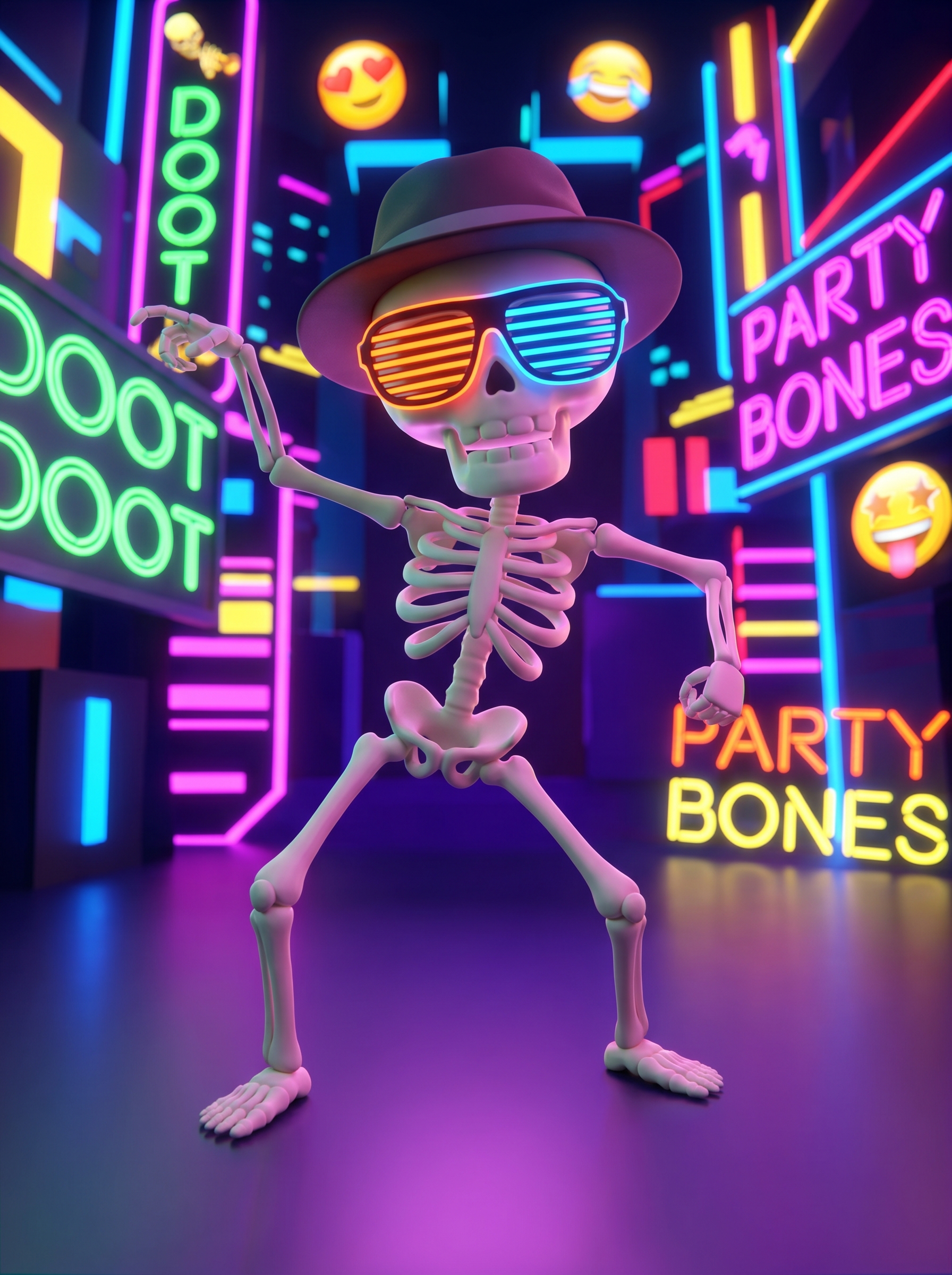
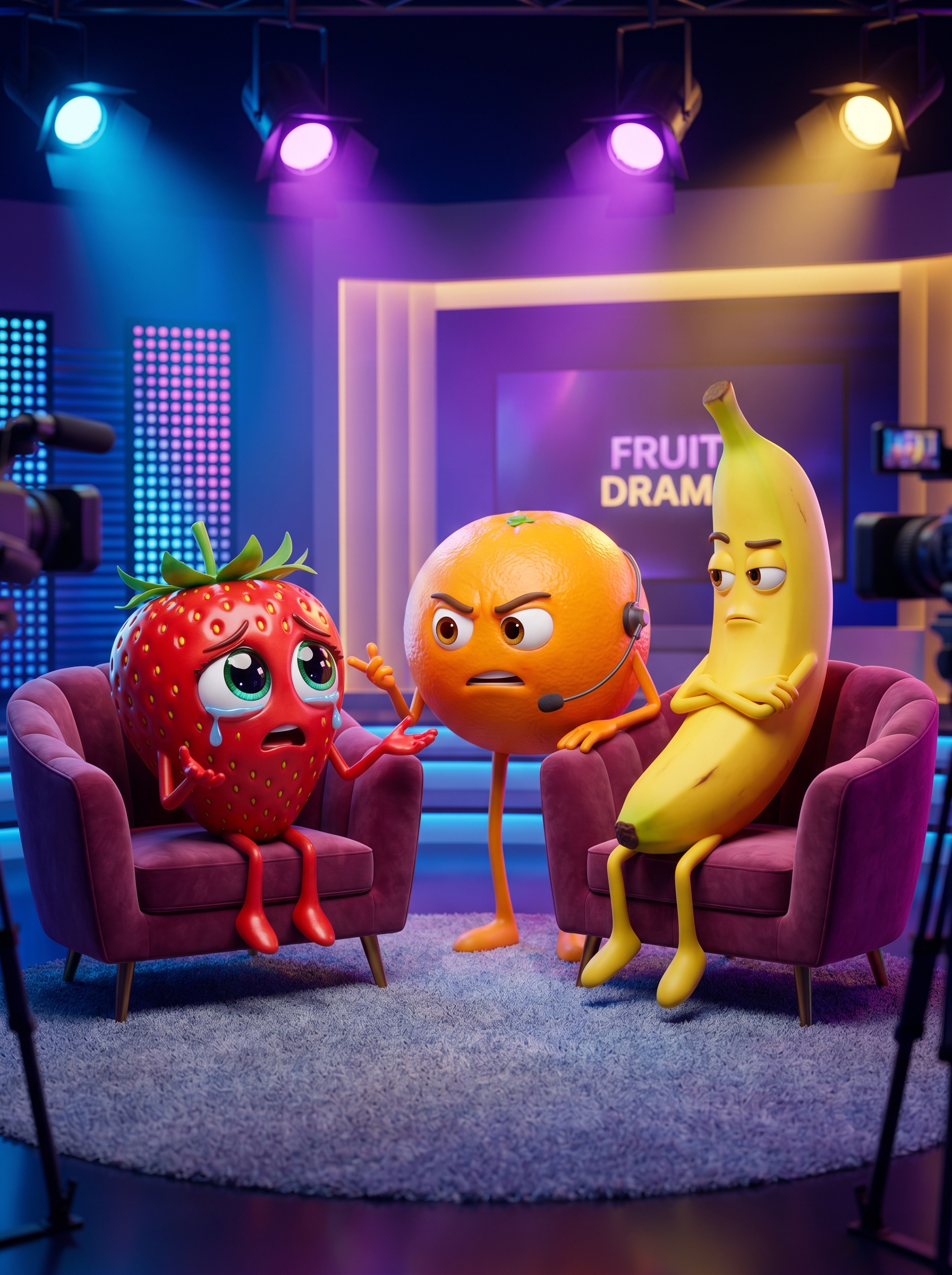
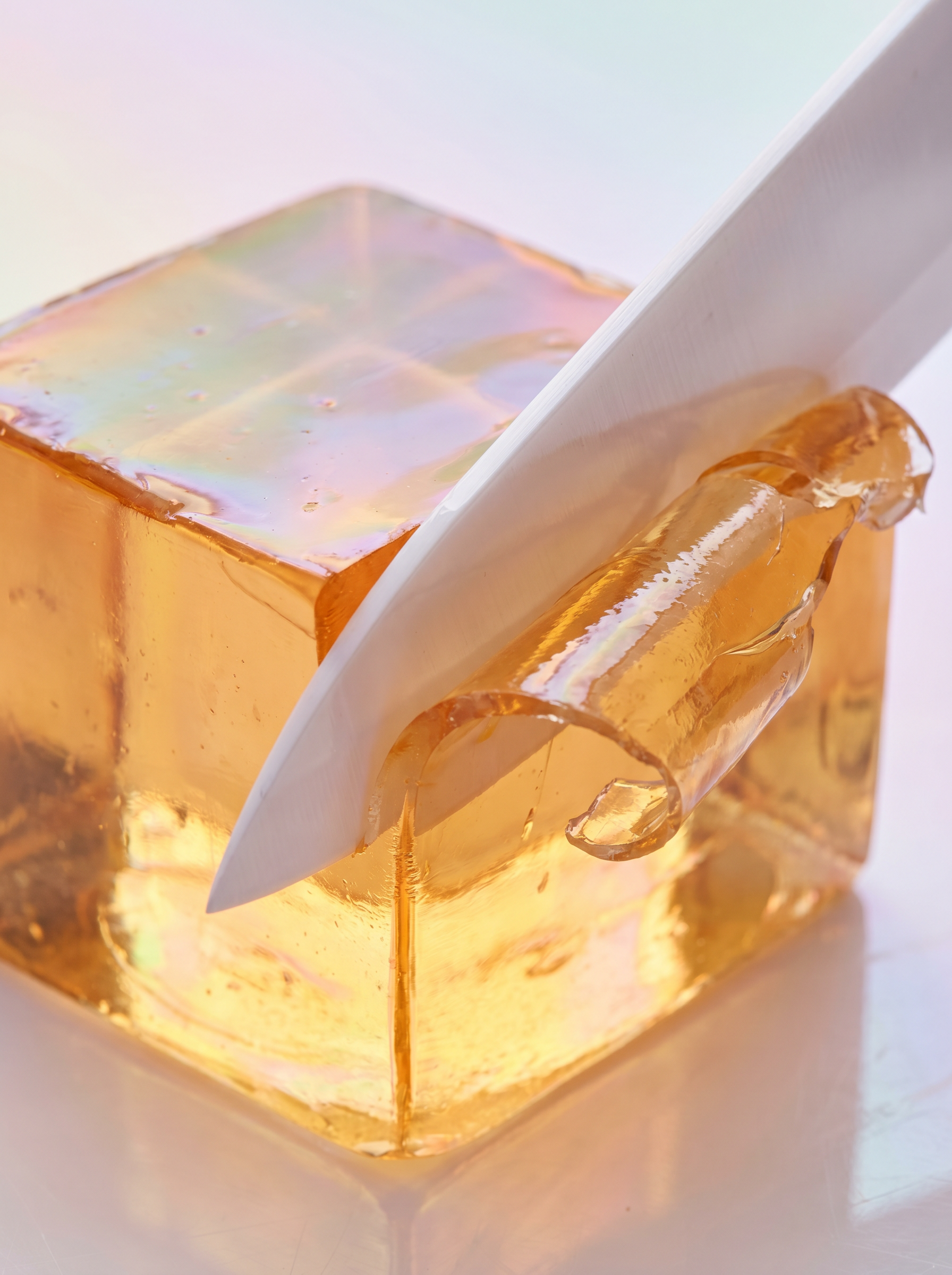
144p to 4K Trend
Tips for better results
The 144p to 4K Trend costs 2,400 credits per render.
Preview — your generation appears here
What is 144p to 4K Trend?
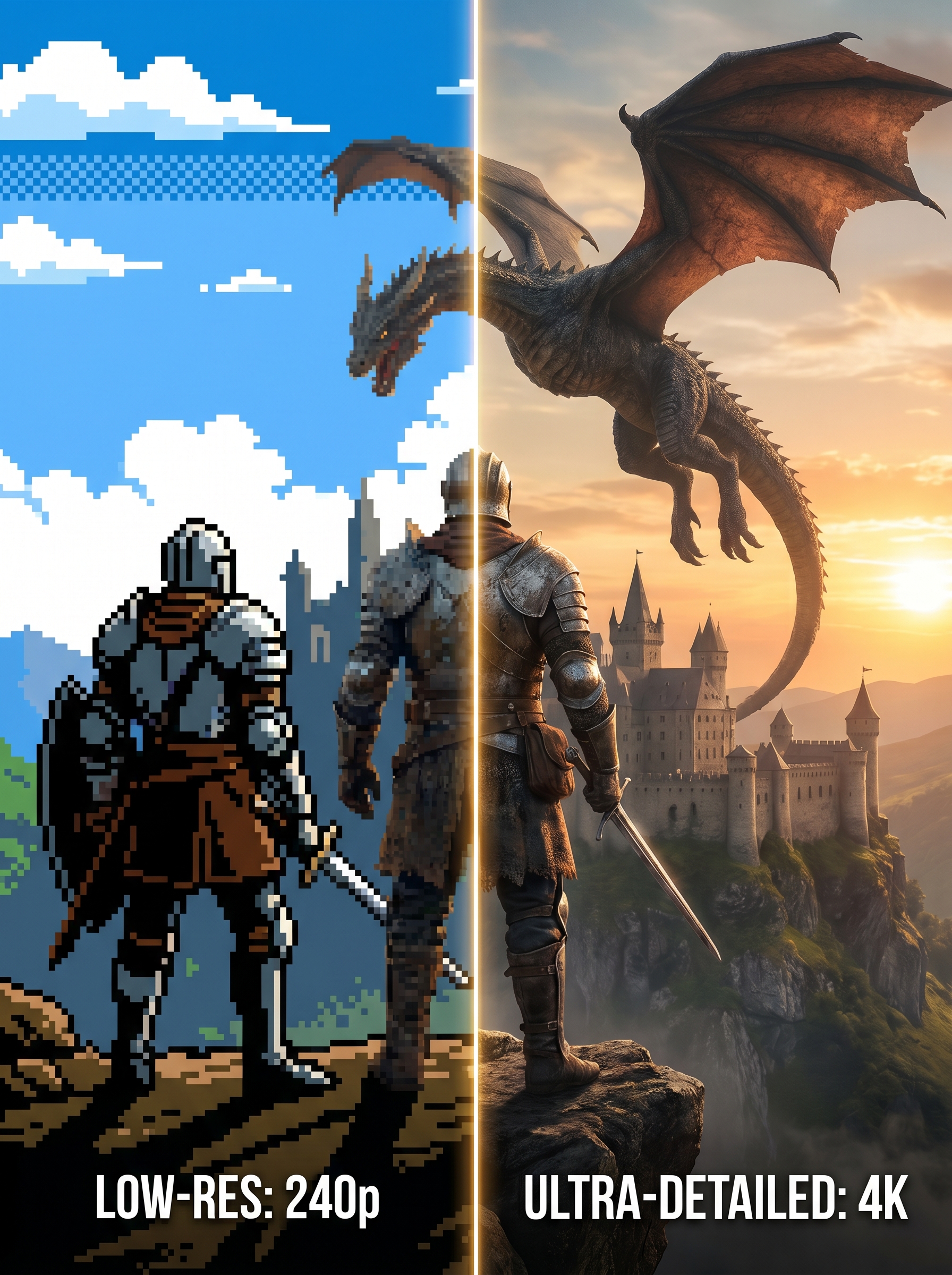
Turn simple, low-res, or cartoon images into stunning 4K photorealistic reveals with PromptNerdyToMe's 144p to 4K Trend. This realistic AI before after effect uses image-to-image AI and AI upscaling to preserve pose and color while creating a viral TikTok-ready vertical video.
Best for
- • TikTok before/after reels showing AI realism transformations
- • Cartoon to photorealistic reveals for fan art and OC accounts
- • Low-res image glow-ups posted on Instagram Reels
- • AI realism showcase videos for tech and creator channels
- • Game avatar and anime portrait makeovers shared on YouTube Shorts
How to use 144p to 4K Trend
Add an optional caption
Type the text you want overlaid on top of the video, TikTok-style. Keep it short — long captions are auto-balanced into two lines. Leave blank to skip the caption and output a regular before/after slideshow at the source aspect ratio.
Upload your first source image
Pick a clear cartoon, low-res, or stylized image — strong, readable subjects produce the best 4K AI realism reveal.
Upload your second source image
Use a different angle, pose, or expression so the before/after pairs feel varied across the final video.
Upload your third source image
Round out the slideshow with a third image — the AI keeps colors and pose consistent while adding photorealistic detail.
Generate
AI creates your video in 1-2 minutes.
Download & share
Save your video or share it directly to social media.
How it works
144p to 4K Trend takes the 3 source images you upload and runs each one through PromptNerdyToMe's image-to-image realism pipeline with a 4K photorealistic target. The system is tuned to preserve the exact pose, framing, and color palette of the original while adding hyper-realistic textures, natural lighting, and cinematic depth. Once all 3 photorealistic versions are ready, PromptNerdyToMe pairs each original with its realism upgrade, then assembles the 3 before/after pairs into a single 9:16 MP4 — each pair shows the original for one second, transitions with a beat-aligned wipe, then holds on the realistic version for one and a half seconds. A background music track is mixed in and faded out at the end so the final video lands as a polished, share-ready viral TikTok filter rather than a raw side-by-side comparison.