Cutout Walk
Tips for better results
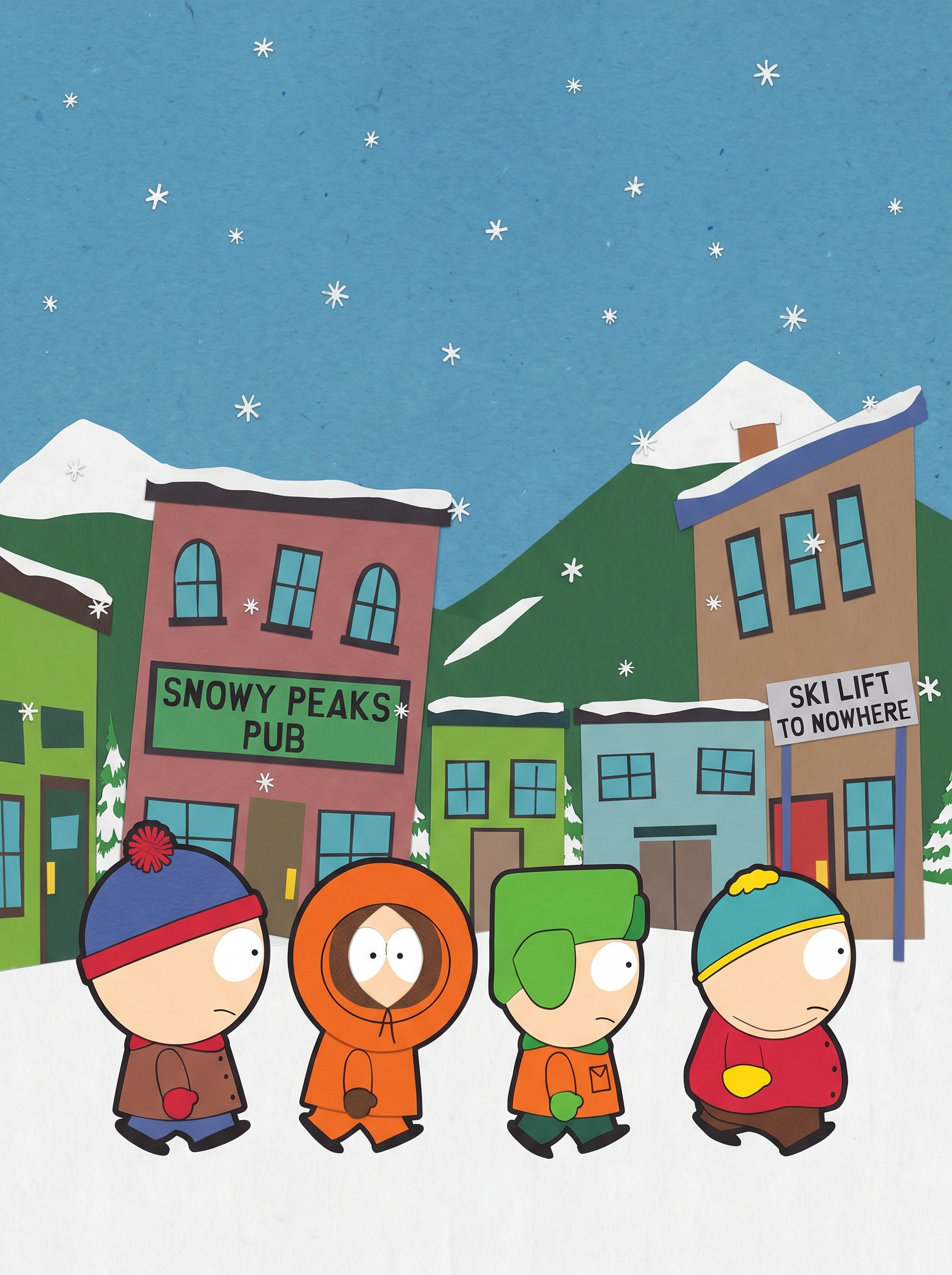
Preview — your generation appears here
What is Cutout Walk?
The Cutout Walk effect on PromptNerdyToMe transforms your text descriptions into short, comedic animations with a distinct construction-paper aesthetic. Inspired by classic flat-style paper cutout puppetry, this text-to-video tool places your characters and scenarios into a stylized, snowy mountain town environment. You do not need to upload any photos; simply type a scene description to generate a playful, stop-motion-style video clip. It is designed to bring humorous, quirky concepts to life with a nostalgic, tactile feel.
Best for
- • Creating humorous, episodic character skits for TikTok
- • Designing quirky, animated intro clips for YouTube Shorts
- • Sharing relatable, everyday comedy scenarios on Instagram Reels
- • Generating quick, stylized visual jokes for online communities
How to use Cutout Walk
Describe your scene
Type a brief description of the characters and the funny scenario you want to animate in the text field.
Generate the video
Click the generate button to let the AI process your prompt into a paper-cutout style animation.
Preview your animation
Watch the generated video clip to ensure the comedic timing and flat-style visuals match your vision.
Download and share
Save the finished video directly to your device and share it across your favorite social media platforms.