Fancam
Tips for better results
10,000 credits
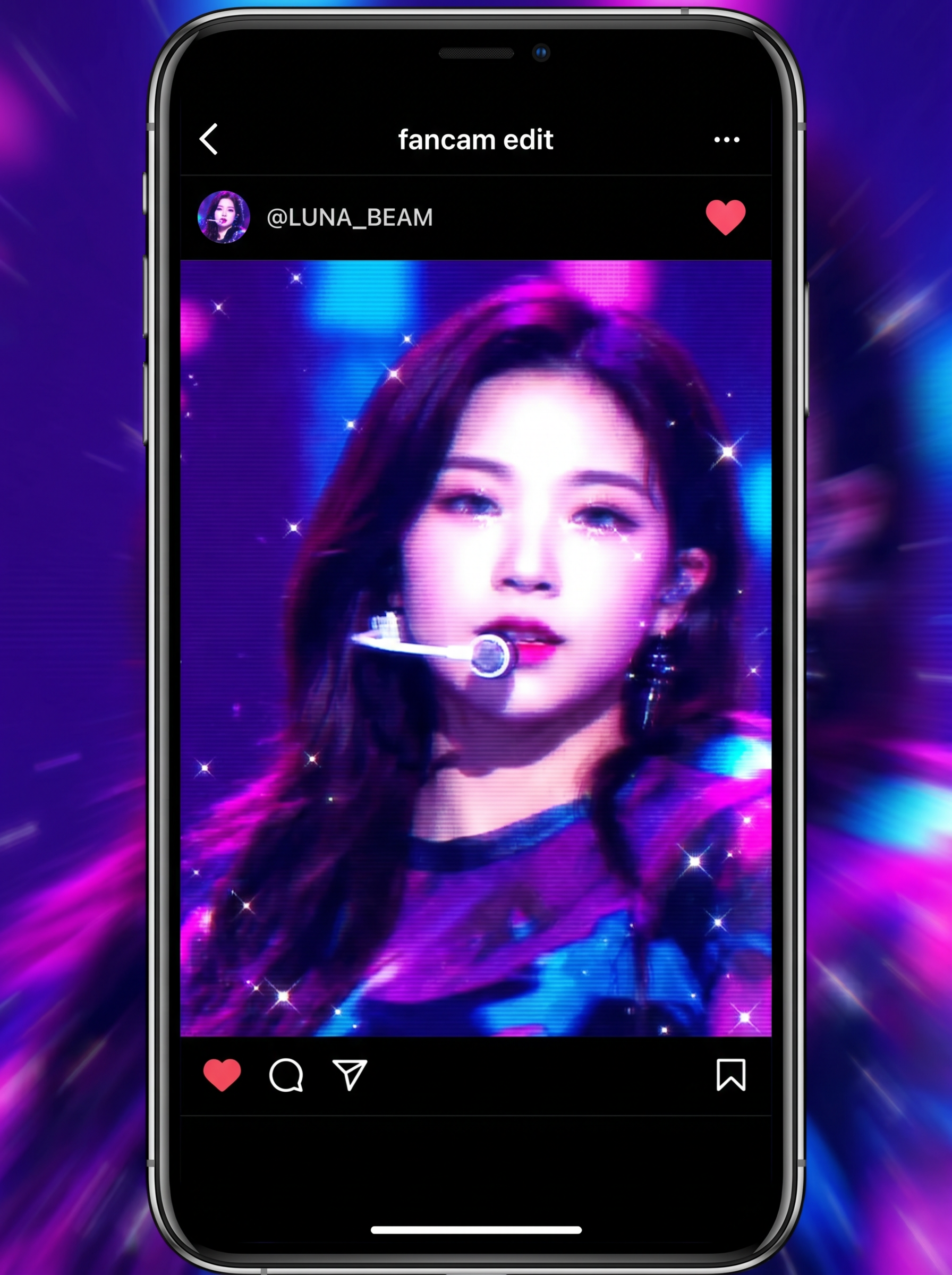
Preview — your generation appears here
What is Fancam?
Fancam turns one photo into a short fan-edit style clip with broadcast pacing, crowd energy, and a 'spotlight on you' framing — without locking the scene to a specific sport. It's the catch-all version for hype reels, birthday tributes, and content where you want the fancam look without baseball, soccer, NFL, or F1 styling.
Best for
- • K-pop style bias edit videos from a single selfie
- • Stan account intro clips for TikTok or Instagram Reels
- • Birthday tribute fancams for a friend, partner, or creator
- • Reaction-style fan edits for concert memories and event recaps
How to use Fancam
Upload your photo
Use a sharp, front-facing face photo with clean lighting so the fancam framing reads clearly in fast cuts.
Generate
AI creates your video in 1-2 minutes.
Download & share
Save your video or share it directly to social media.
How it works
Fancam takes your image_url (image: Your photo) and turns that single portrait into a short edit designed to feel like a fan-made idol or celebrity spotlight clip. The AI isolates your face and main features, builds motion from a still image, and applies rhythmic camera moves like zoom-ins, pans, reframing, and dramatic crop changes. It also makes style decisions common in fancam culture, such as beat-friendly pacing, glam-focused framing, and performance-inspired visual emphasis. Instead of trying to create a realistic live recording, the workflow leans into edited fandom aesthetics: attention-grabbing motion, polished portrait treatment, and a clip structure that feels ready for reposts, stan accounts, or meme-style fan edits.