Pet Talk
Tips for better results
Preview — your generation appears here
What is Pet Talk?
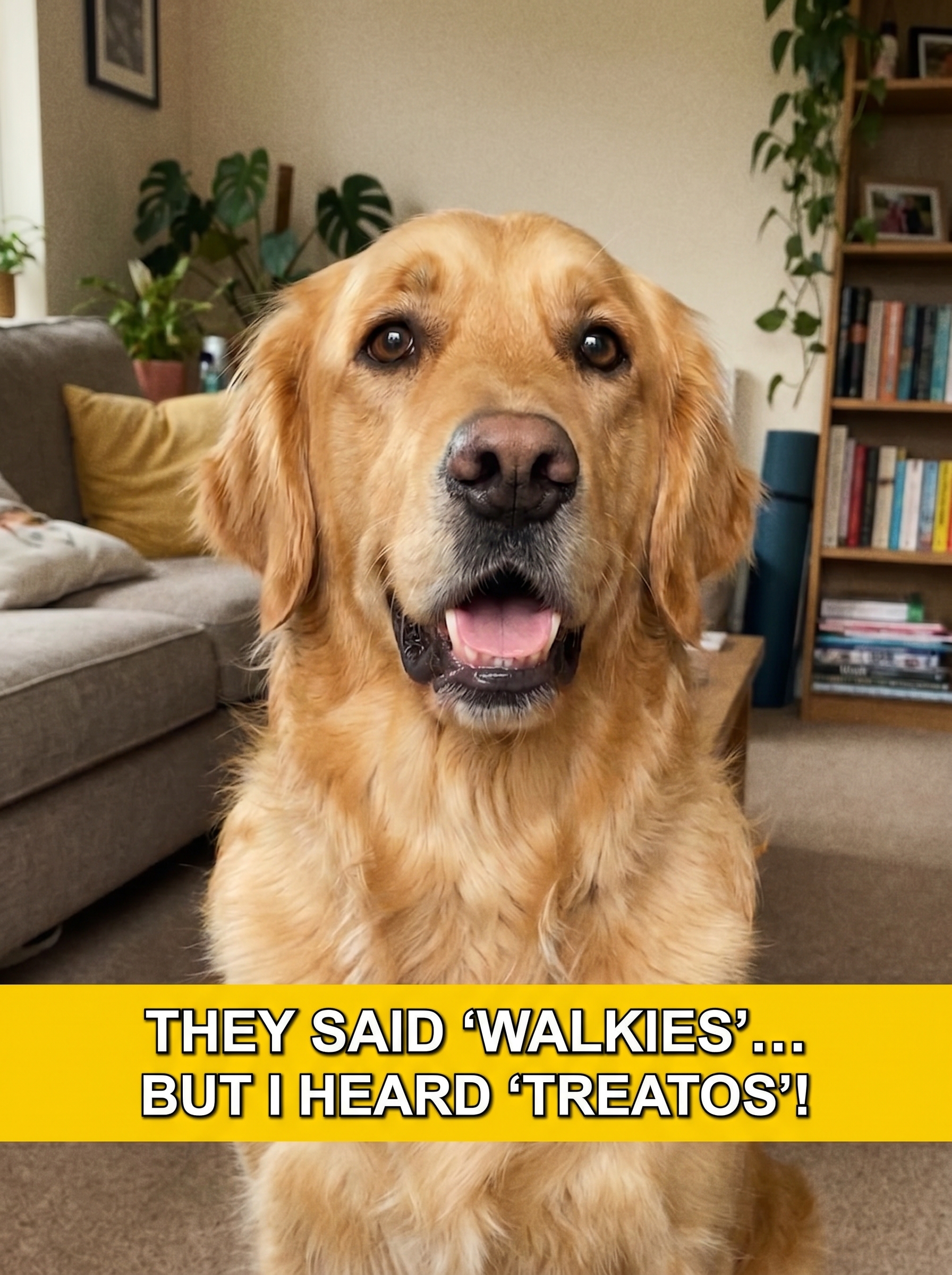
The Pet Talk effect on PromptNerdyToMe transforms a static image of your pet into a comedic, talking video. By animating your pet's facial features—complete with expressive, raised eyebrows—this tool places them in a cozy living room setting. The output mimics popular social media formats, complete with dynamic, energetic subtitles that bring your pet's imagined thoughts to life. It is designed to turn everyday pet photos into engaging, short-form video content.
Best for
- • Creating humorous TikTok videos featuring your pet's inner monologue
- • Sharing relatable pet-parent moments on Instagram Reels
- • Generating quick, engaging YouTube Shorts to boost channel engagement
- • Sending personalized, animated holiday greetings to friends and family
How to use Pet Talk
Upload your pet's photo
Select a clear, high-resolution photo of your pet facing the camera directly for the best animation quality.
Draft your dialogue
Enter the script or caption you want your pet to 'speak' in the video.
Generate the video
Click the generate button and wait a few moments while the AI animates the facial expressions and adds subtitles.
Download and share
Save the finished video to your device and share it directly to your favorite social media platforms.