Spider Scare
Tips for better results
Preview — your generation appears here
What is Spider Scare?
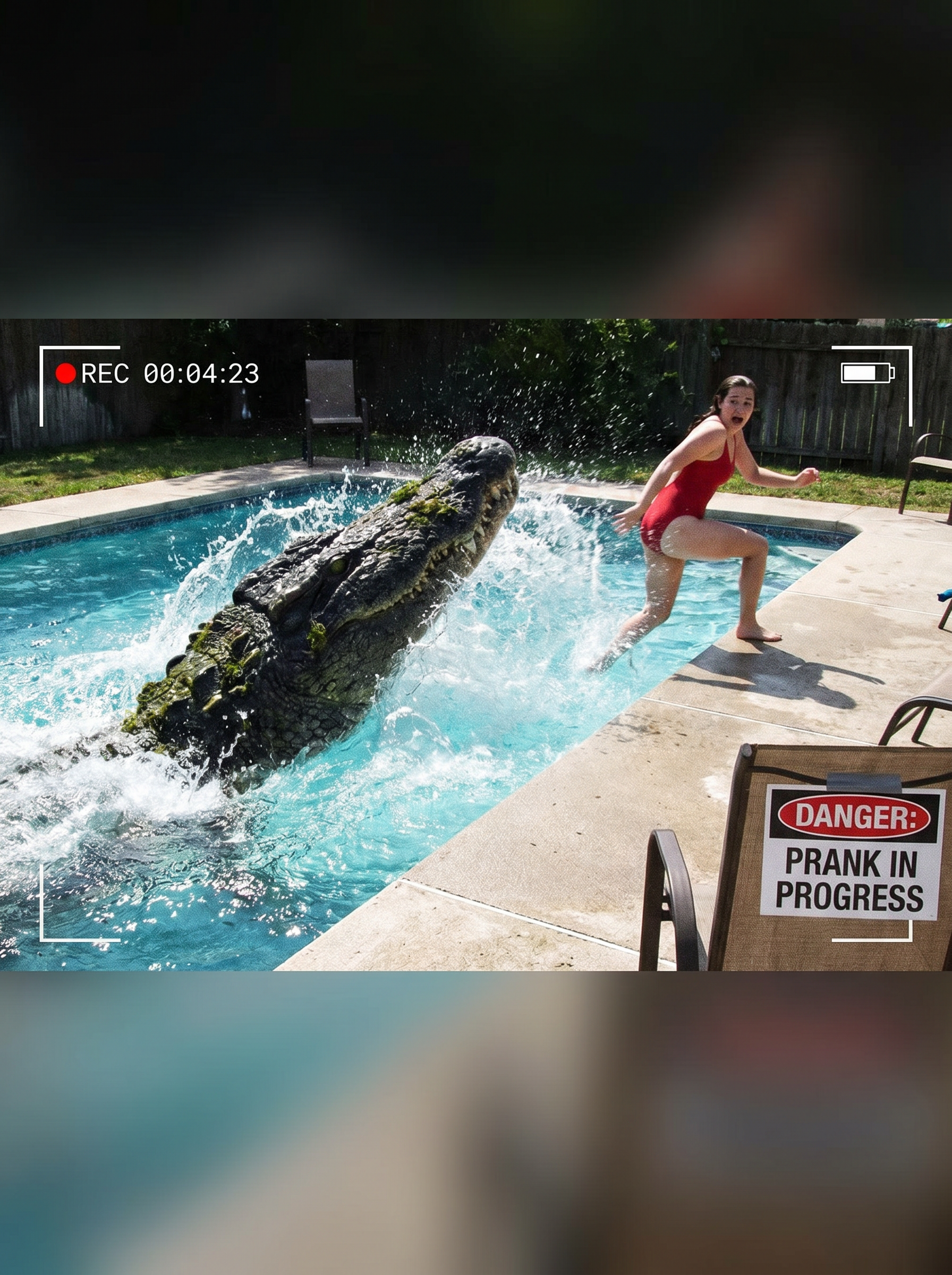
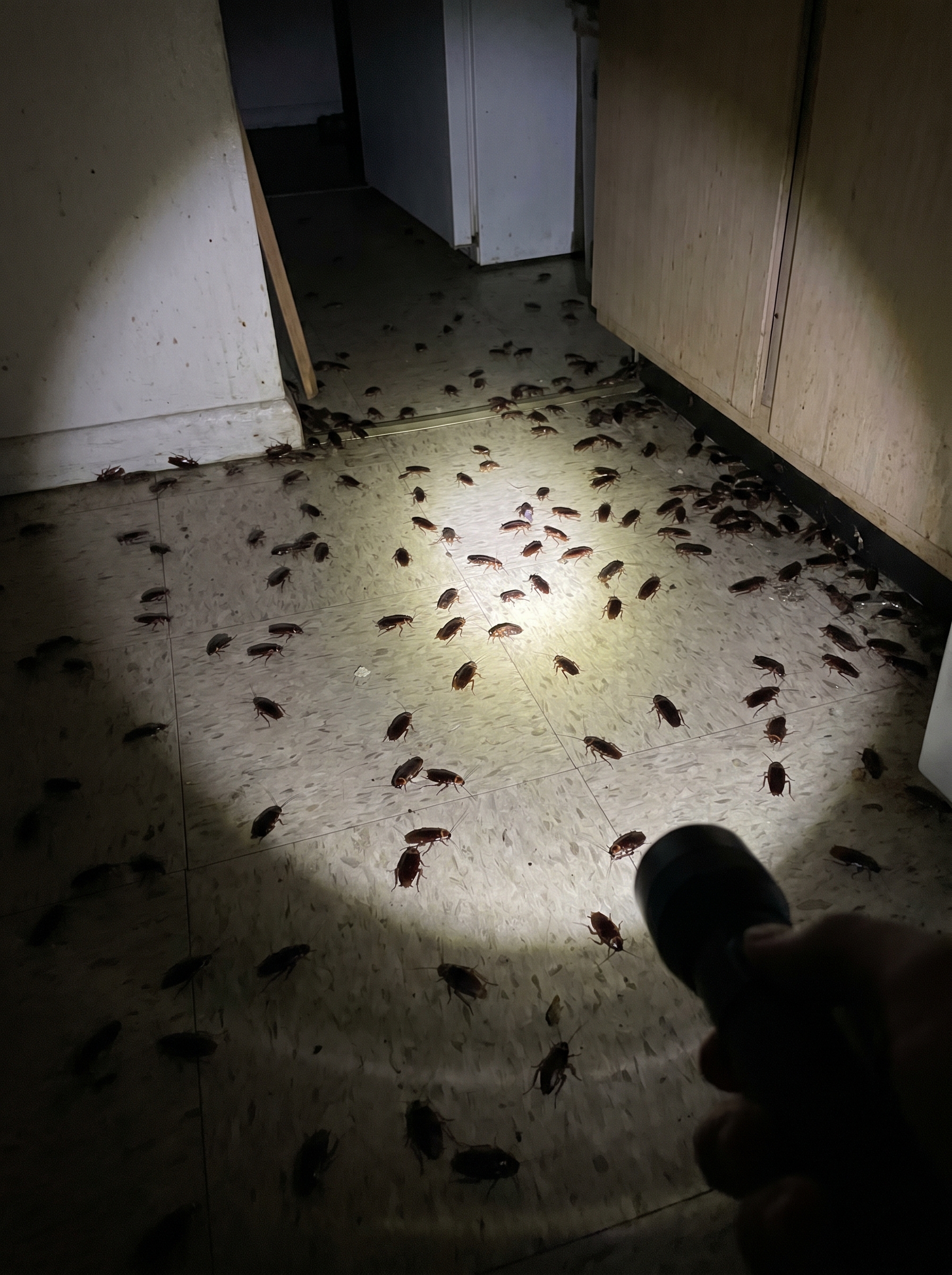
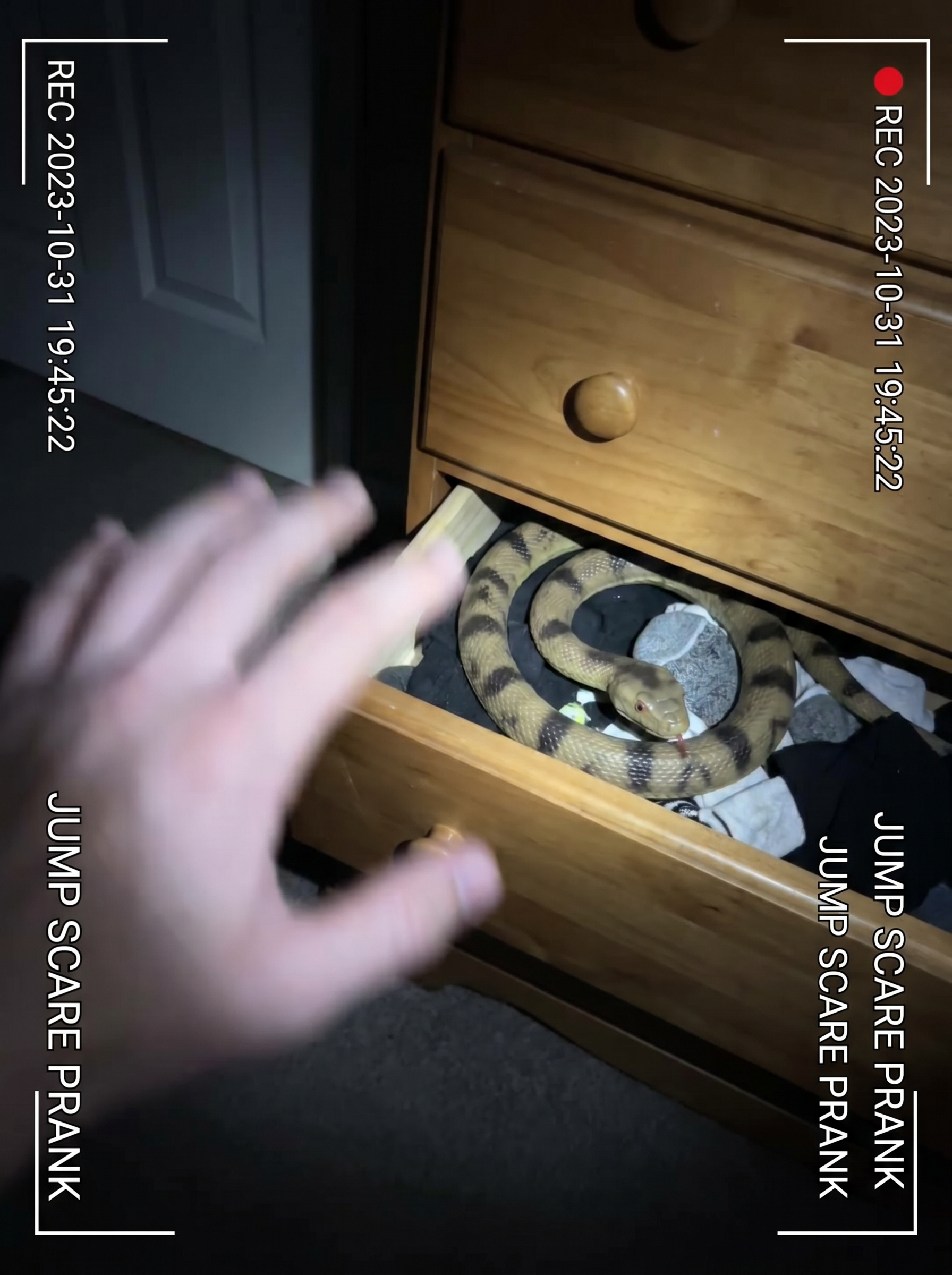
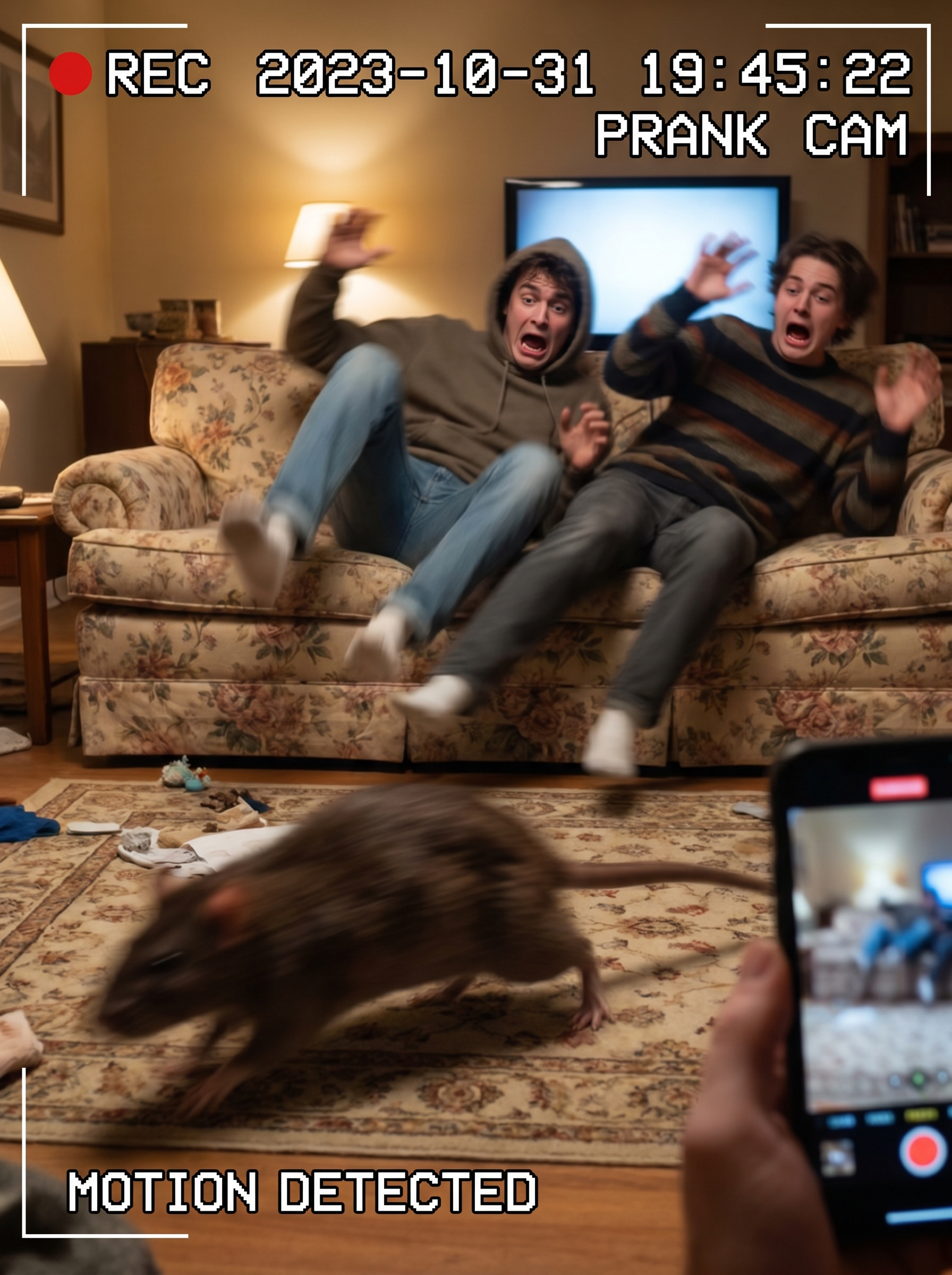
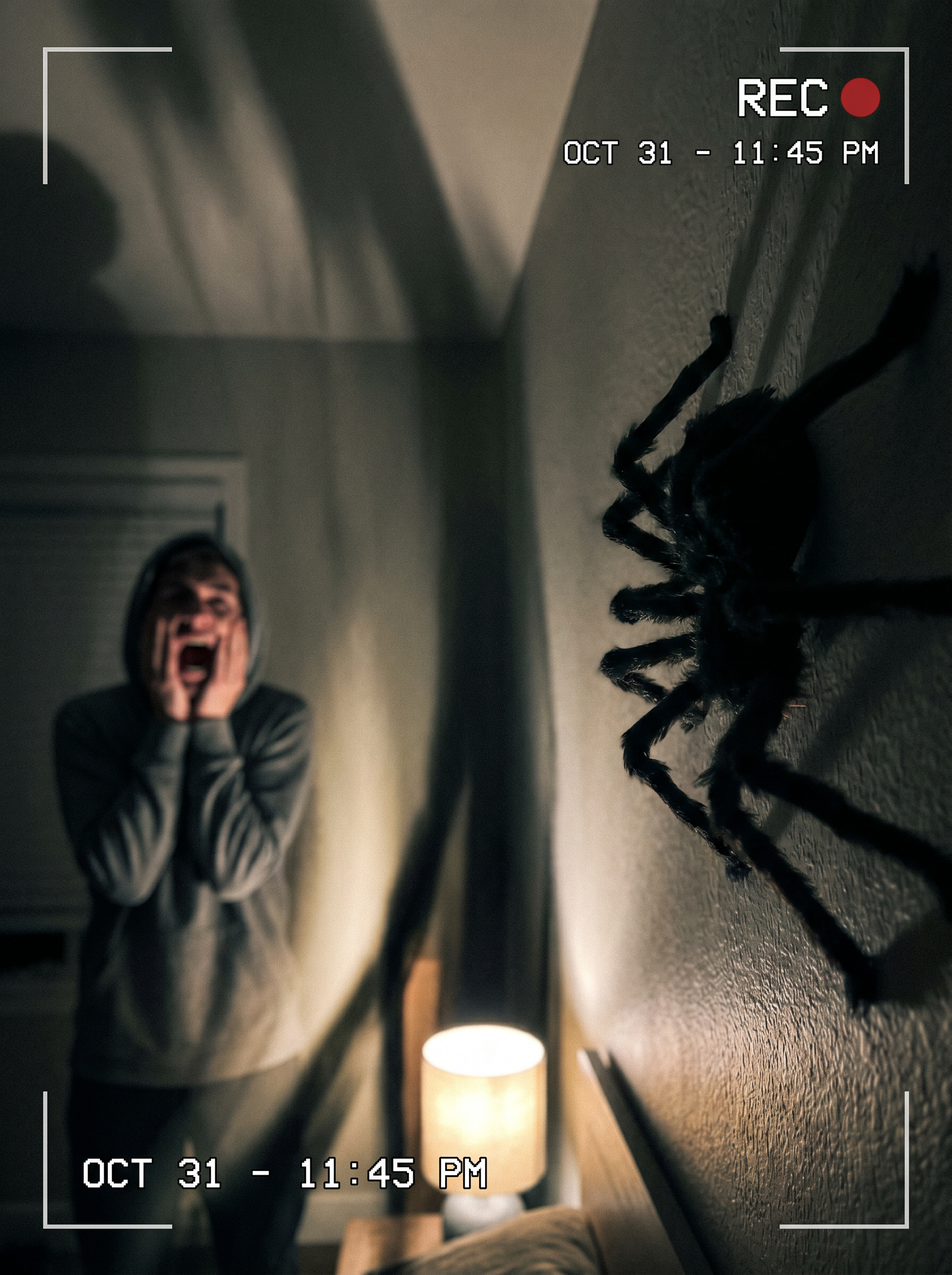
The Spider Scare effect on PromptNerdyToMe lets you generate realistic, short horror-prank videos featuring sudden arachnid encounters. By converting your text descriptions into high-tension video clips, it visualizes a giant spider appearing on a wall to startle an unsuspecting target. The resulting footage captures dramatic shadows, realistic reactions, and a classic jump-scare aesthetic. It is designed to help creators quickly produce suspenseful, shareable clips without needing physical props or actors.
Best for
- • Creating viral jump-scare reaction clips for TikTok
- • Adding suspenseful transitions to YouTube Shorts horror compilations
- • Sharing quick Halloween-themed prank videos on Instagram Reels
- • Enhancing spooky storytelling threads on social media with visual aids
How to use Spider Scare
Describe the scare setup
Type a detailed scene description in the input box, specifying the setting, lighting, and how the spider should appear.
Adjust the horror elements
Refine your prompt by adding details about the victim's reaction or the size and movement of the spider.
Generate the video
Click the generate button to let the AI process your text and render the short, high-tension video clip.
Download and share
Save the finished video to your device and upload it directly to your favorite social media platforms to startle your audience.