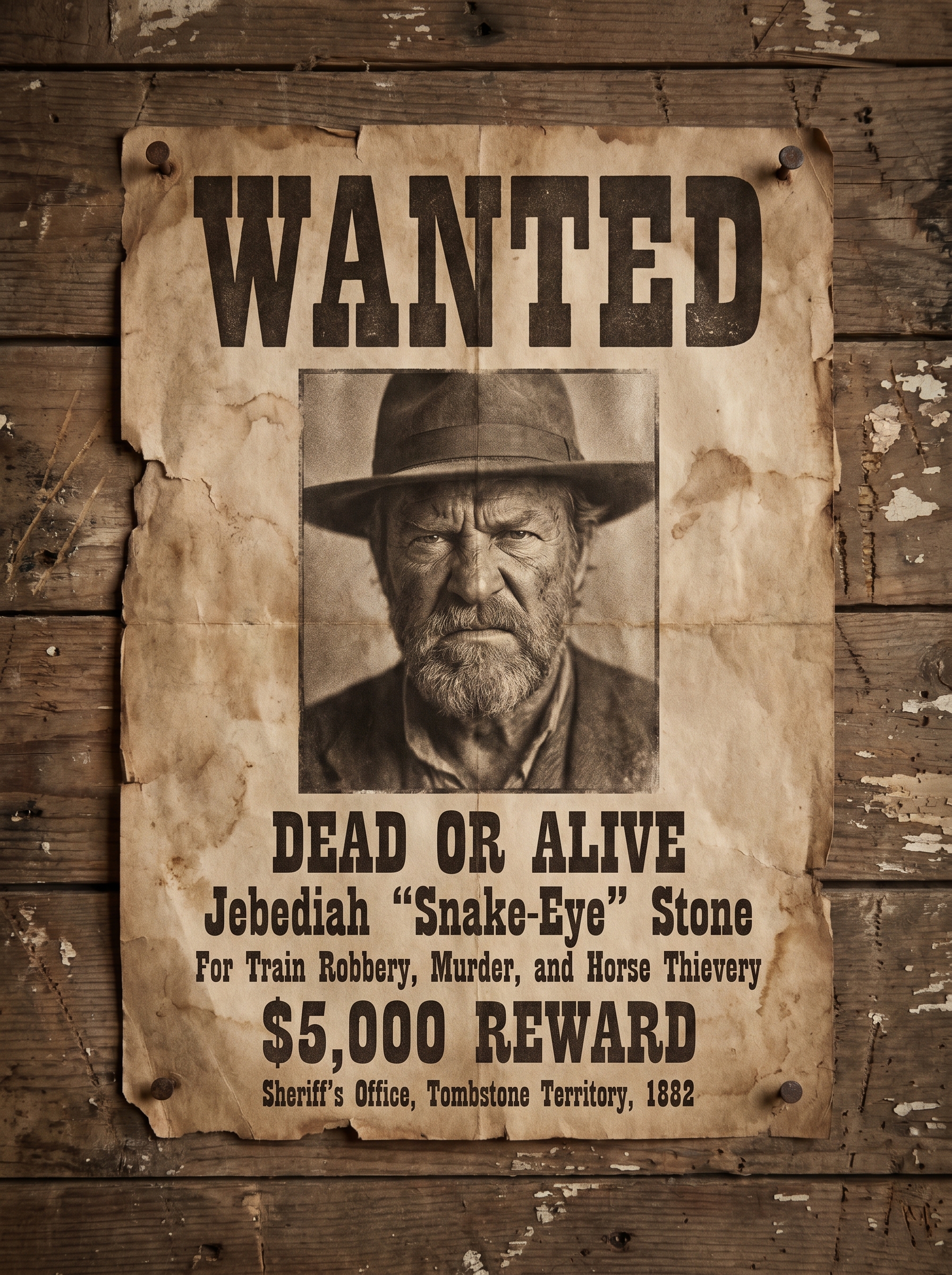
Album Cover
Tips for better results
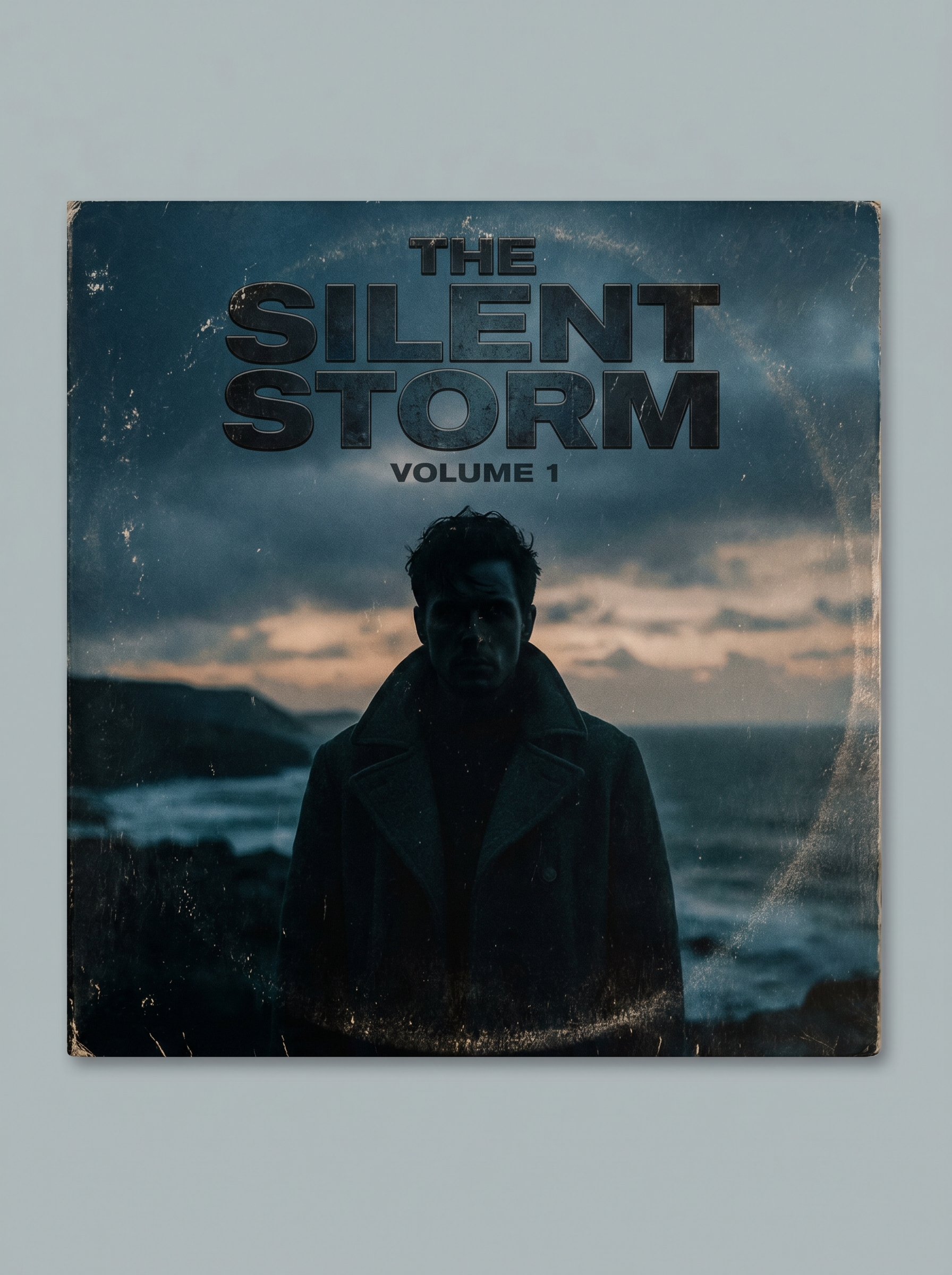
Preview — your generation appears here
What is Album Cover?
The Album Cover effect on PromptNerdyToMe transforms your standard portrait photos into dramatic, music-inspired cover art. It applies a moody, cinematic grade and a classic vinyl aesthetic to your image, leaving dedicated space for bold typography. The resulting output captures the look of a professional record release, making your subject look like the headliner of their own album.
Best for
- • Creating eye-catching profile pictures for Spotify or SoundCloud artist pages
- • Designing moody teaser graphics for Instagram Reels promotions
- • Generating dramatic thumbnail art for YouTube Shorts music covers
- • Crafting stylized visual assets for TikTok aesthetic edits
How to use Album Cover
Upload your photo
Select and upload a clear, high-resolution portrait of yourself or your subject to serve as the base.
Select your style options
Choose any specific color tones or mood preferences to guide the cinematic grading process.
Generate the artwork
Click the generate button and wait a few moments while the AI applies the vinyl aesthetic and layout.
Download and share
Save your high-quality album cover image to your device and share it directly to your social feeds.