Luku Dance
Tips for better results
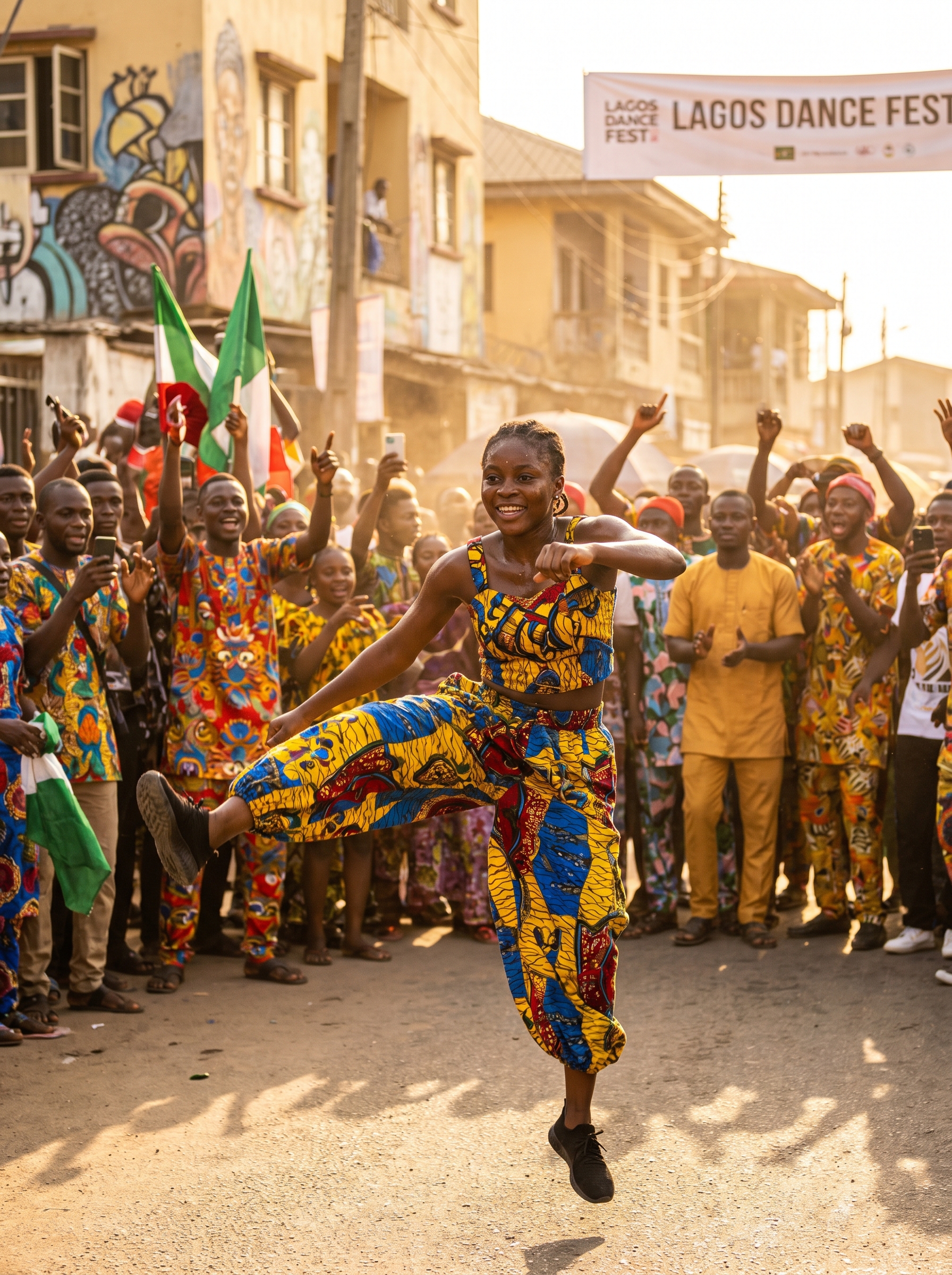
Preview — your generation appears here
What is Luku Dance?
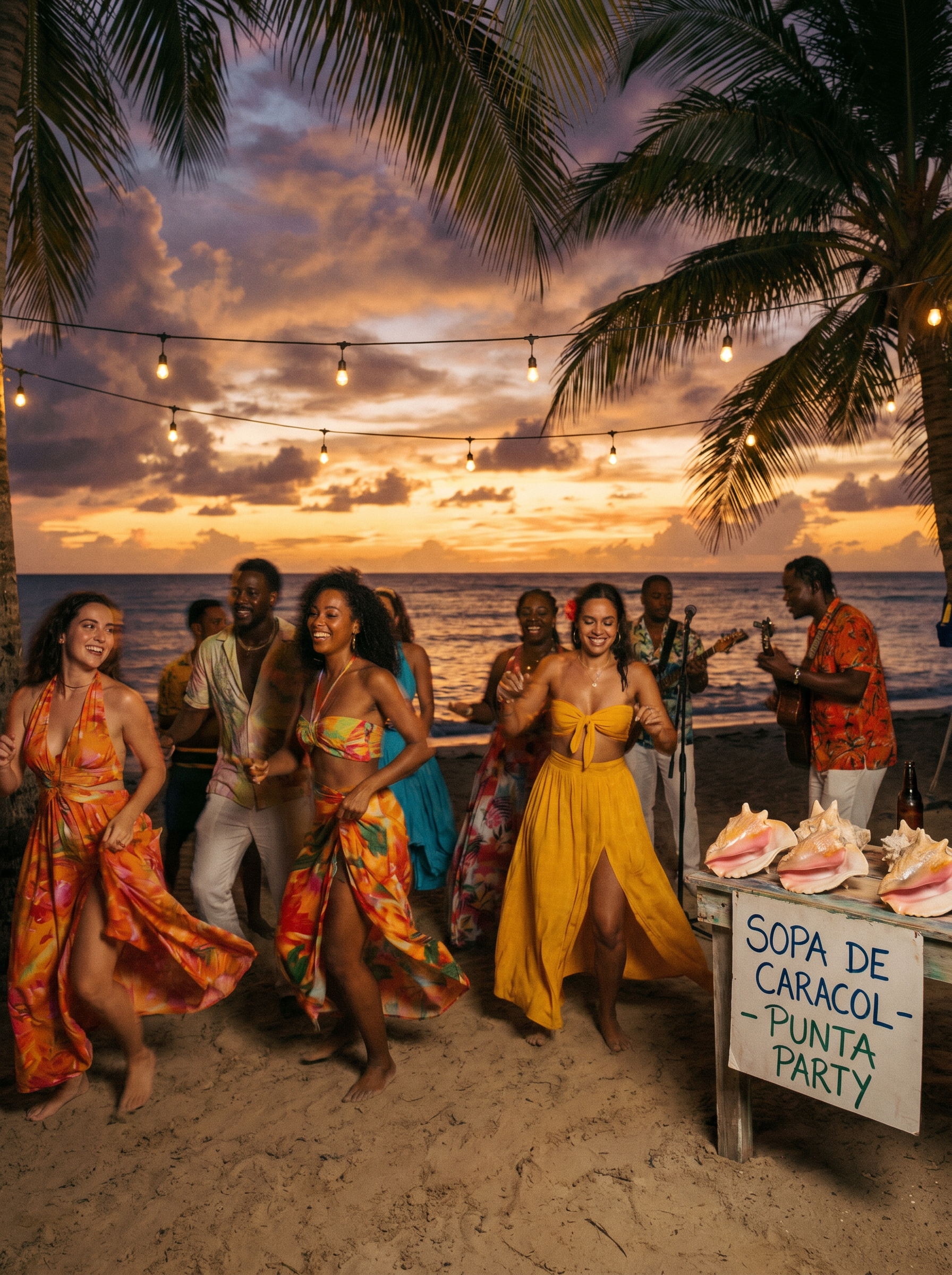
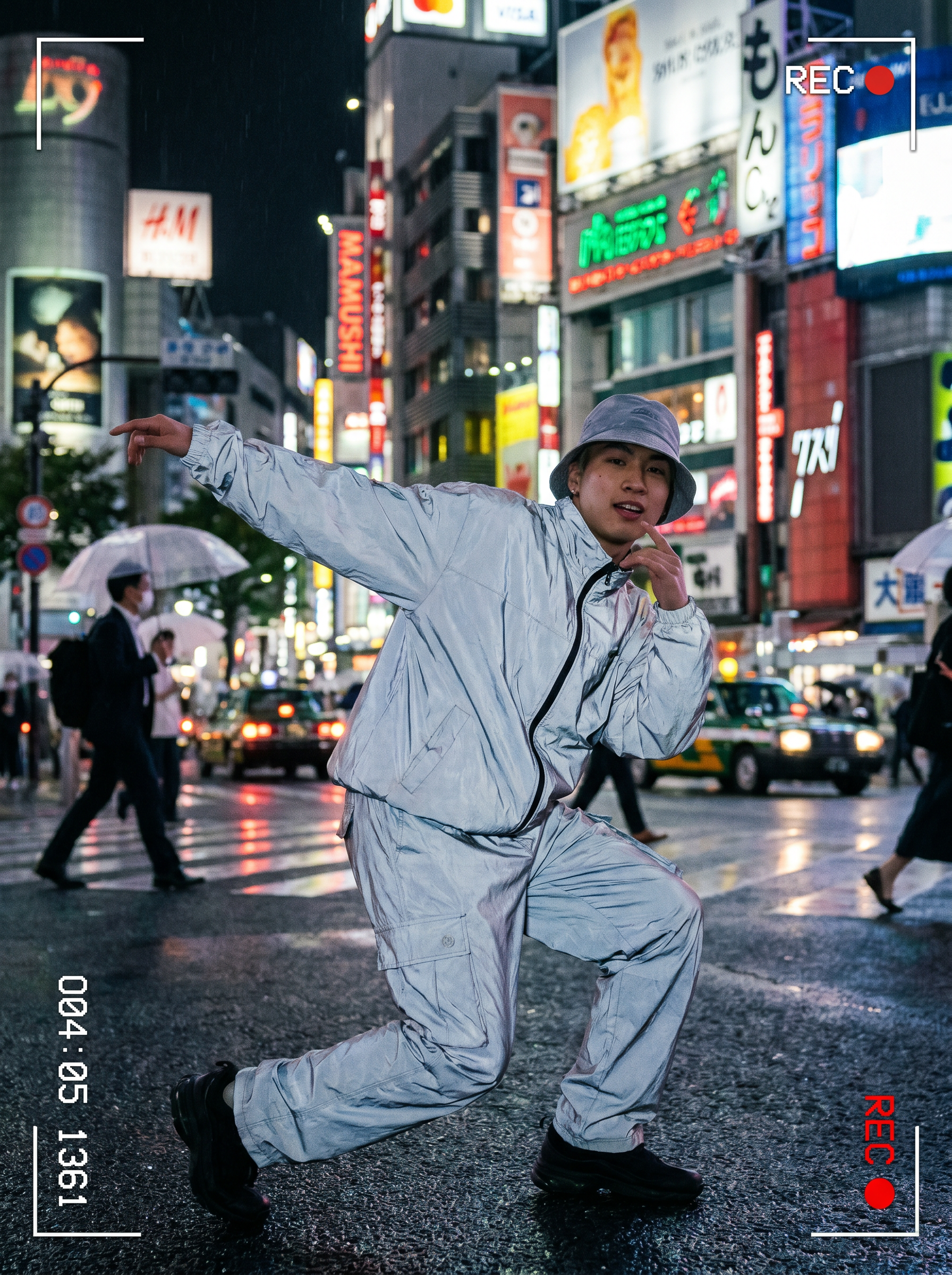
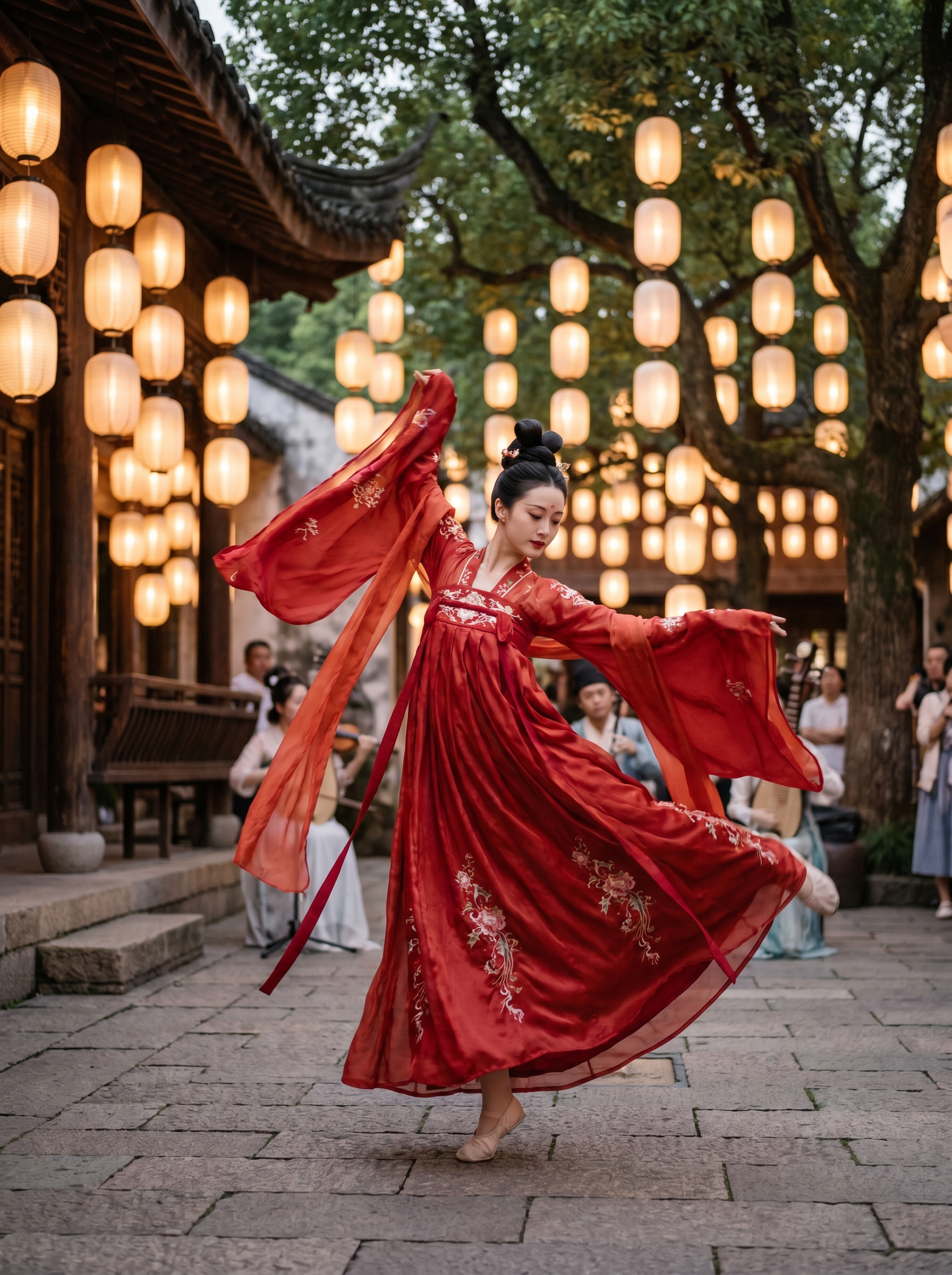
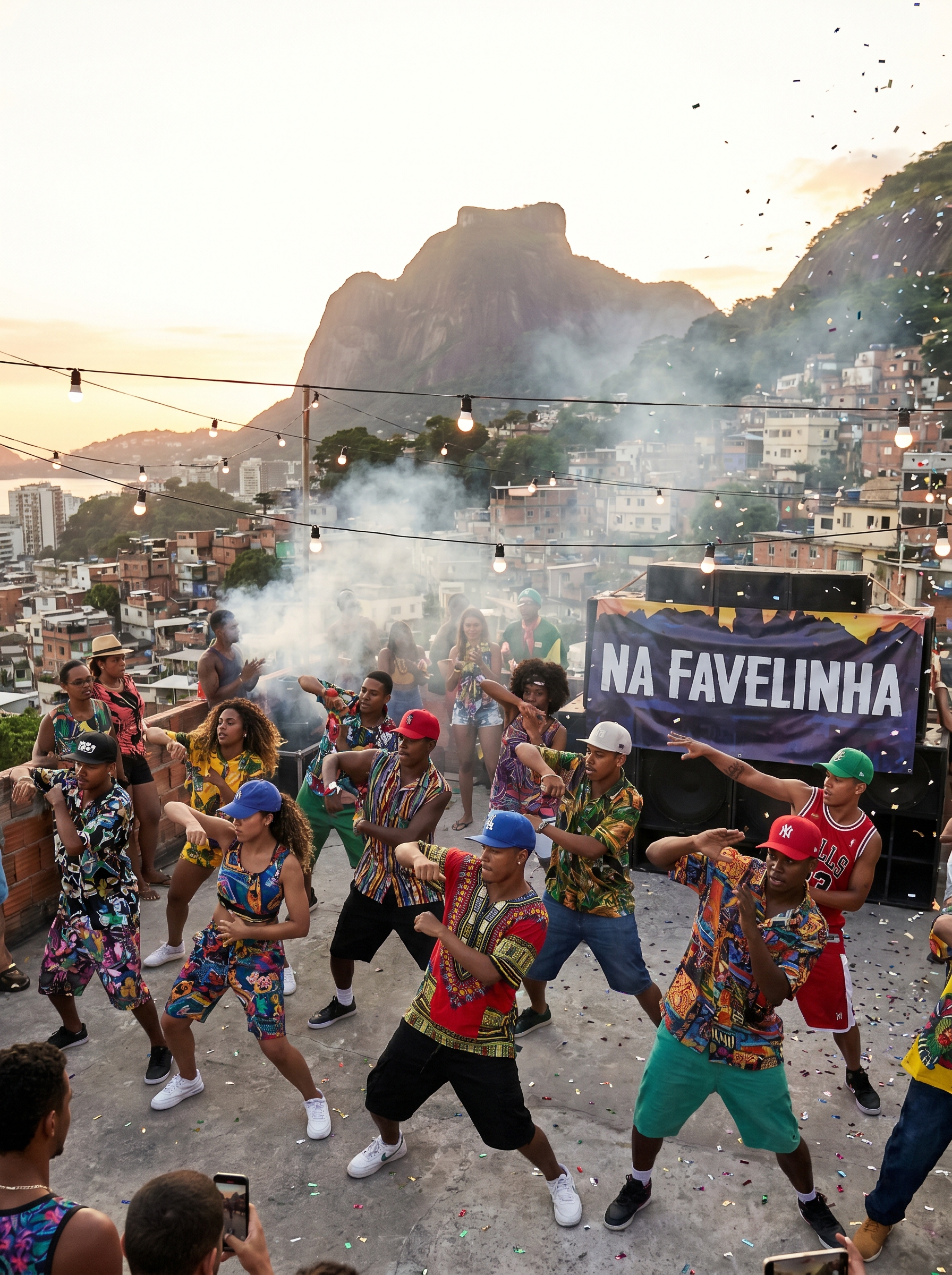
The Luku Dance effect on PromptNerdyToMe allows you to generate high-energy, music-video-style dance clips from a simple text description. By specifying who is dancing, the AI creates a short video featuring energetic Afrobeats-inspired choreography set against a lively, golden-hour street backdrop. The resulting video captures the warmth of colorful outfits and a hyping crowd, delivering ready-to-share dance content. It requires no video editing skills or camera equipment to get started.
Best for
- • Creating eye-catching transition clips for TikTok dance trends.
- • Generating vibrant background visuals for Instagram Reels.
- • Adding high-energy dance segments to YouTube Shorts compilations.
- • Visualizing choreography concepts for music video mood boards.
How to use Luku Dance
Describe the dancer
Enter a description of who you want to see dancing in the 'Describe who's dancing' input field.
Generate the video
Click the generate button to process your text prompt into a short, high-energy video clip.
Preview the choreography
Review the generated clip to ensure the movement, lighting, and character details align with your vision.
Download and share
Save the final video to your device and upload it directly to your favorite social media platforms.