Nursery Preview
Tips for better results
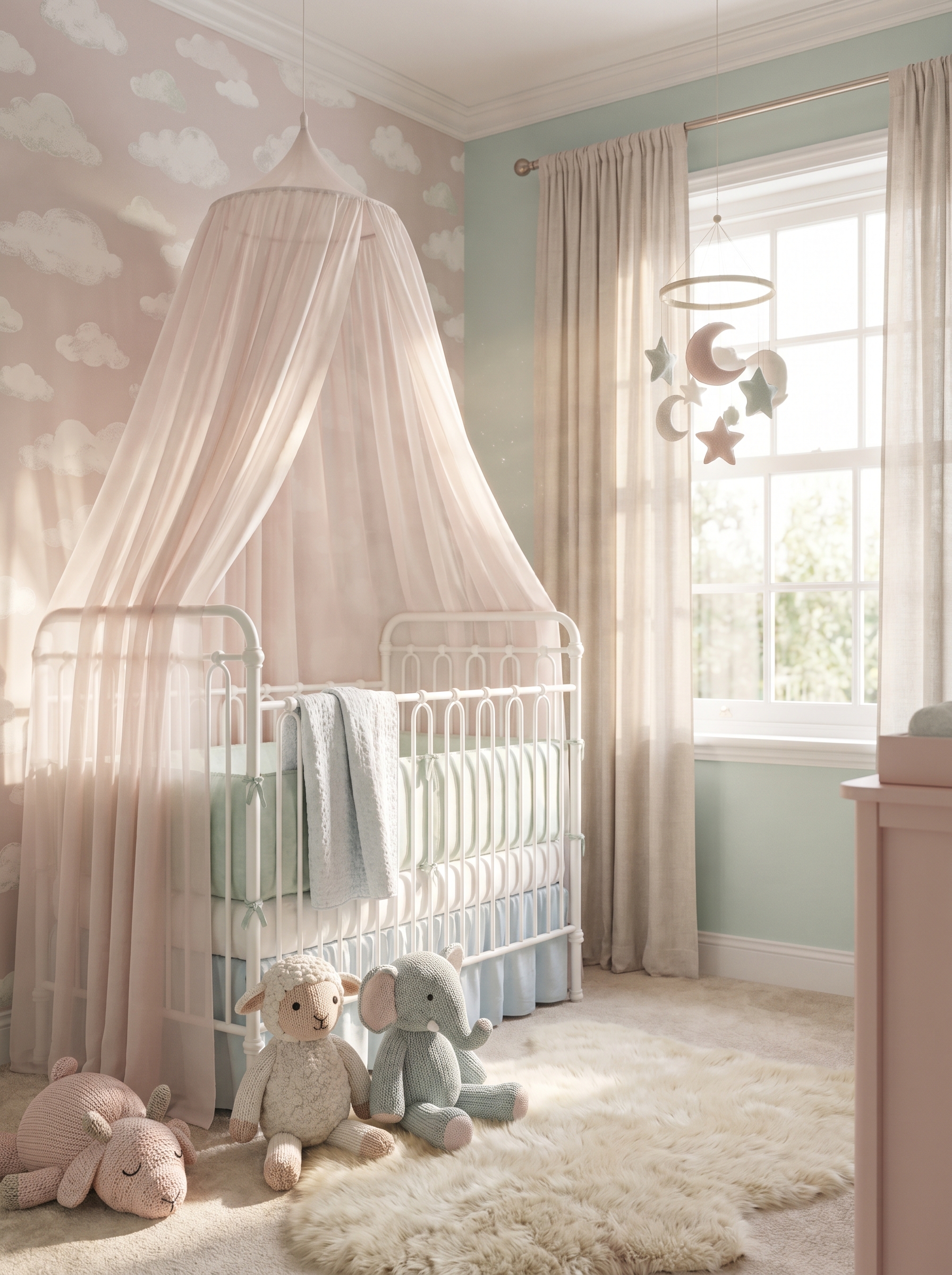
Preview — your generation appears here
What is Nursery Preview?
Nursery Preview is an AI-powered text-to-image generator on PromptNerdyToMe designed to help you visualize your ideal baby room. By translating your written descriptions into soft, realistic interior design renders, this tool creates high-quality images featuring elements like delicate canopies, plush toys, and warm, natural lighting. Whether you are planning a real-life renovation or just exploring creative themes, it provides a visual starting point for your nursery design journey.
Best for
- • Sharing nursery mood boards on Pinterest
- • Creating aesthetic design inspiration clips for TikTok
- • Visualizing color palettes for Instagram Reels updates
- • Drafting concept art for interior design YouTube Shorts
How to use Nursery Preview
Describe your dream nursery
Type your design ideas, color preferences, and desired furniture into the input field.
Select style details
Choose any additional thematic tags or aesthetic filters to refine the overall look of the render.
Generate the preview
Click the generate button and wait a few moments for the AI to render your custom nursery image.
Save and share
Download your high-resolution nursery design render to your device or share it directly with your followers.