Pregnancy Announcement
Tips for better results
Preview — your generation appears here
What is Pregnancy Announcement?
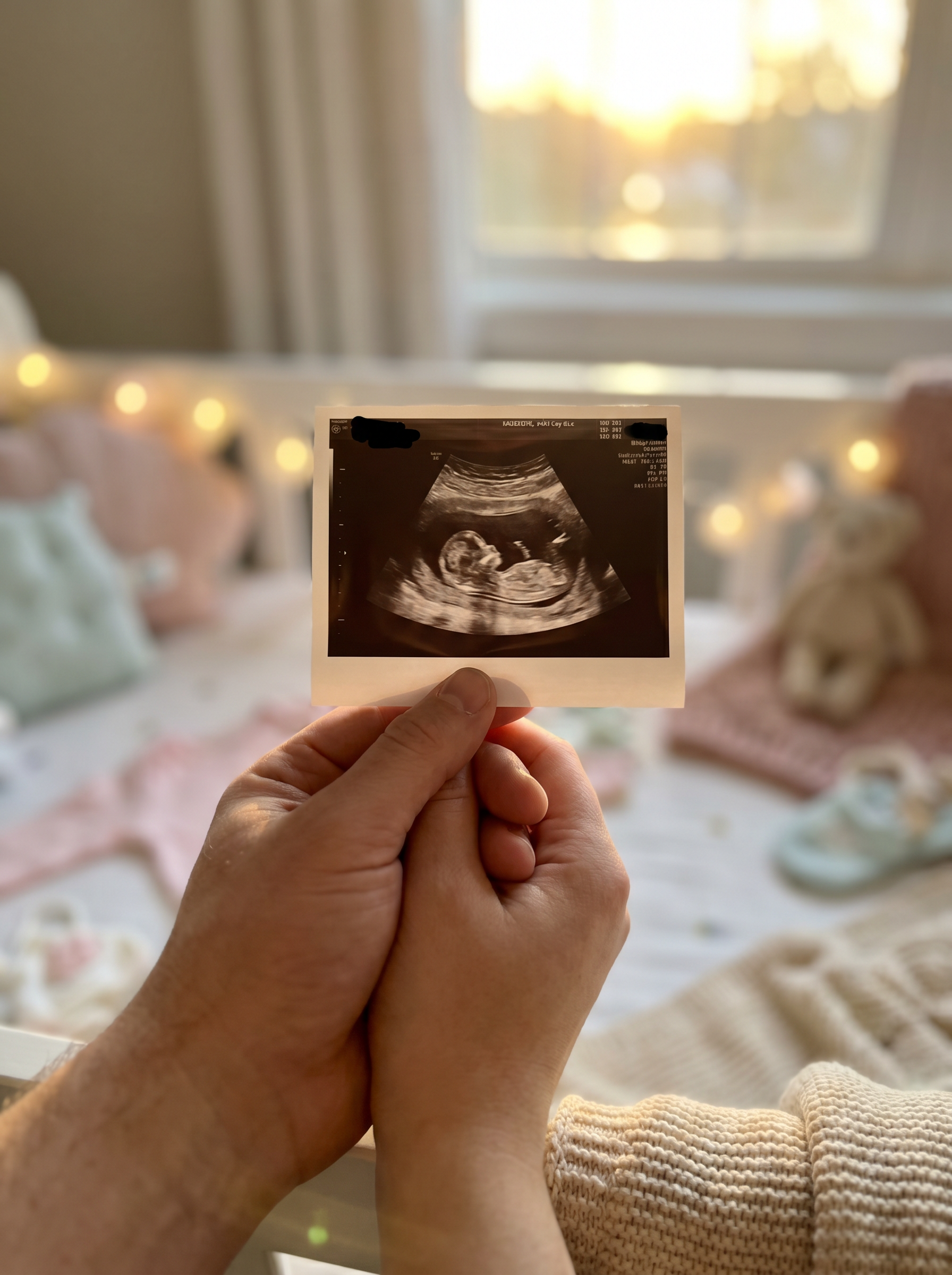
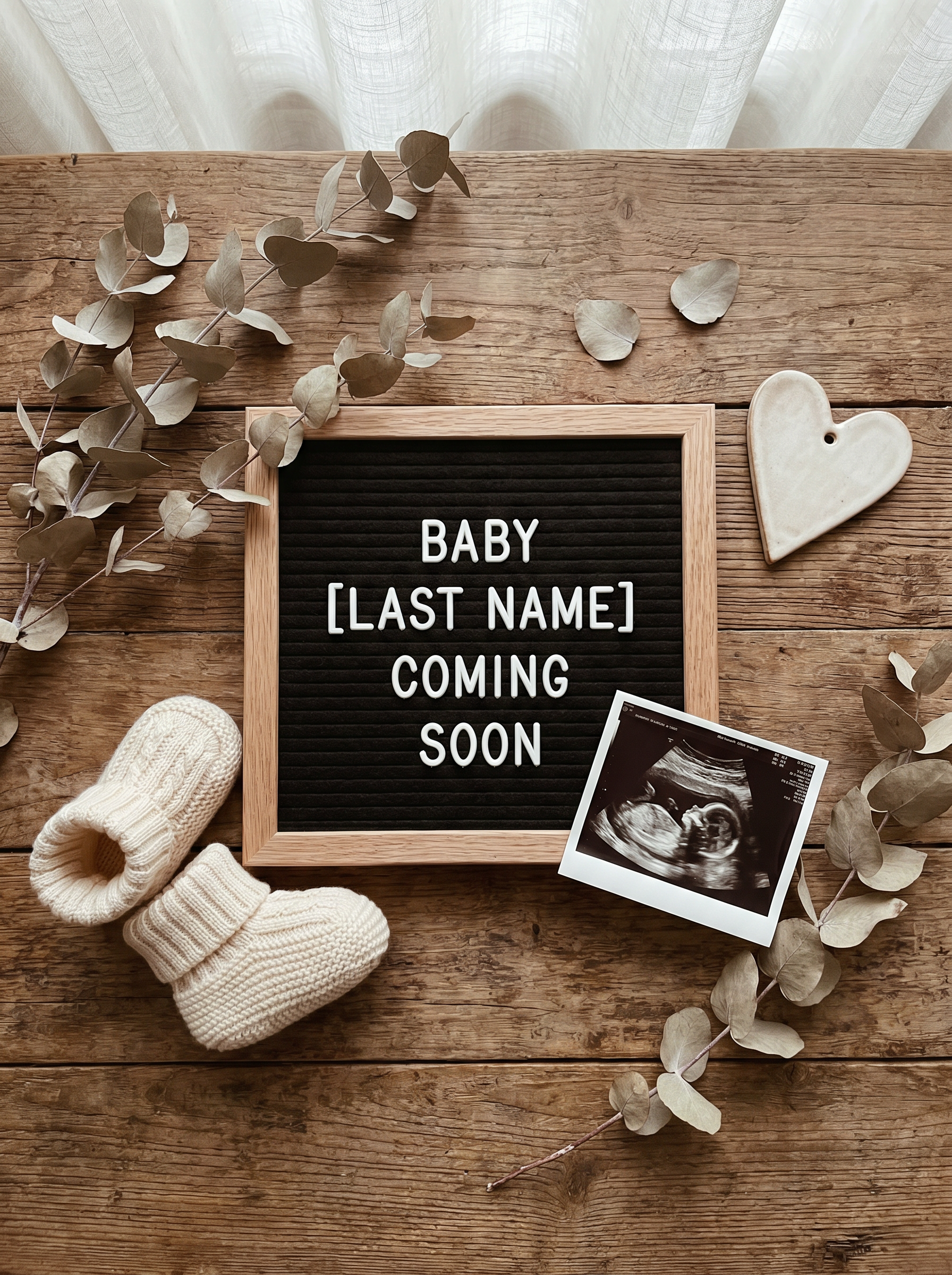
The "Pregnancy Announcement" effect on PromptNerdyToMe transforms your uploaded photo or sonogram into a beautifully styled flat lay image. It blends your personal image with aesthetic elements like tiny baby shoes, a customizable letter board, and soft, natural lighting. The final output delivers a warm, Instagram-ready aesthetic that makes sharing your special news simple and elegant. This photo-to-image tool helps you create a polished keepsake without the need for a professional photoshoot.
Best for
- • Sharing a polished flat lay announcement on your Instagram feed
- • Creating a cover photo for a pregnancy reveal video on TikTok
- • Designing a custom community post image for YouTube Shorts viewers
- • Sending a high-quality digital announcement card to family via messaging apps
How to use Pregnancy Announcement
Upload your photo
Select and upload a clear, high-quality photo of your sonogram or another personal keepsake using the 'Upload your sonogram or photo' button.
Select your style options
Choose your preferred aesthetic details to guide the AI in rendering the surrounding flat lay elements.
Generate the image
Click the generate button to let the AI process your photo and create your styled announcement.
Download and share
Save your newly generated flat lay image directly to your device and share it with your friends and family.