Recipe Reel
Tips for better results
Preview — your generation appears here
What is Recipe Reel?
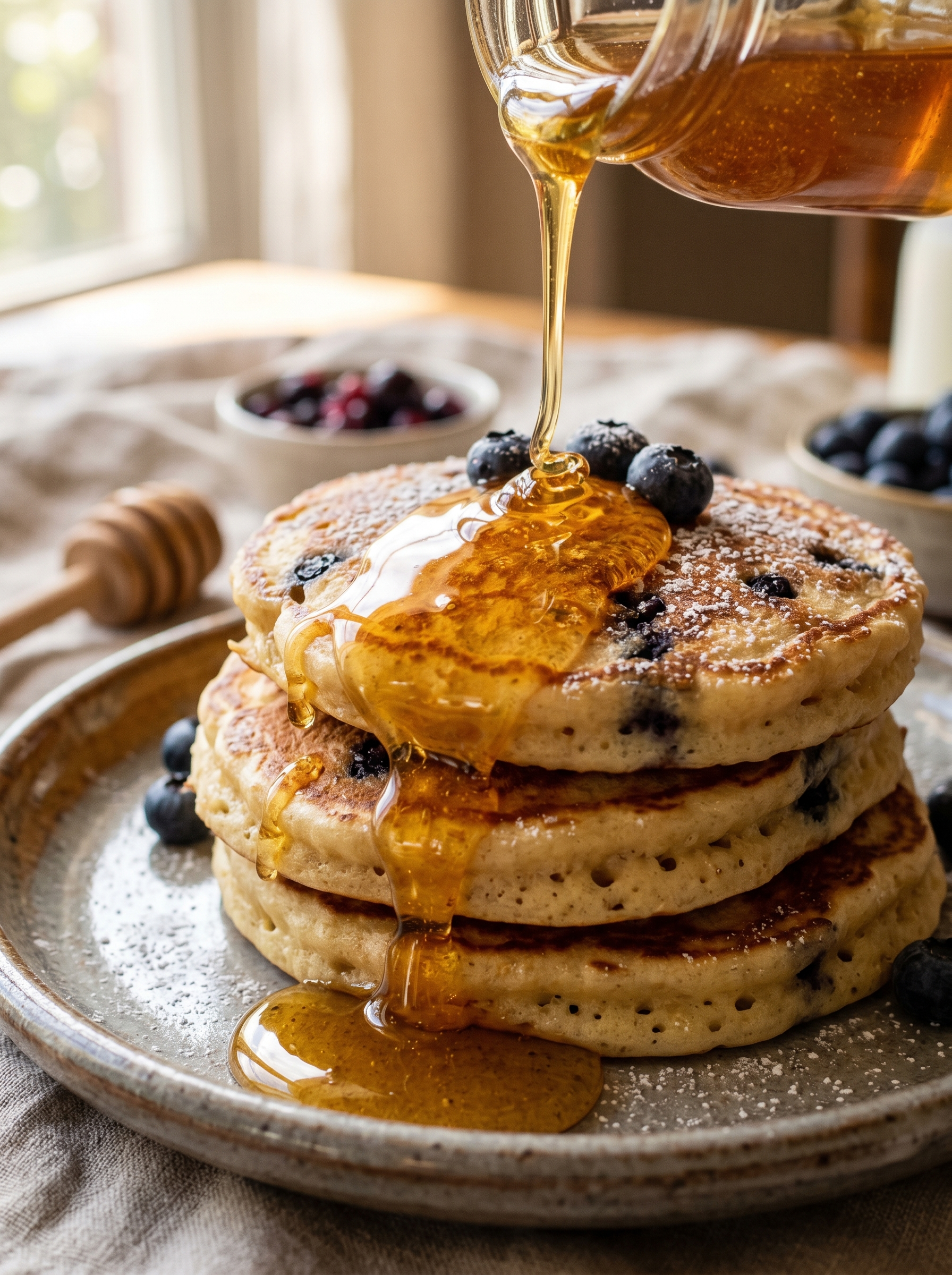
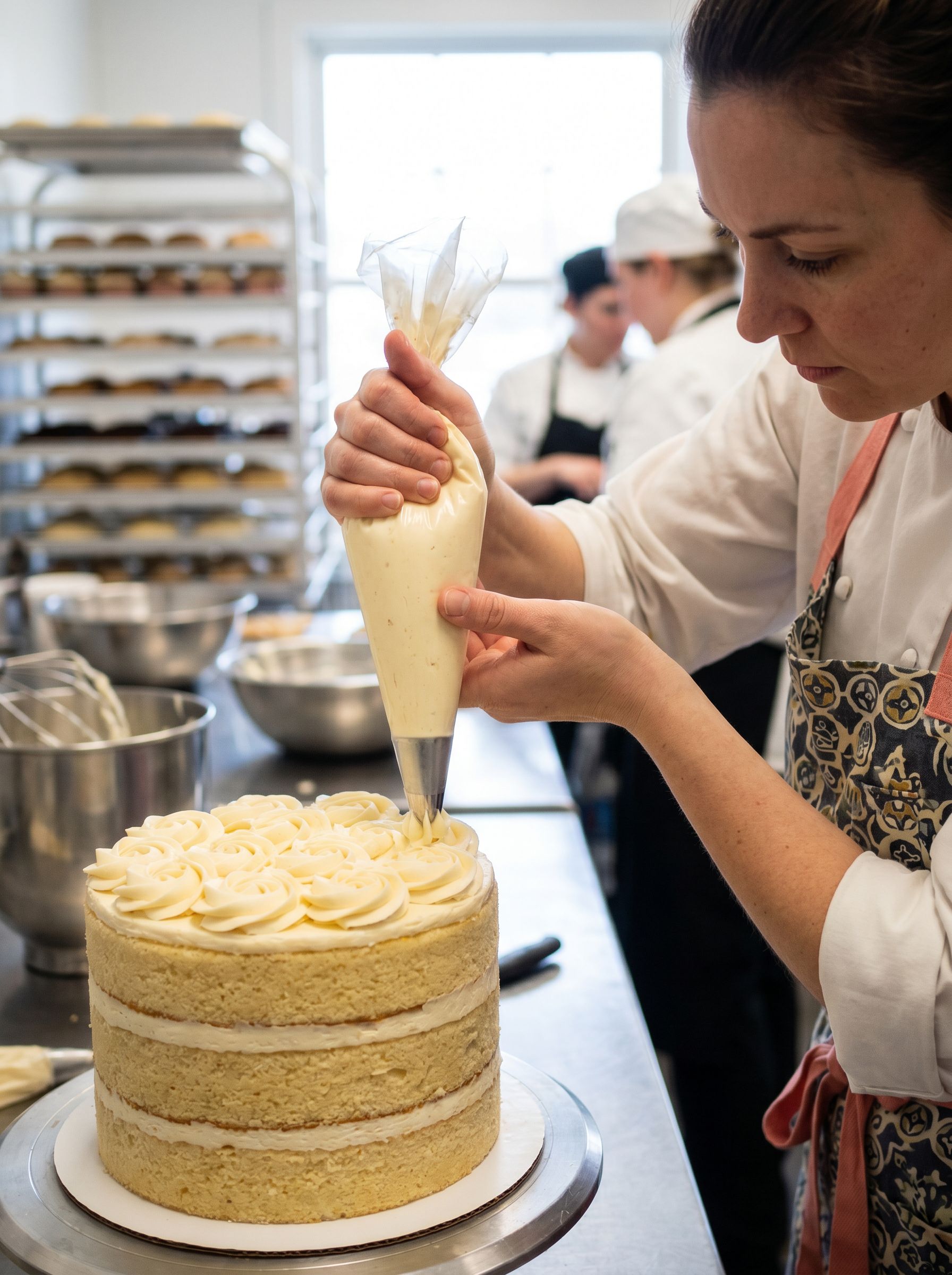
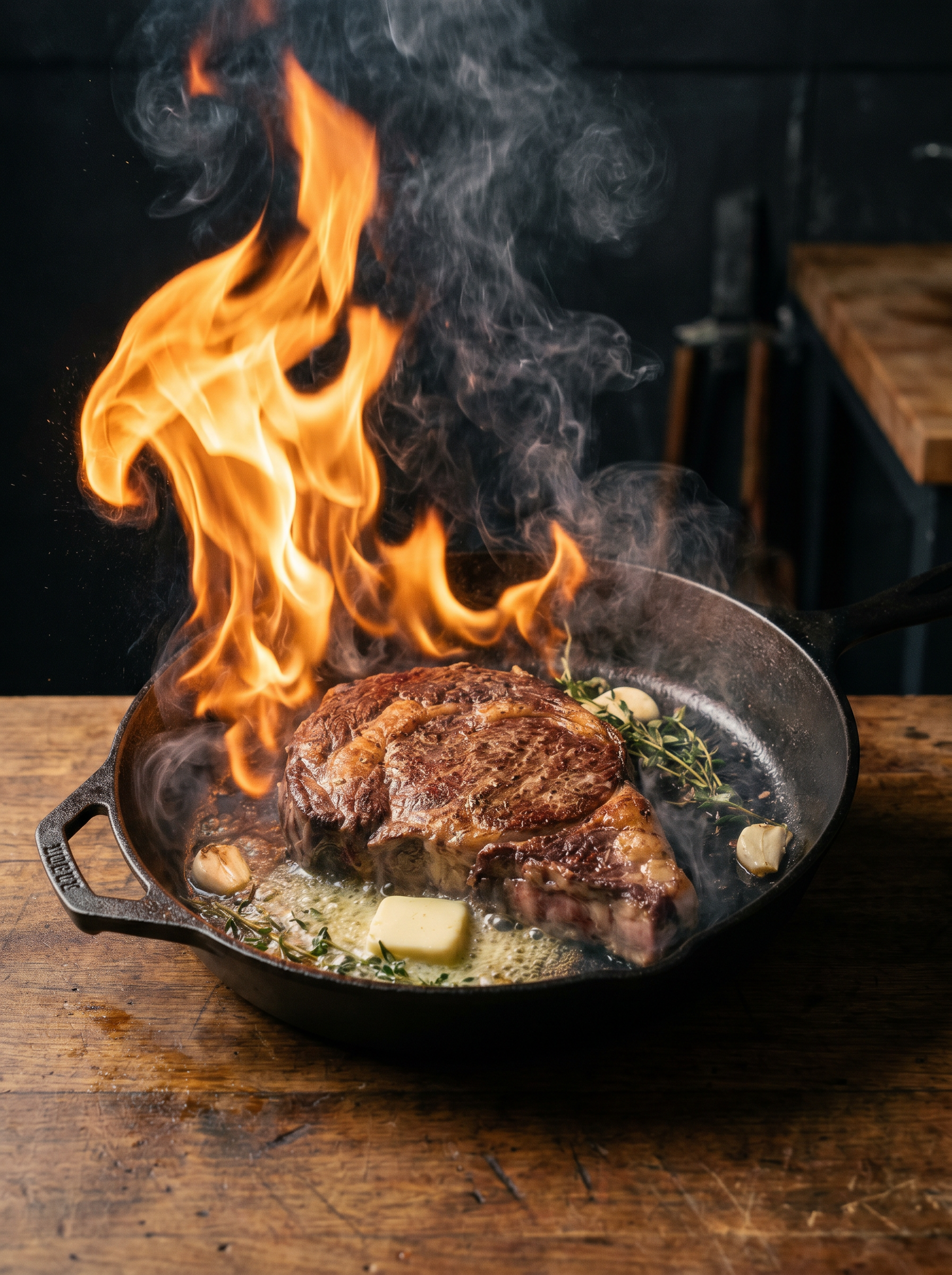
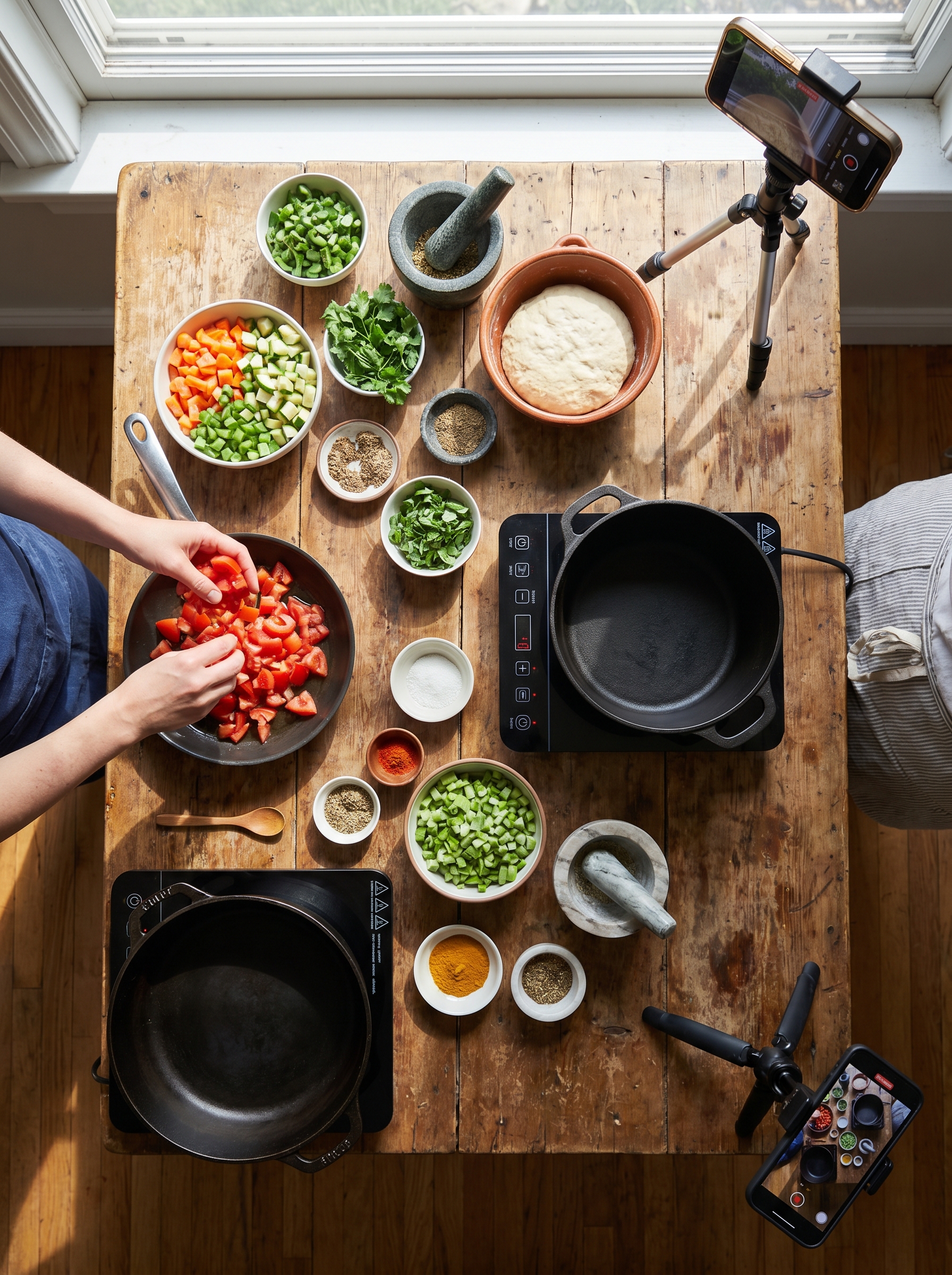
Recipe Reel is a text-to-video effect on PromptNerdyToMe designed to turn your culinary concepts into engaging social media clips. By simply typing in a dish, the AI generates a short, high-overhead video featuring vibrant, fresh ingredients being assembled on a rustic wooden table. The output mimics a professional food blog style, utilizing soft natural light to make the food look appealing. It provides creators with a quick way to visualize recipes and generate B-roll content without setting up a camera.
Best for
- • Creating eye-catching intro hooks for Instagram Reels food channels
- • Generating quick B-roll footage for TikTok cooking tutorials
- • Visualizing recipe concepts for YouTube Shorts culinary creators
- • Enhancing food blog posts with dynamic, short-form video previews
How to use Recipe Reel
Describe the dish
Type the name of your dish and its key ingredients into the text prompt box to guide the video generation.
Select your style preferences
Adjust any available settings for video length or aspect ratio to match your target platform.
Generate the video
Click the generate button and wait a few moments while the AI renders your overhead cooking scene.
Download and share
Save the completed MP4 file to your device and upload it directly to your social media feeds.