Satisfying Pour
Tips for better results
Preview — your generation appears here
What is Satisfying Pour?
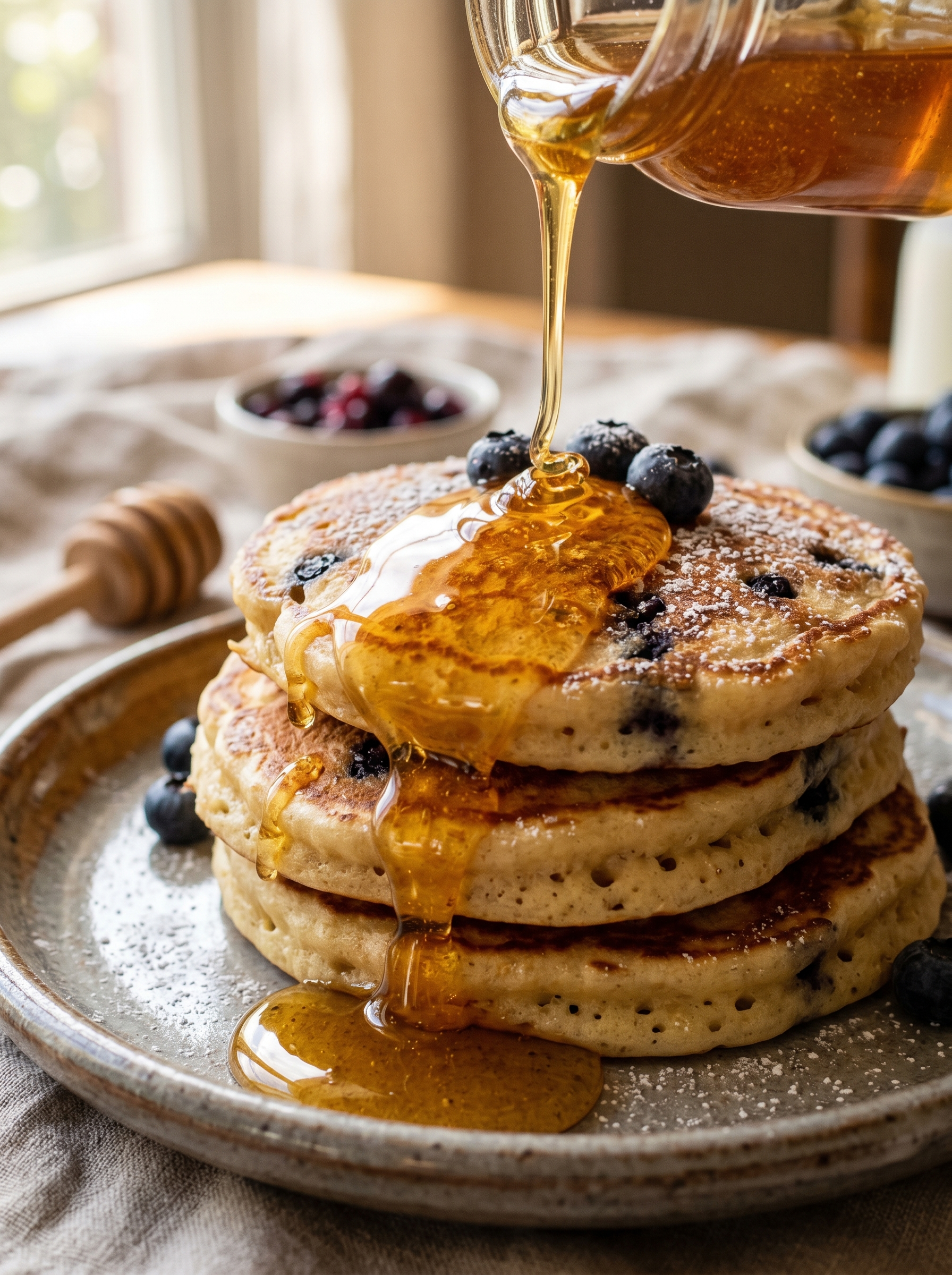
The "Satisfying Pour" effect on PromptNerdyToMe transforms your text descriptions into high-quality, slow-motion video clips featuring glistening liquids. Designed with a macro food cinematography aesthetic, this text-to-video tool captures the mesmerizing, ASMR-like quality of viscous fluids cascading over surfaces. Whether you want to visualize honey drizzling over pancakes or warm caramel coating a dessert, this effect generates realistic, sensory-rich video loops from a simple text prompt.
Best for
- • Creating relaxing ASMR food transitions for TikTok videos
- • Enhancing dessert recipe reels on Instagram with slow-motion close-ups
- • Generating satisfying B-roll footage for YouTube Shorts cooking channels
- • Designing eye-catching social media ads for cafes and bakeries
How to use Satisfying Pour
Describe your scene
In the input field labeled 'Describe what's being poured over what', type your desired combination, such as maple syrup over waffles.
Adjust settings
Choose your preferred video aspect ratio and duration options to fit your target platform.
Generate the video
Click the generate button and wait a few moments while the AI renders your slow-motion pour.
Download and share
Review your generated video clip, then download the file directly to your device or share it to your social feeds.