Victory Celebration
Tips for better results

Preview — your generation appears here
What is Victory Celebration?
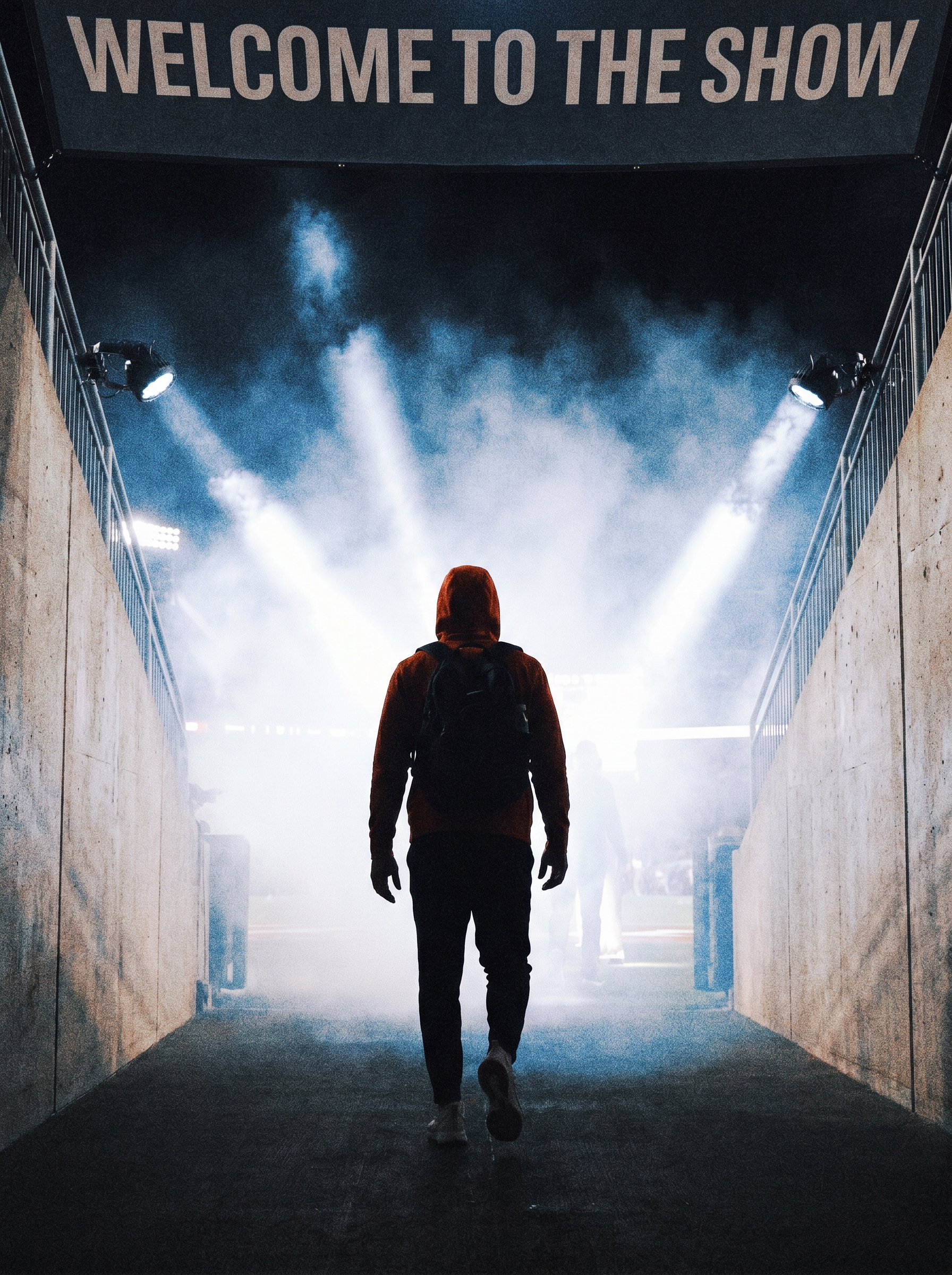
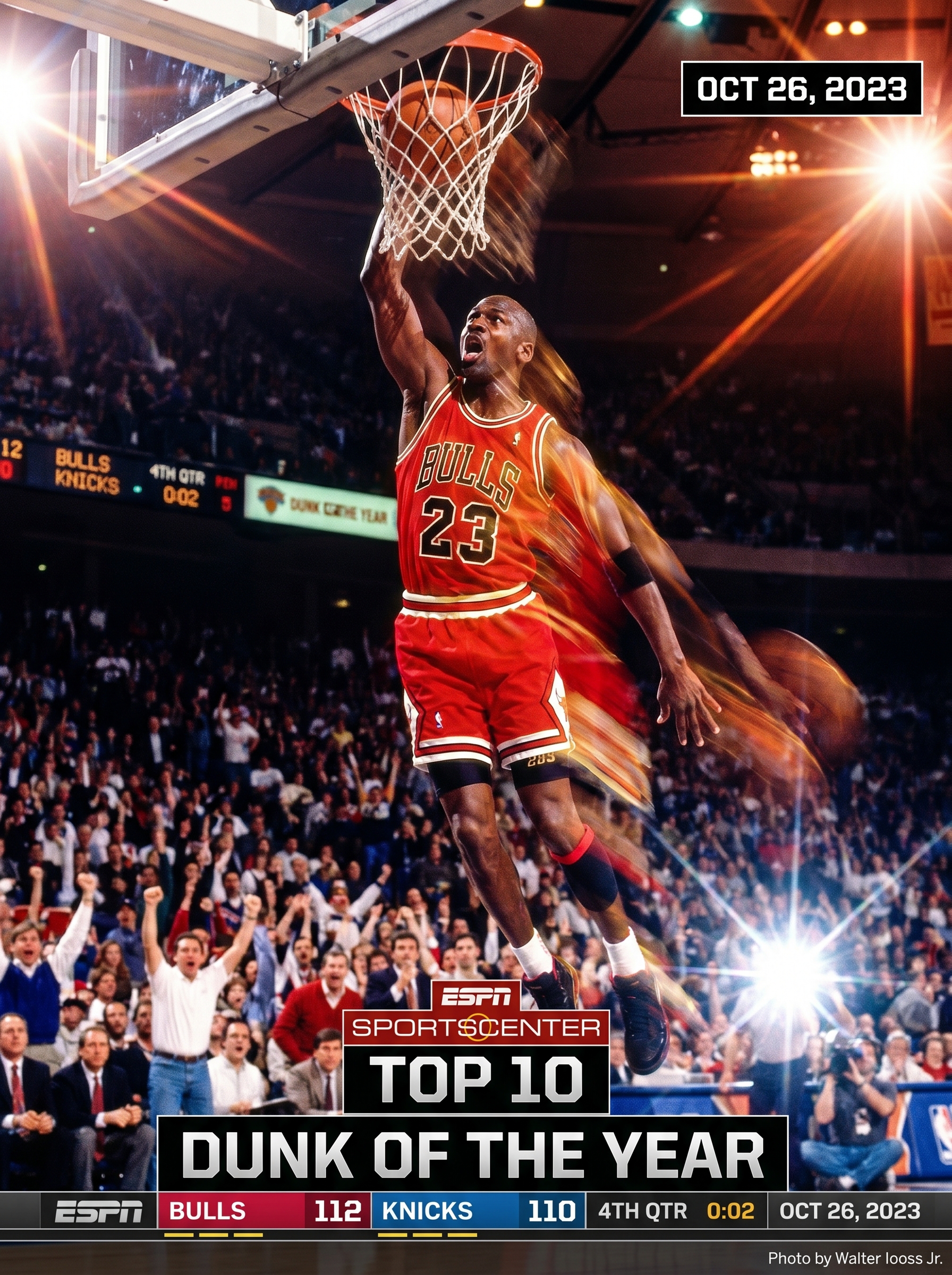
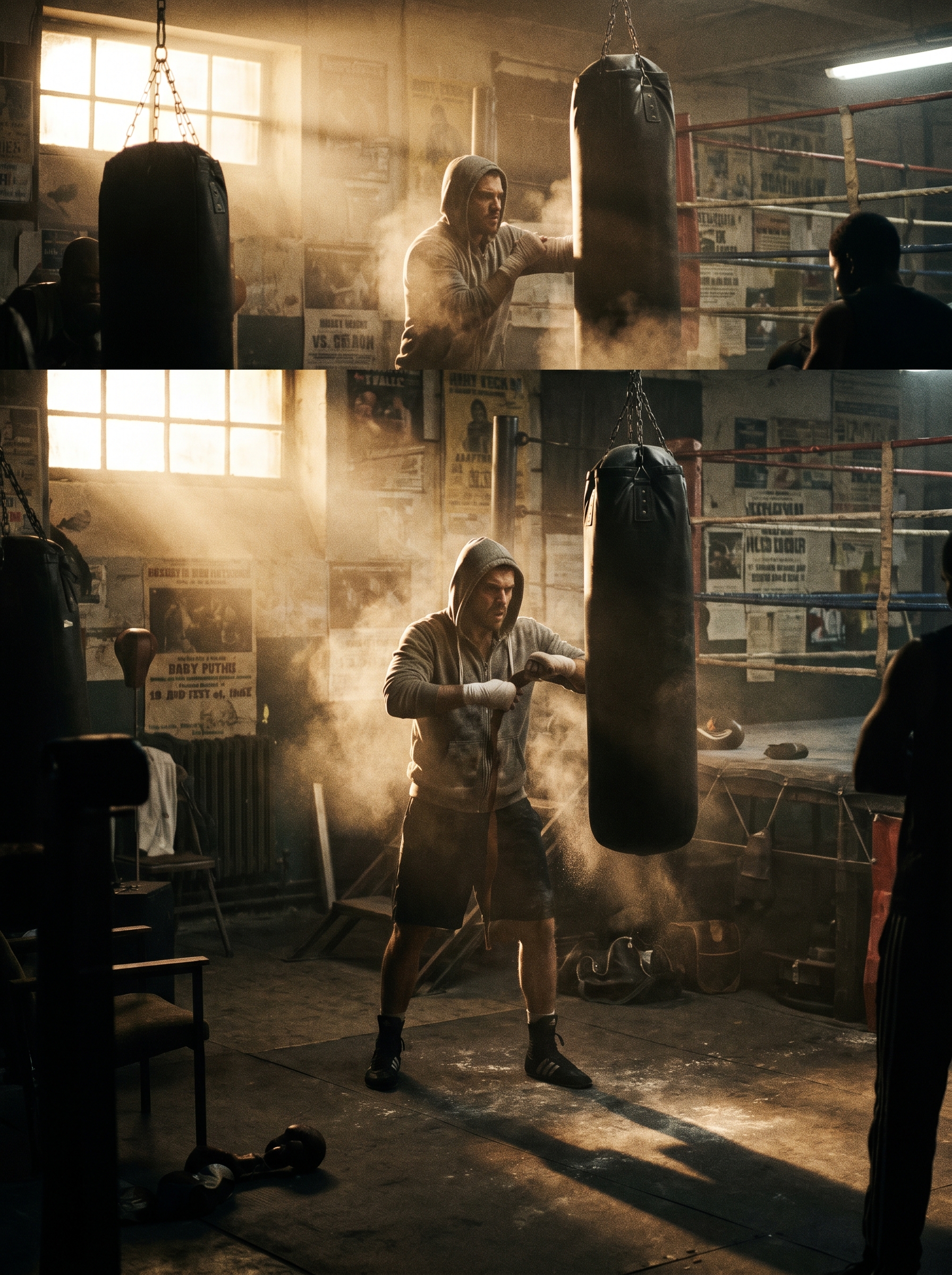
The Victory Celebration effect on PromptNerdyToMe transforms your text descriptions into a cinematic, high-energy video of a champion hoisting a trophy. Set in a packed stadium at night under golden lights, the generated video features falling confetti and a triumphant atmosphere. By simply typing a scene description, you can visualize a major milestone or sporting win in a dynamic video format. It is designed to help creators, brands, and sports enthusiasts celebrate achievements with high-quality visual flair.
Best for
- • Sharing championship wins or team milestones on Instagram Reels
- • Creating motivational intros for sports-themed YouTube Shorts
- • Celebrating personal or professional achievements on TikTok
- • Enhancing fantasy league update videos for community channels
How to use Victory Celebration
Describe the victory
Type a detailed scene description in the input box, specifying the type of win, the champion, or the setting you want to visualize.
Adjust optional settings
Select your preferred aspect ratio and video length to match your target platform's requirements.
Generate the video
Click the generate button and wait a few moments while the AI renders your cinematic stadium celebration.
Download and share
Save the completed high-definition video to your device and share it directly to your social media channels.