Walk-On Intro
Tips for better results
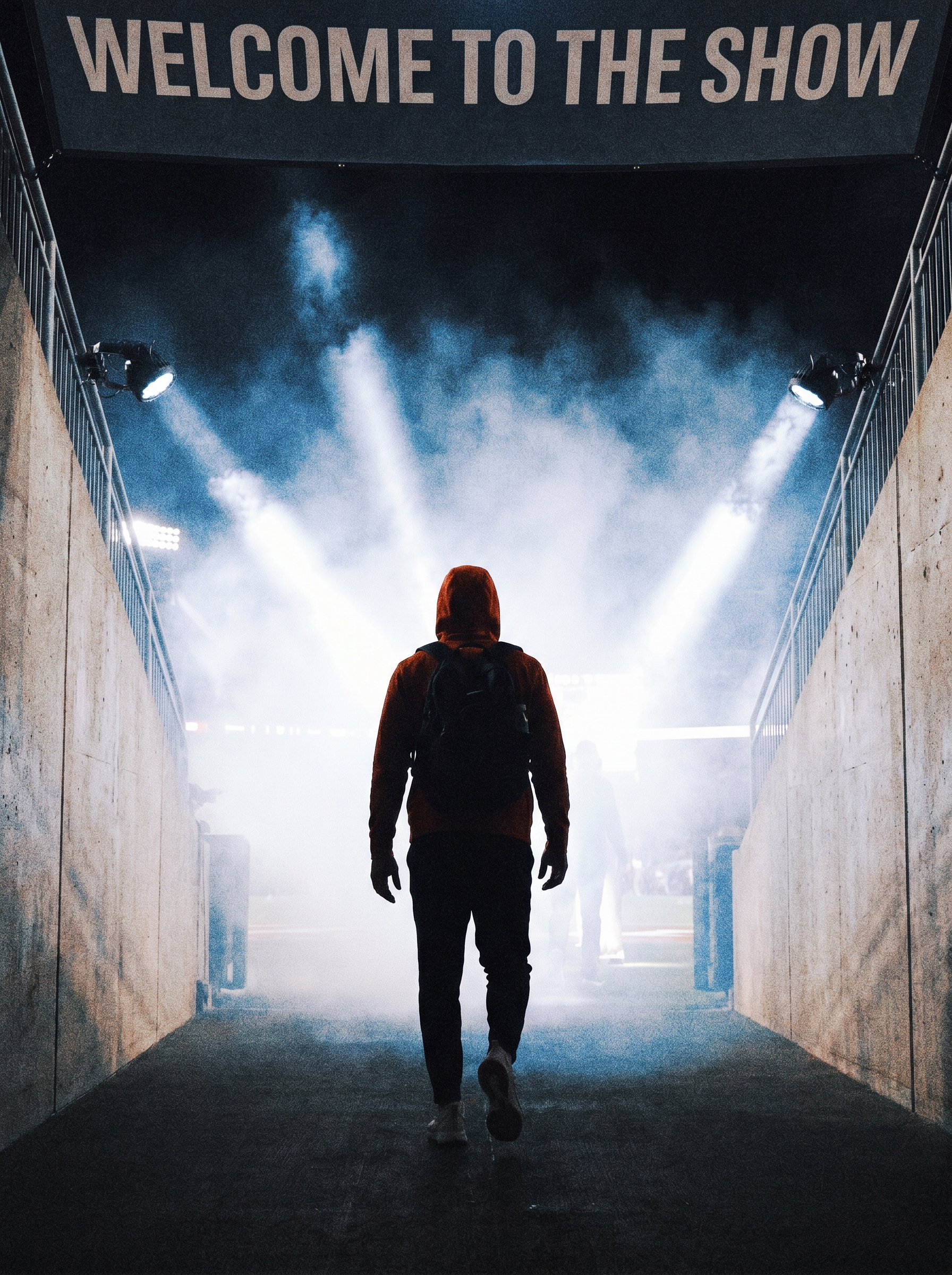
Preview — your generation appears here
What is Walk-On Intro?
The "Walk-On Intro" effect on PromptNerdyToMe transforms your text descriptions into a high-energy, cinematic video sequence. It generates a short clip of an athlete emerging from a dark stadium tunnel, surrounded by atmospheric smoke and dramatic spotlights, as they head toward the bright field lights. By simply describing the athlete, you receive a motion-heavy hype video tailored to your specifications. This tool helps creators establish a dramatic, professional-looking introduction for sports-themed content without needing a physical camera crew.
Best for
- • Creating dramatic introduction hooks for sports-focused TikTok videos
- • Opening sequences for athlete profile compilations on YouTube Shorts
- • Adding high-energy transition clips to Instagram Reels fitness content
- • Visualizing fictional sports characters for digital storytelling projects
How to use Walk-On Intro
Describe the athlete
Enter details about the athlete's appearance, sport, and uniform in the provided text field.
Generate the video
Click the generate button to let the AI render the tunnel entrance scene with smoke and spotlights.
Preview the clip
Review the generated video to ensure the lighting, motion, and character details match your vision.
Download and share
Save the final video to your device and upload it directly to your preferred social media channels.