Dream Vacation
Tips for better results
Preview — your generation appears here
What is Dream Vacation?
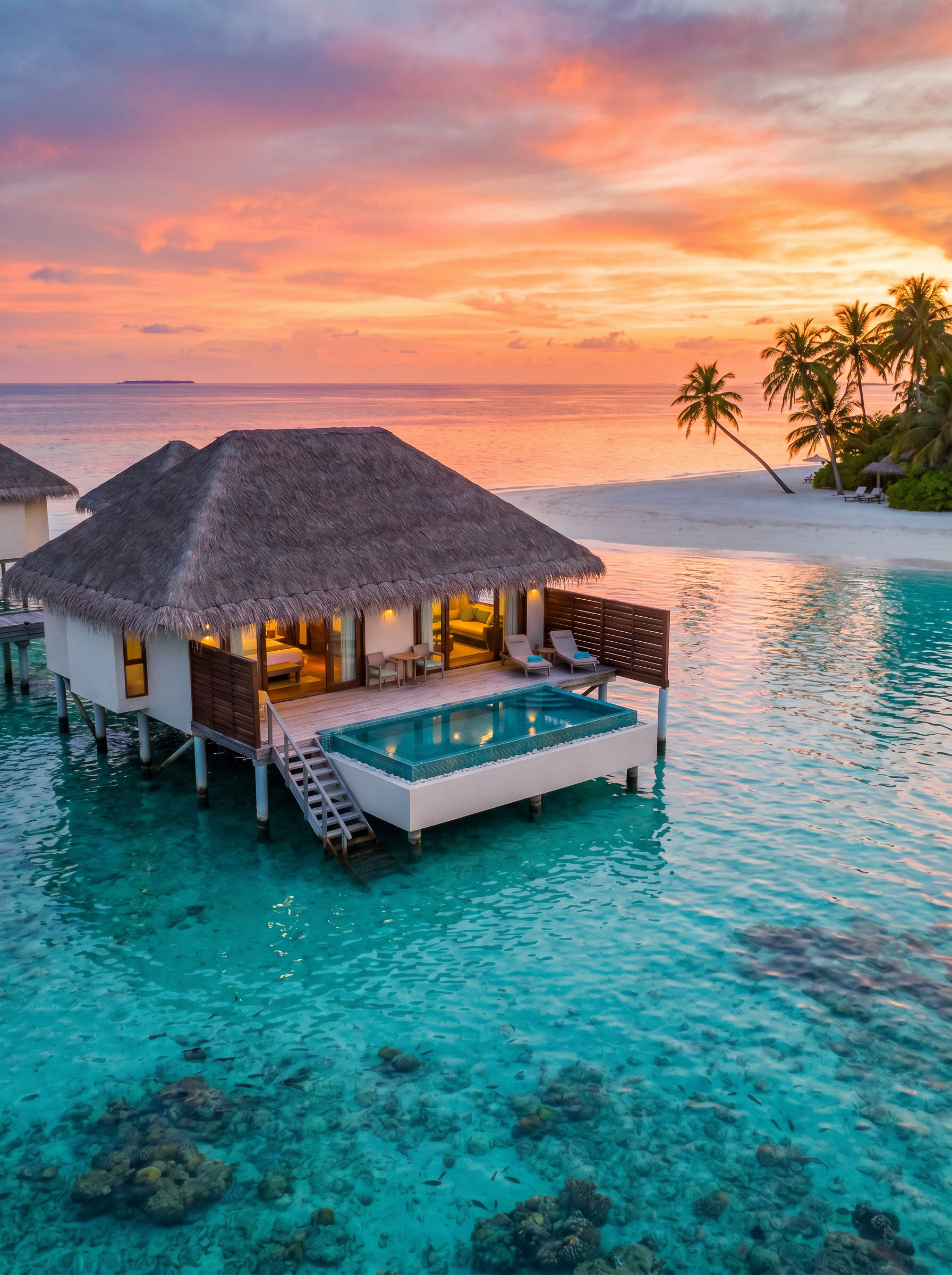
The Dream Vacation effect on PromptNerdyToMe allows you to transform simple text prompts into cinematic, high-definition travel videos. By entering your ideal getaway, the AI generates a short video featuring serene elements like overwater bungalows, crystal-clear turquoise lagoons, and swaying palm trees at sunset. It is designed to capture the relaxing, high-end aesthetic of professional travel films. Use it to visualize your bucket-list destinations or create soothing background visuals for your digital projects.
Best for
- • Creating aesthetic travel transitions for TikTok videos
- • Background visuals for relaxing lo-fi music tracks on YouTube Shorts
- • Engaging travel-inspiration posts for Instagram Reels
- • Visual mockups for travel agencies and vacation planners
How to use Dream Vacation
Describe your dream destination
Type a detailed description of your ideal getaway into the input field, focusing on the scenery and atmosphere.
Select your video settings
Choose your preferred aspect ratio and duration to match the platform where you plan to share your video.
Generate the video
Click the generate button and wait a few moments while the AI renders your cinematic travel scene.
Download and share
Save the finished high-definition video to your device or share it directly to your social media feeds.