Road Trip
Tips for better results
Preview — your generation appears here
What is Road Trip?
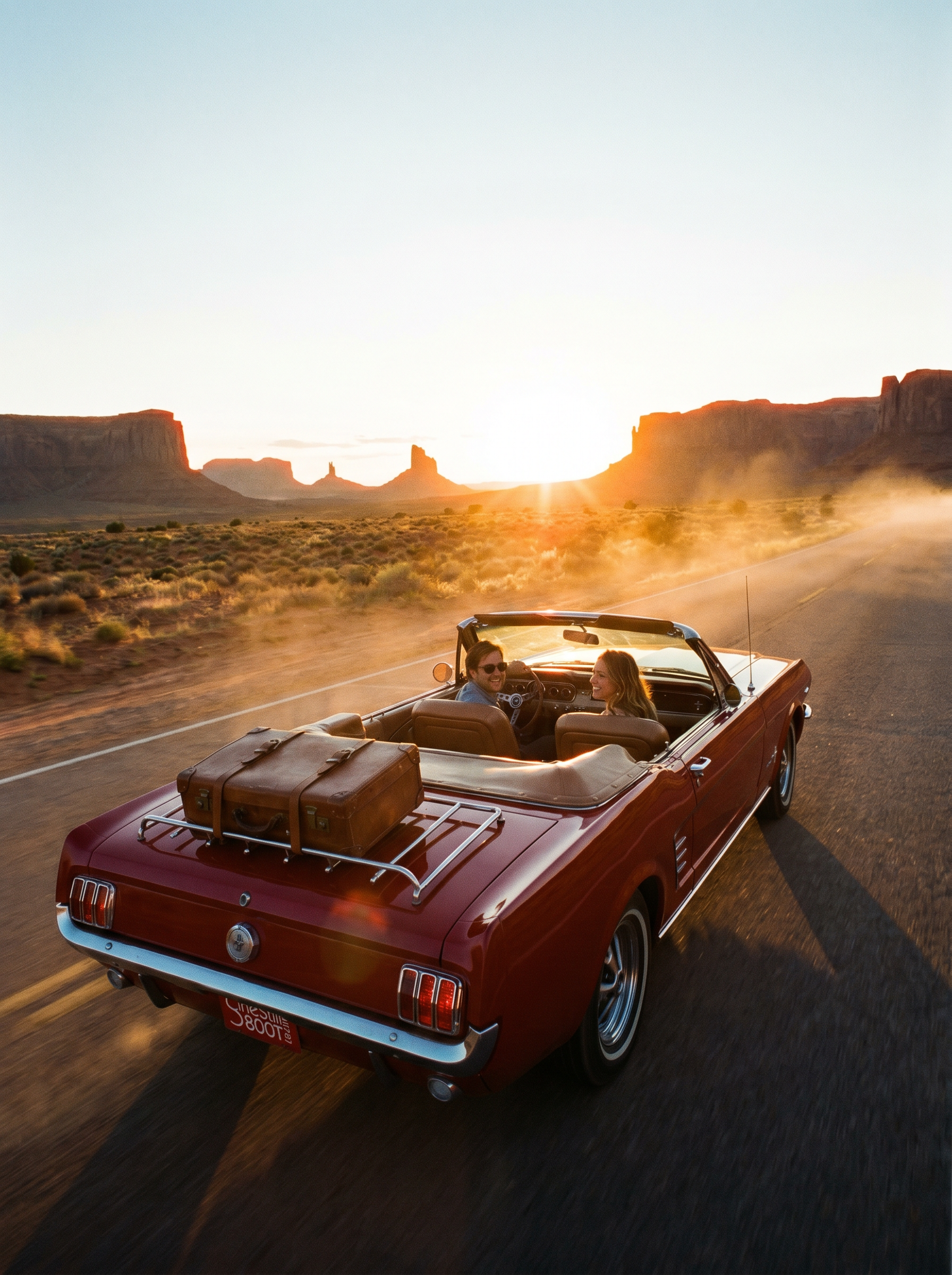
The Road Trip effect on PromptNerdyToMe allows you to generate cinematic, short-form videos of a scenic journey from a simple text prompt. By default, the AI visualizes classic travel imagery, such as a vintage convertible cruising down a desert highway at sunset with luggage packed. You can customize the journey by adding your own descriptive details to steer the destination, weather, or vehicle. The resulting high-quality video clip captures a nostalgic, open-road aesthetic suitable for various digital projects.
Best for
- • Creating nostalgic background loops for lo-fi music tracks on YouTube Shorts
- • Visualizing travel bucket lists or dream itineraries for Instagram Reels
- • Adding cinematic B-roll to storytelling videos or personal vlogs on TikTok
- • Generating atmospheric intro sequences for travel-themed YouTube videos
How to use Road Trip
Describe your road trip
Enter a text prompt detailing your ideal journey, specifying elements like the vehicle, landscape, and weather.
Adjust video settings
Select your preferred aspect ratio and duration to match the requirements of your target platform.
Generate the clip
Click the generate button and wait a few moments while the AI renders your custom cinematic travel video.
Download and share
Save the finished MP4 file directly to your device and upload it to your favorite social media feeds.