Window Seat
Tips for better results
Preview — your generation appears here
What is Window Seat?
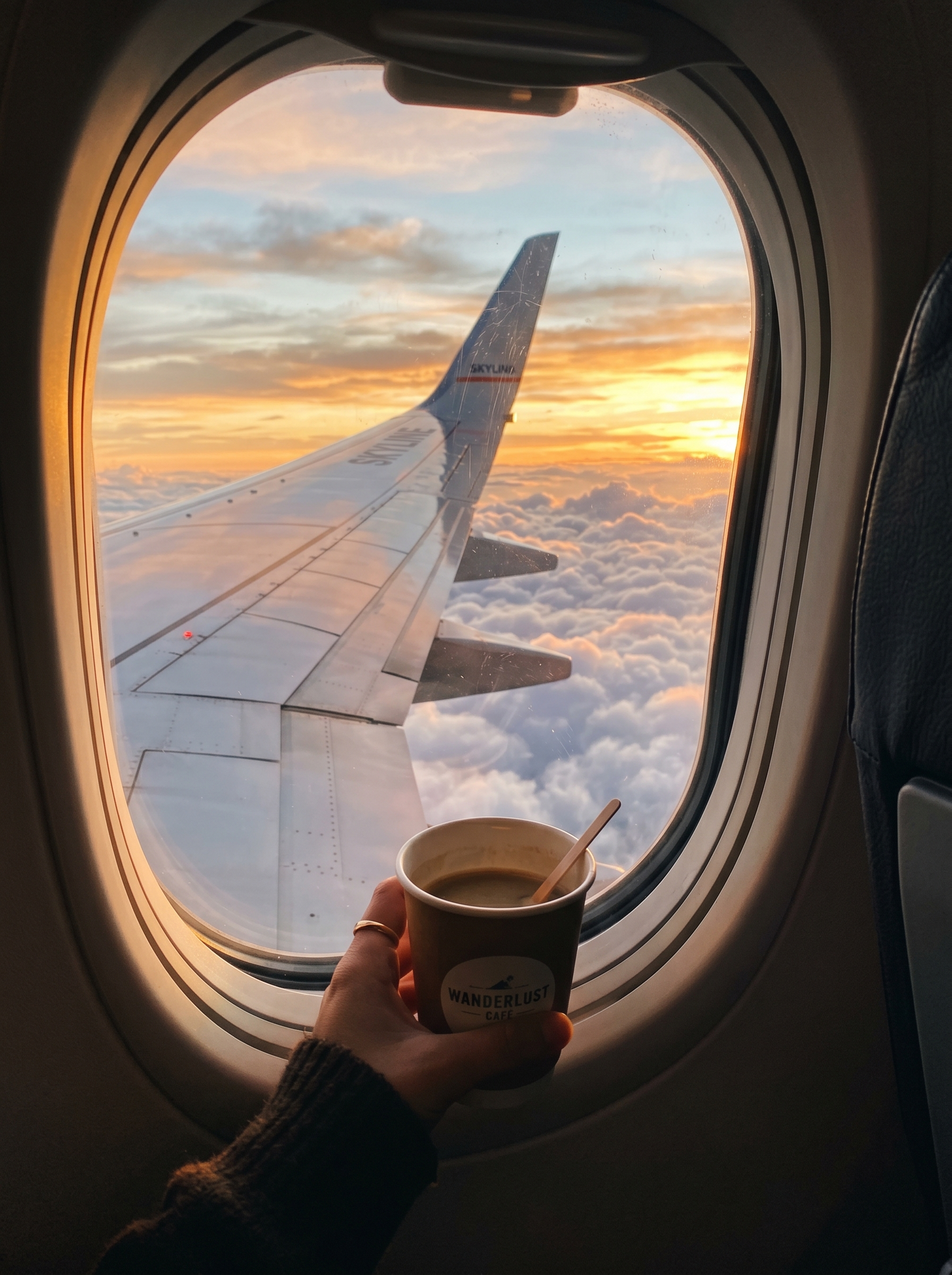
The "Window Seat" effect on PromptNerdyToMe allows you to generate serene, high-altitude travel videos from a simple text prompt. By describing your desired atmosphere, the AI generates a short video depicting an airplane window view complete with a visible wing, passing clouds, and realistic lighting. It simulates the gentle motion of flight, making it easy to create calming, aesthetic travel clips without ever boarding a plane.
Best for
- • Creating lo-fi background loops for TikTok videos
- • Adding aesthetic travel transitions to Instagram Reels
- • Generating relaxing visualizers for YouTube Shorts
- • Crafting moody, atmospheric B-roll for travel vlogs
How to use Window Seat
Describe the view you want
Enter a description of your ideal sky view in the text box, focusing on colors, lighting, and cloud types.
Generate the video
Click the generate button to let the AI render your custom high-altitude flight sequence.
Preview the motion
Watch the generated clip to ensure the wing placement and cloud movement match your vision.
Download and share
Save the final video file to your device and upload it directly to your favorite social media platforms.