Drip Check
Tips for better results
Preview — your generation appears here
What is Drip Check?
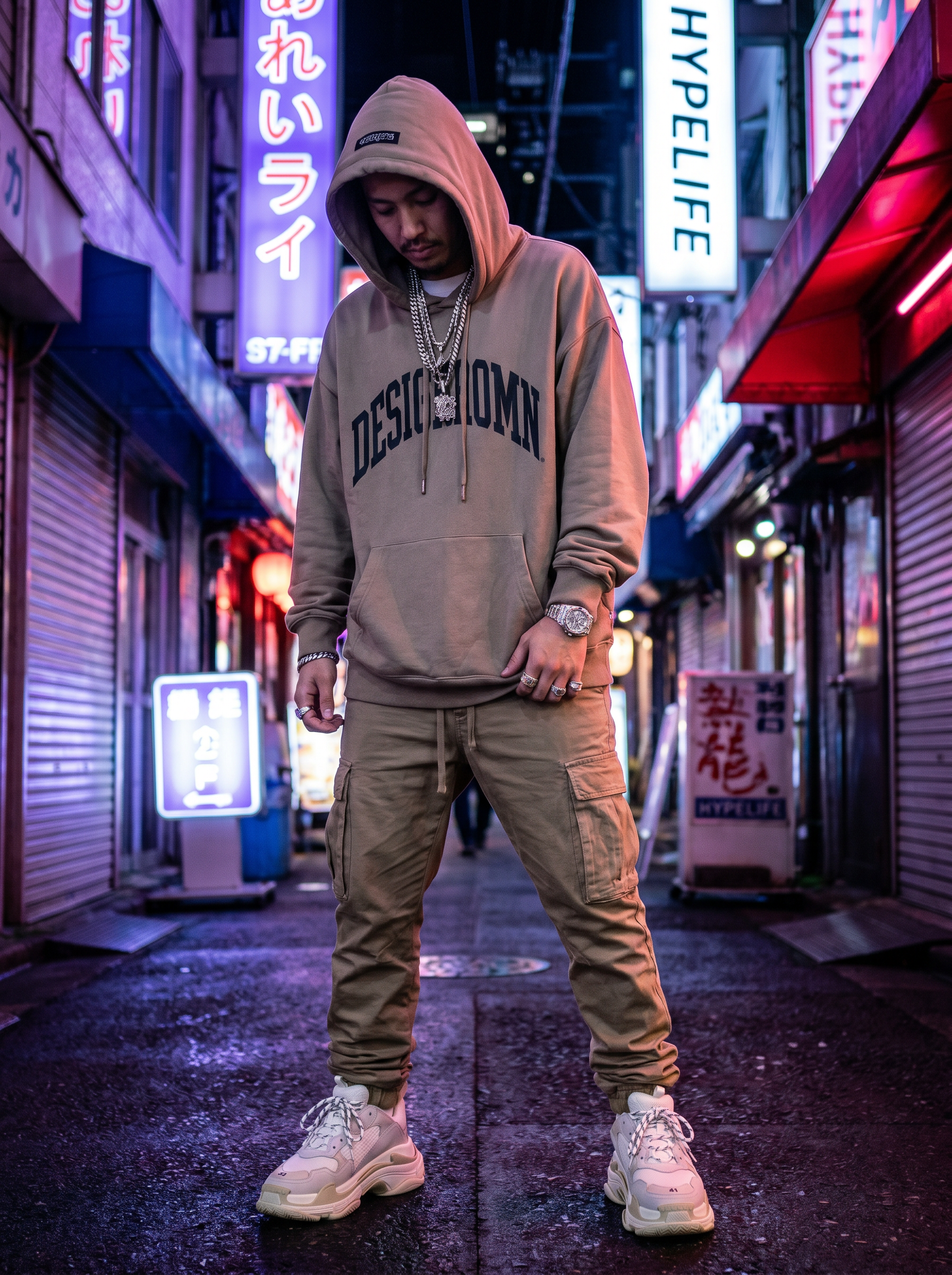
Drip Check is a photo-to-video effect on PromptNerdyToMe that transforms your standard outfit photos into dynamic, high-energy video clips. By analyzing your uploaded image, the AI places you into a vibrant urban night scene illuminated by neon lights and captured with a sharp, high-contrast flash photography aesthetic. The resulting video enhances your style with subtle animations, emphasizing streetwear details, jewelry, and designer elements. It is designed to give your everyday apparel photos a polished, late-night look ready for social feeds.
Best for
- • Showcasing streetwear outfits on TikTok with a late-night urban aesthetic
- • Creating eye-catching transition videos for Instagram Reels
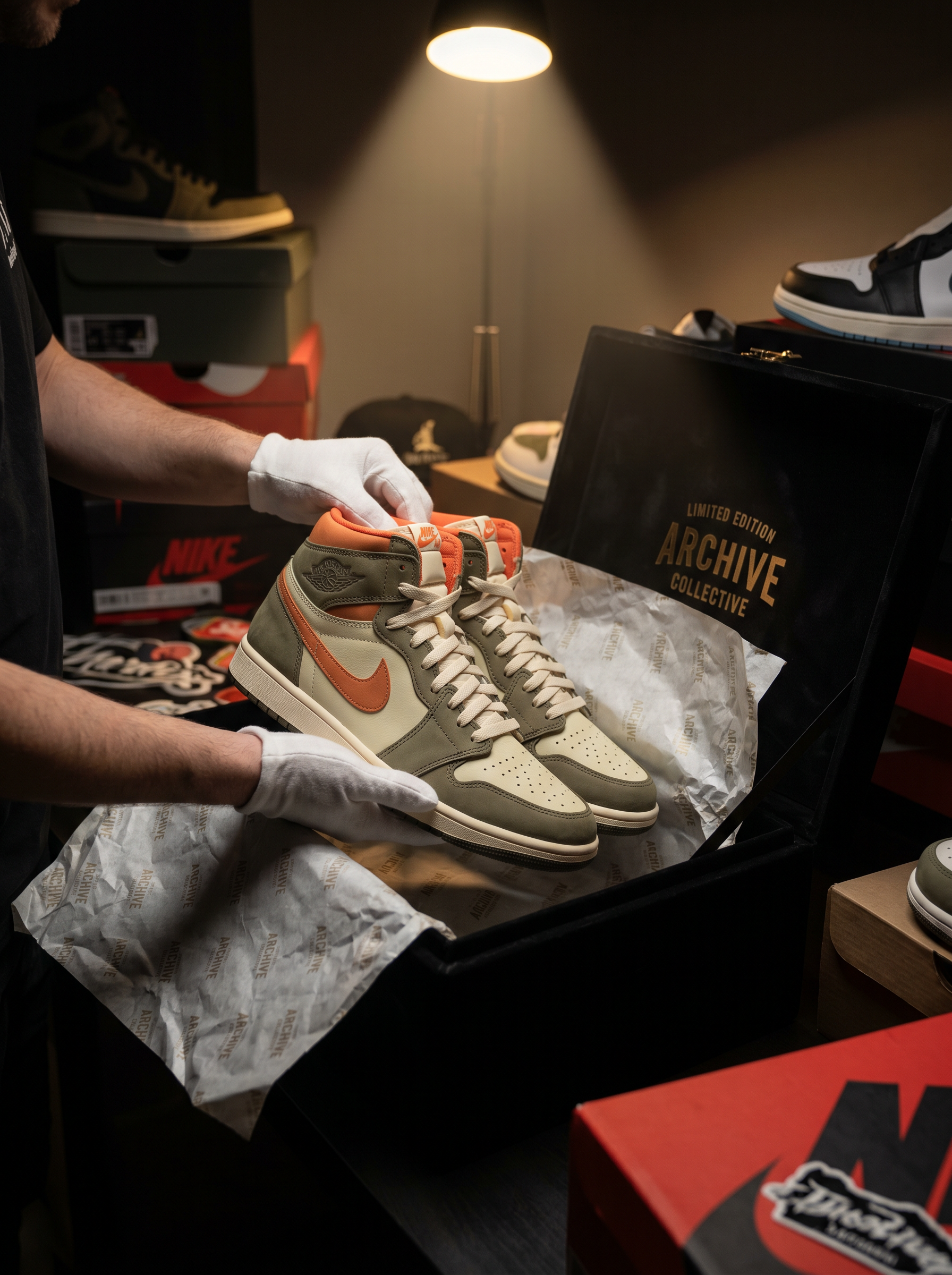
- • Sharing quick style updates and sneaker close-ups on YouTube Shorts
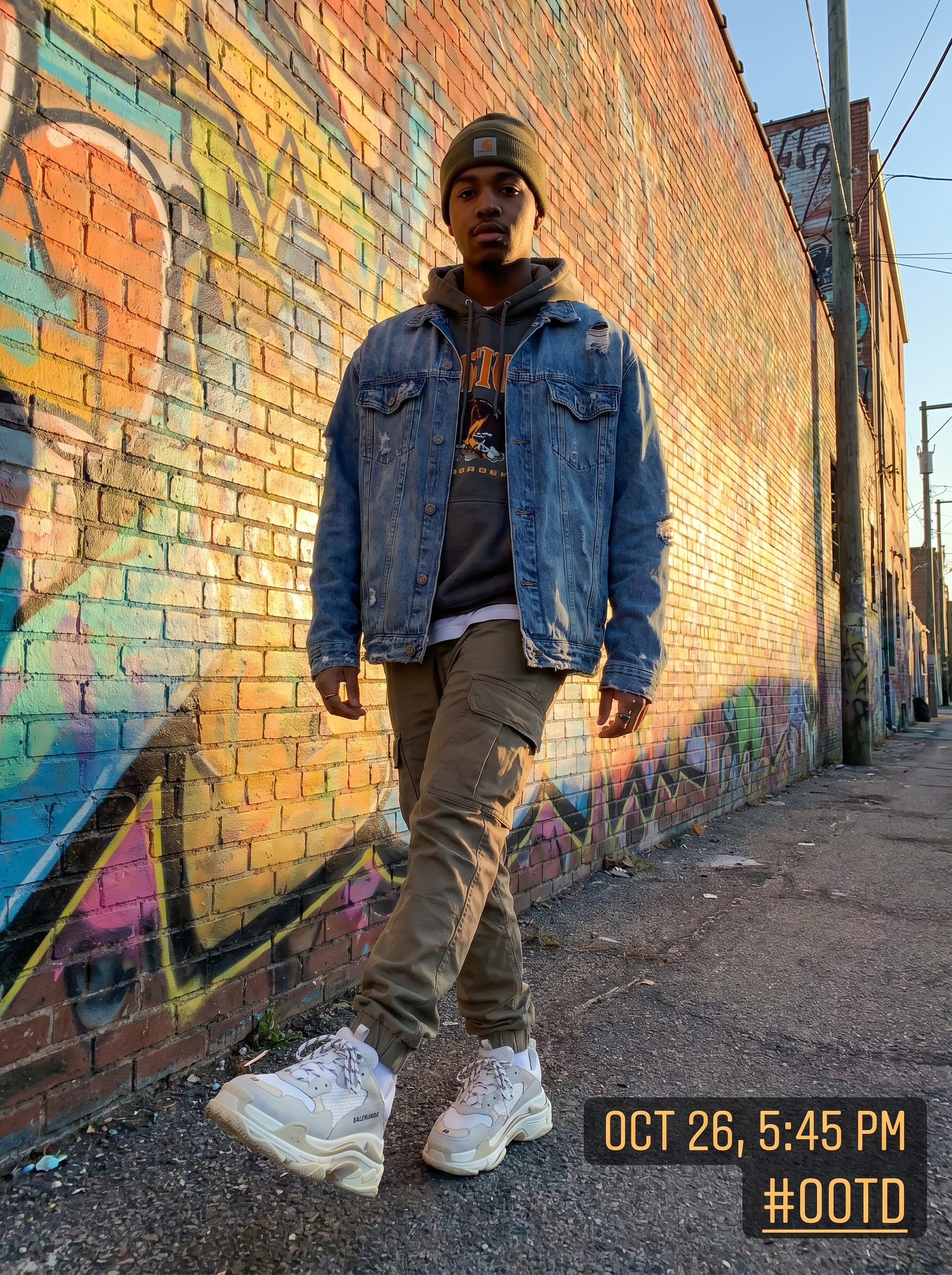
- • Upgrading standard outfit-of-the-day (OOTD) photos for digital lookbooks
How to use Drip Check
Upload your fit pic
Select and upload a clear, well-lit photo of your outfit to serve as the base for the video.
Adjust the framing
Position your subject within the frame to ensure the urban neon background aligns correctly around you.
Generate the video
Click the generate button and wait a few moments while the AI applies the streetwear aesthetic and motion.
Download and share
Save the completed short video to your device and share it directly to your preferred social platforms.