Thrift Flip
Tips for better results
Preview — your generation appears here
What is Thrift Flip?
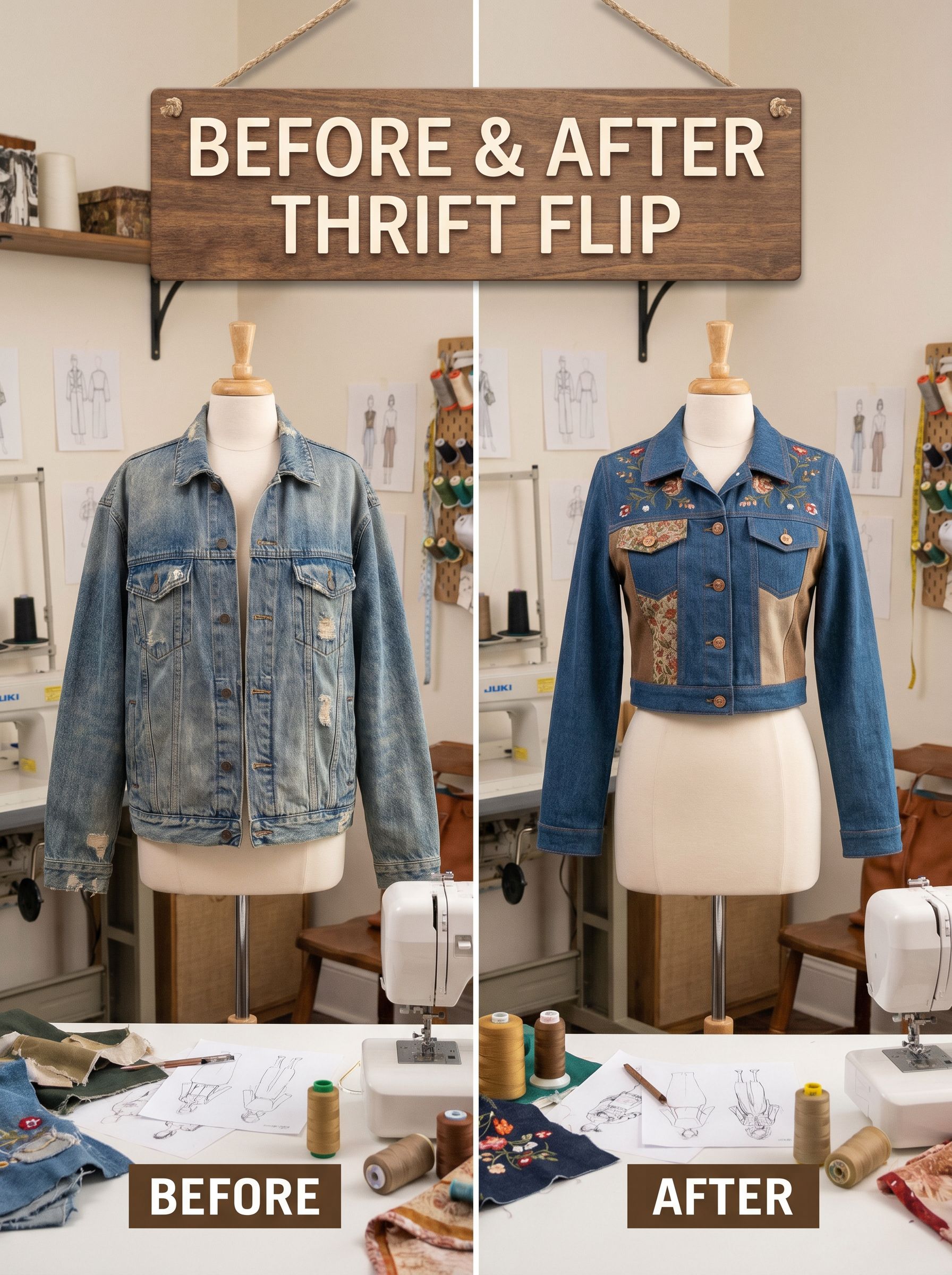
The Thrift Flip effect on PromptNerdyToMe transforms a static image of any clothing item or accessory into a dynamic before-and-after video reveal. Set within a cozy, realistic sewing studio, the generated video showcases your item undergoing an upcycling transformation. It brings your DIY ideas to life, animating the transition from a simple thrift find to a redesigned piece. This tool is designed to help creators visualize and share their sustainable fashion concepts without needing hours of video editing.
Best for
- • Creating quick, engaging transition videos for TikTok fashion creators
- • Visualizing upcycling concepts for Instagram Reels before starting a sewing project
- • Adding dynamic B-roll to YouTube Shorts focused on sustainable fashion and DIY crafting
- • Showcasing thrift store finds and potential redesigns on Pinterest Idea Pins
How to use Thrift Flip
Upload your item photo
Select and upload a clear, well-lit photograph of the clothing item or accessory you want to transform.
Generate the transformation
Click the generate button to let the AI process your image into a sewing studio scene.
Preview the video
Watch the generated before-and-after reveal to see how your item is animated and styled.
Download and share
Save the final video to your device and share your upcycled creation on your favorite social media platforms.