Game Art Style
Tips for better results
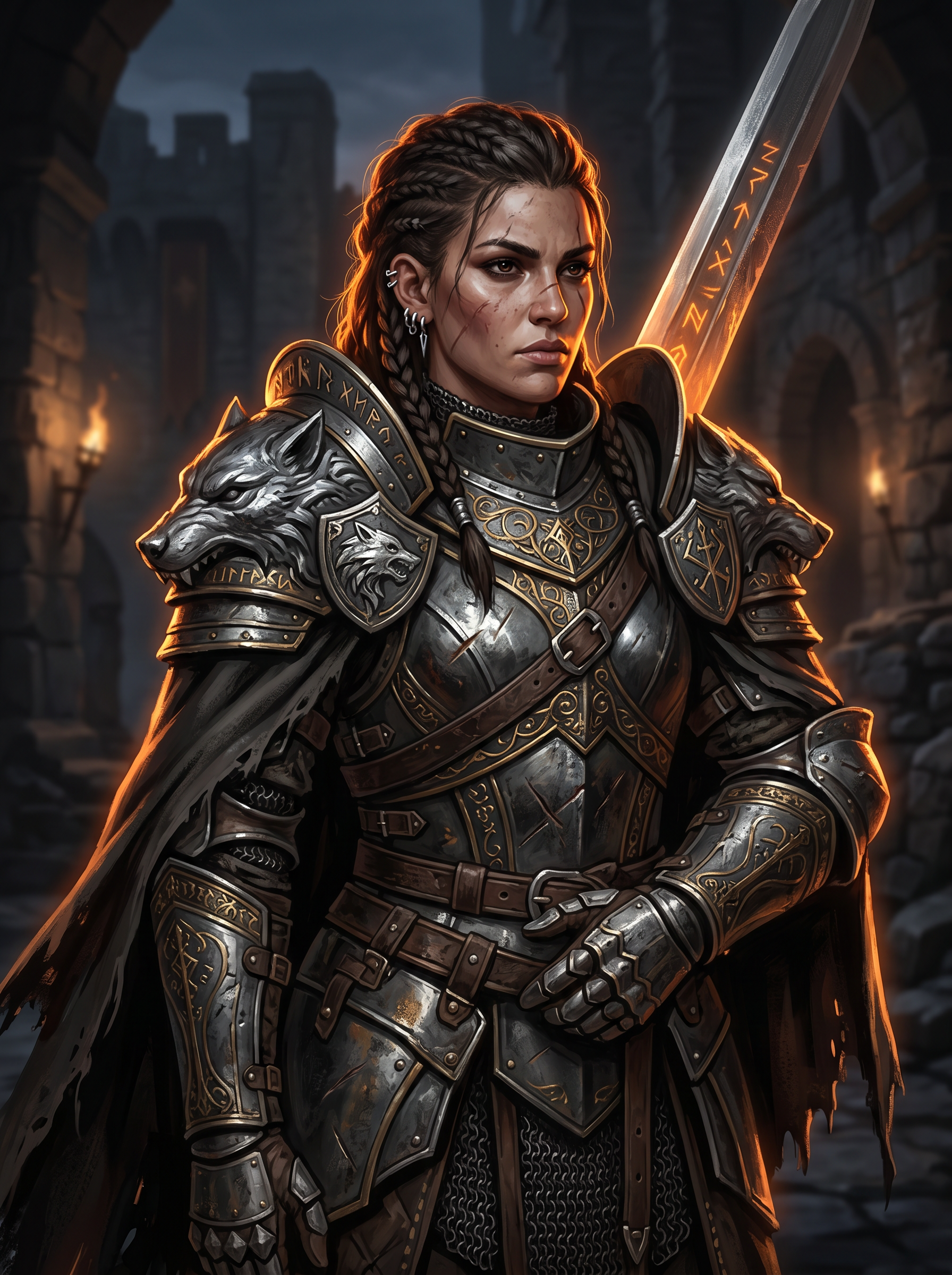
Preview — your generation appears here
What is Game Art Style?
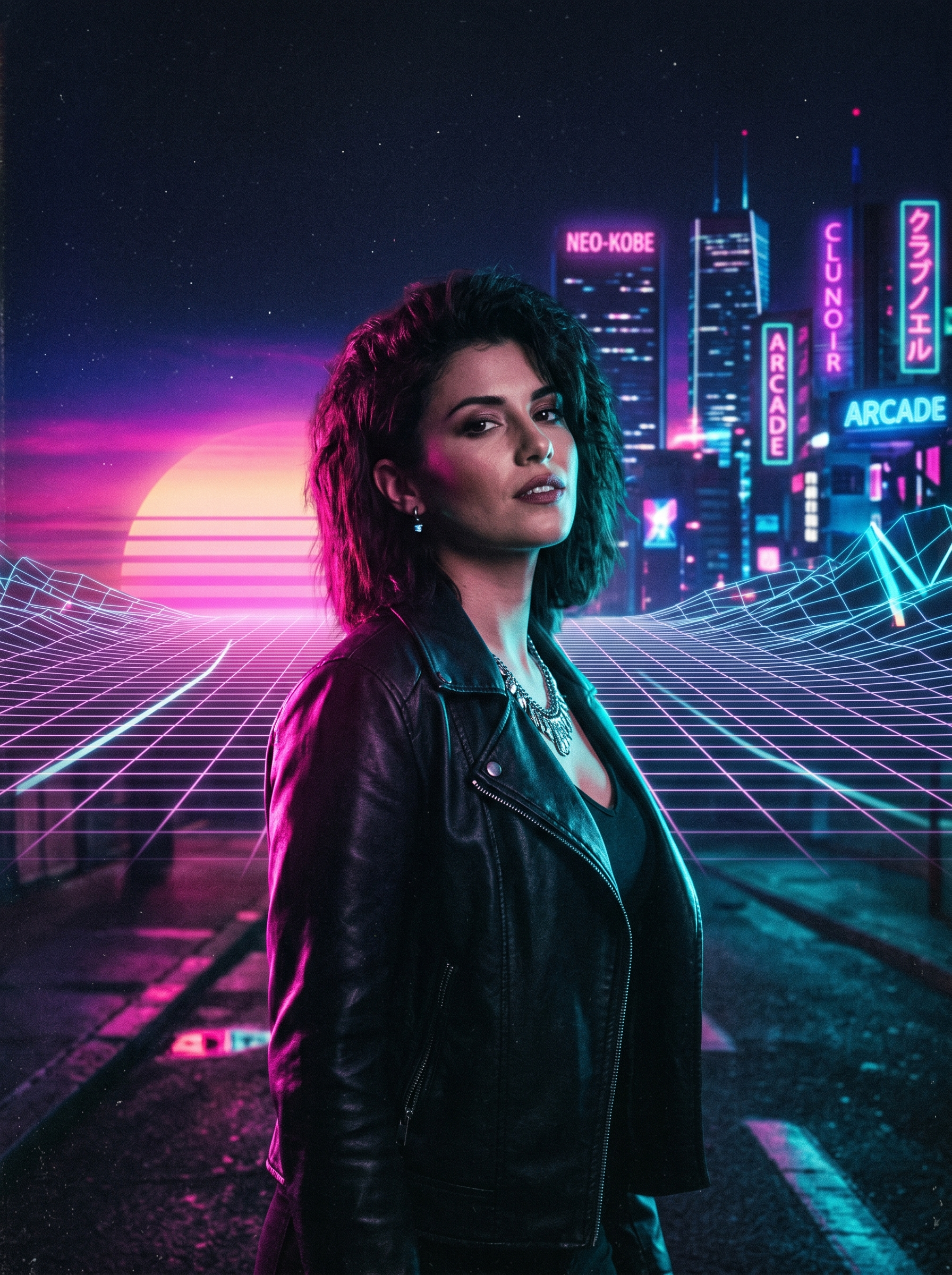
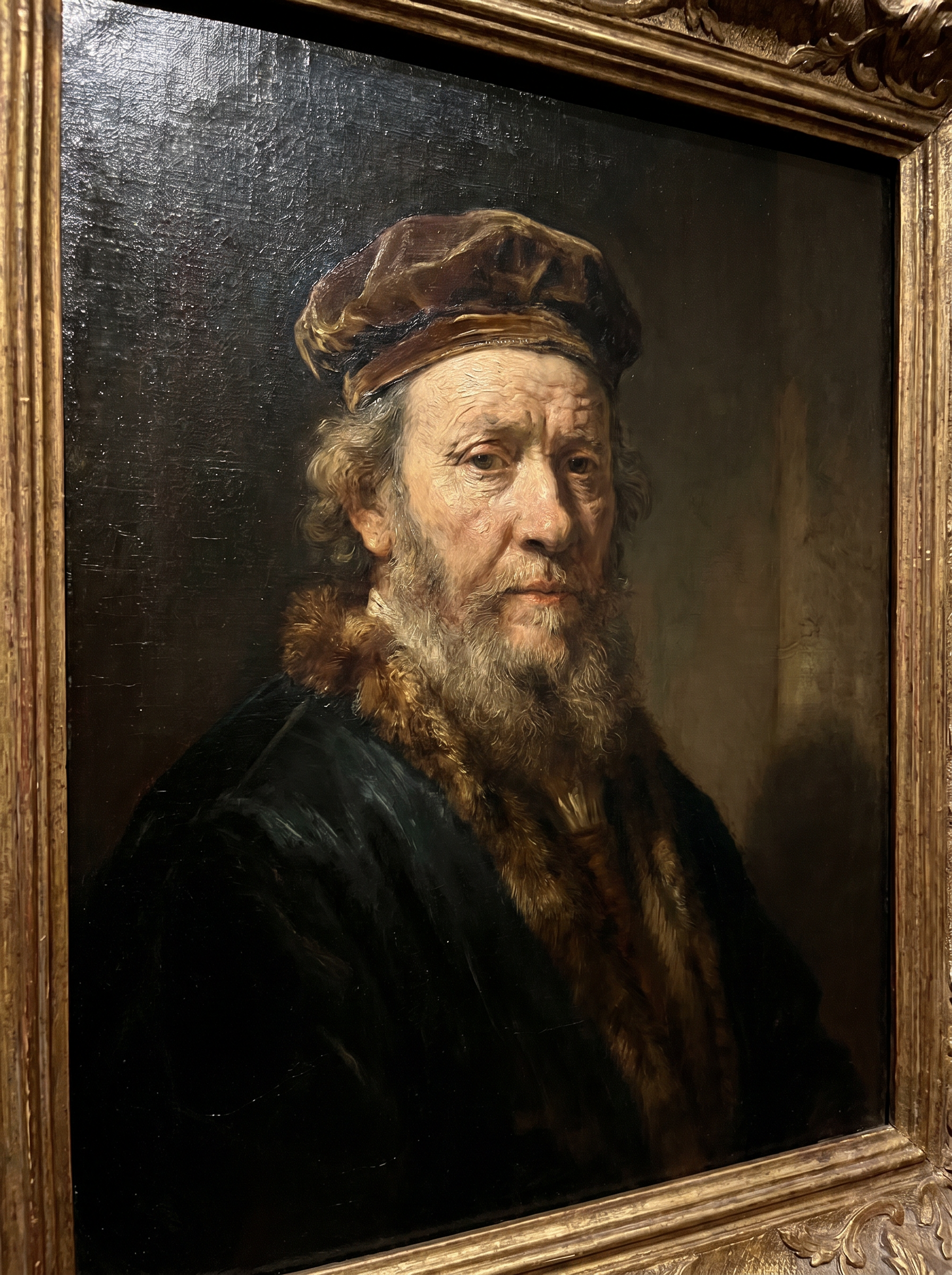
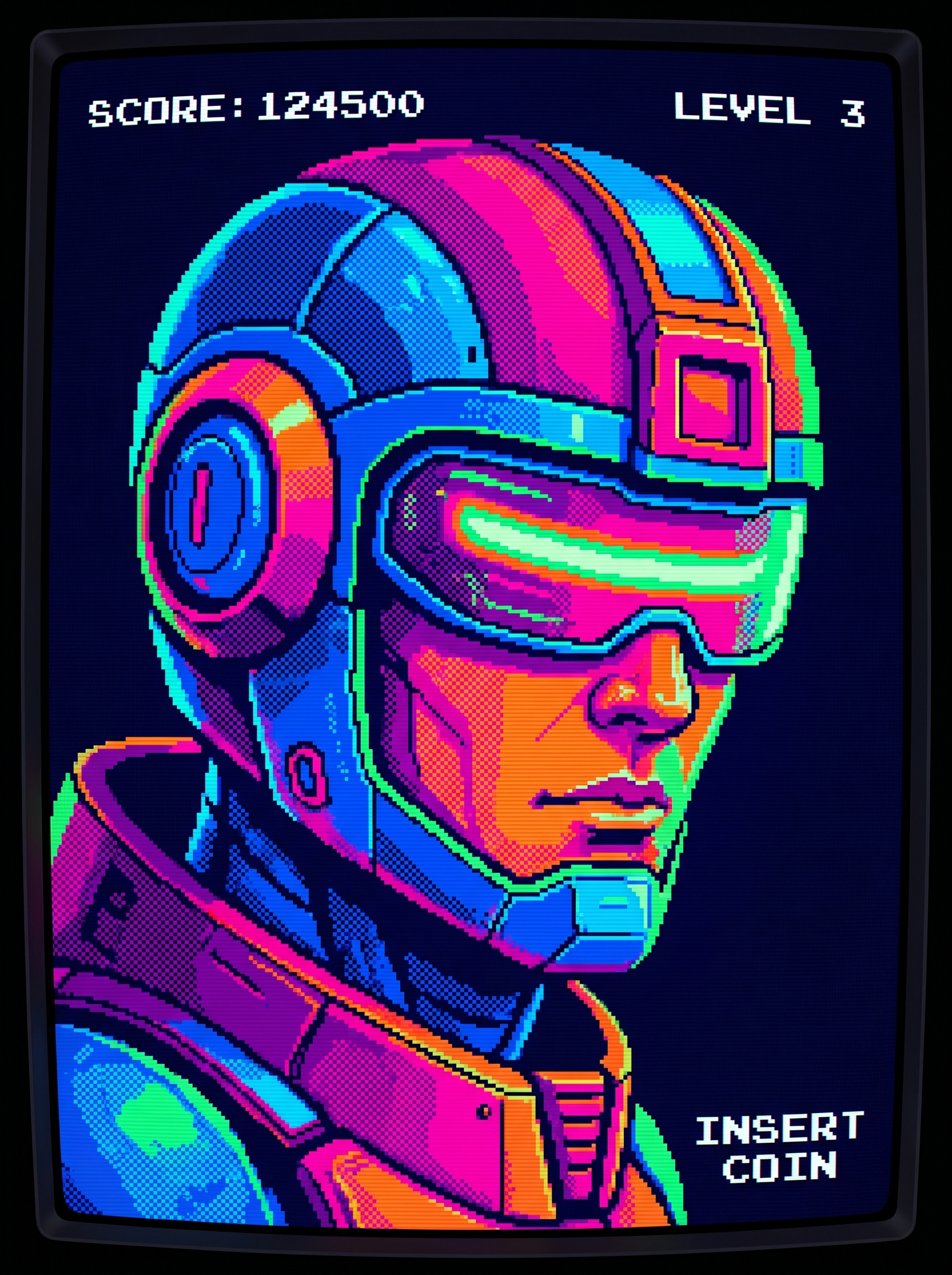
The Game Art Style effect on PromptNerdyToMe transforms your everyday photos into high-quality fantasy RPG concept art. It reimagines your subject with detailed, battle-ready armor and dramatic rim lighting reminiscent of a modern AAA video game. Whether you want to see yourself as a legendary warrior or a mystical mage, this tool applies cinematic styling to your portrait. The resulting image captures the polished aesthetic of professional game design portfolios.
Best for
- • Creating eye-catching profile pictures for Discord gaming servers
- • Sharing before-and-after transformation transitions on TikTok
- • Designing custom avatar graphics for Twitch streaming overlays
- • Posting fantasy-themed character reveals on Instagram Reels
How to use Game Art Style
Upload your photo
Select and upload a clear, well-lit portrait or headshot of your subject.
Select the effect
Choose the Game Art Style effect from the PromptNerdyToMe dashboard to apply the fantasy RPG aesthetic.
Generate the image
Click the generate button and wait a few moments while the AI renders your detailed armor and cinematic lighting.
Download and share
Save your newly rendered fantasy concept art to your device and share it with your community.