Pixel Art
Tips for better results
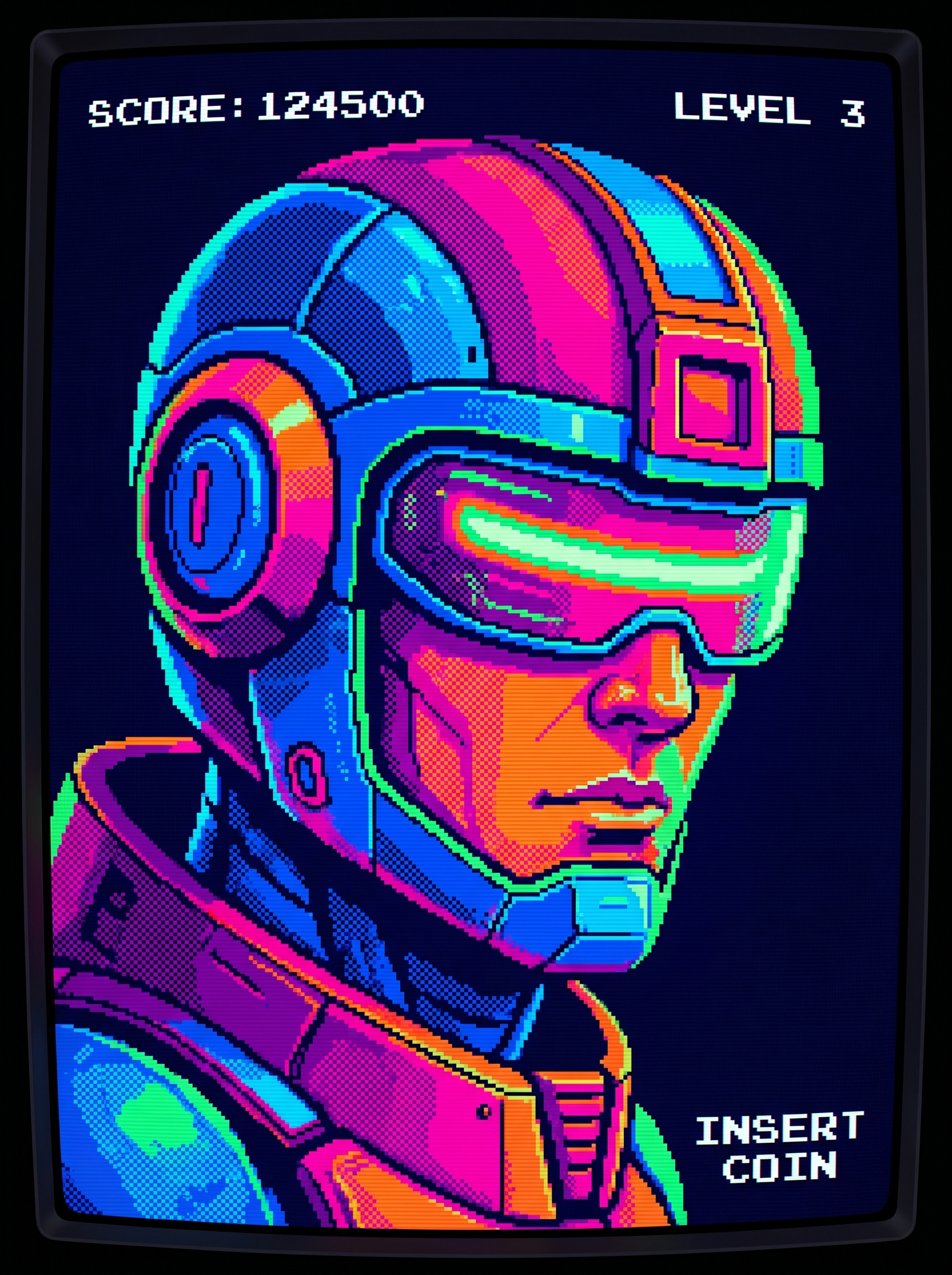
Preview — your generation appears here
What is Pixel Art?
The Pixel Art effect on PromptNerdyToMe transforms your standard photos into stylized 32-bit digital illustrations. By applying a vibrant, limited color palette and classic dithering techniques, this tool recreates the nostalgic aesthetic of retro video games. It processes your uploaded subject to retain recognizable features while rendering them in a classic pixelated format. The final output provides a clean, retro-inspired image suitable for profiles, avatars, or digital art projects.
Best for
- • Creating retro-themed profile pictures for Discord or gaming channels
- • Designing eye-catching cover images for YouTube Shorts and videos
- • Crafting unique visual assets for nostalgic Instagram Reels and posts
- • Generating stylized avatars for TikTok and other social media platforms
How to use Pixel Art
Upload your photo
Select and upload a clear, well-lit photograph of yourself or your subject to begin the transformation.
Adjust the framing
Crop or position your image to ensure the main subject is centered and clearly visible.
Generate the effect
Click the generate button to let the AI process your photo into a 32-bit retro style.
Download and share
Save your finished pixel art image to your device and share it across your favorite platforms.