Synthwave Noir
Tips for better results
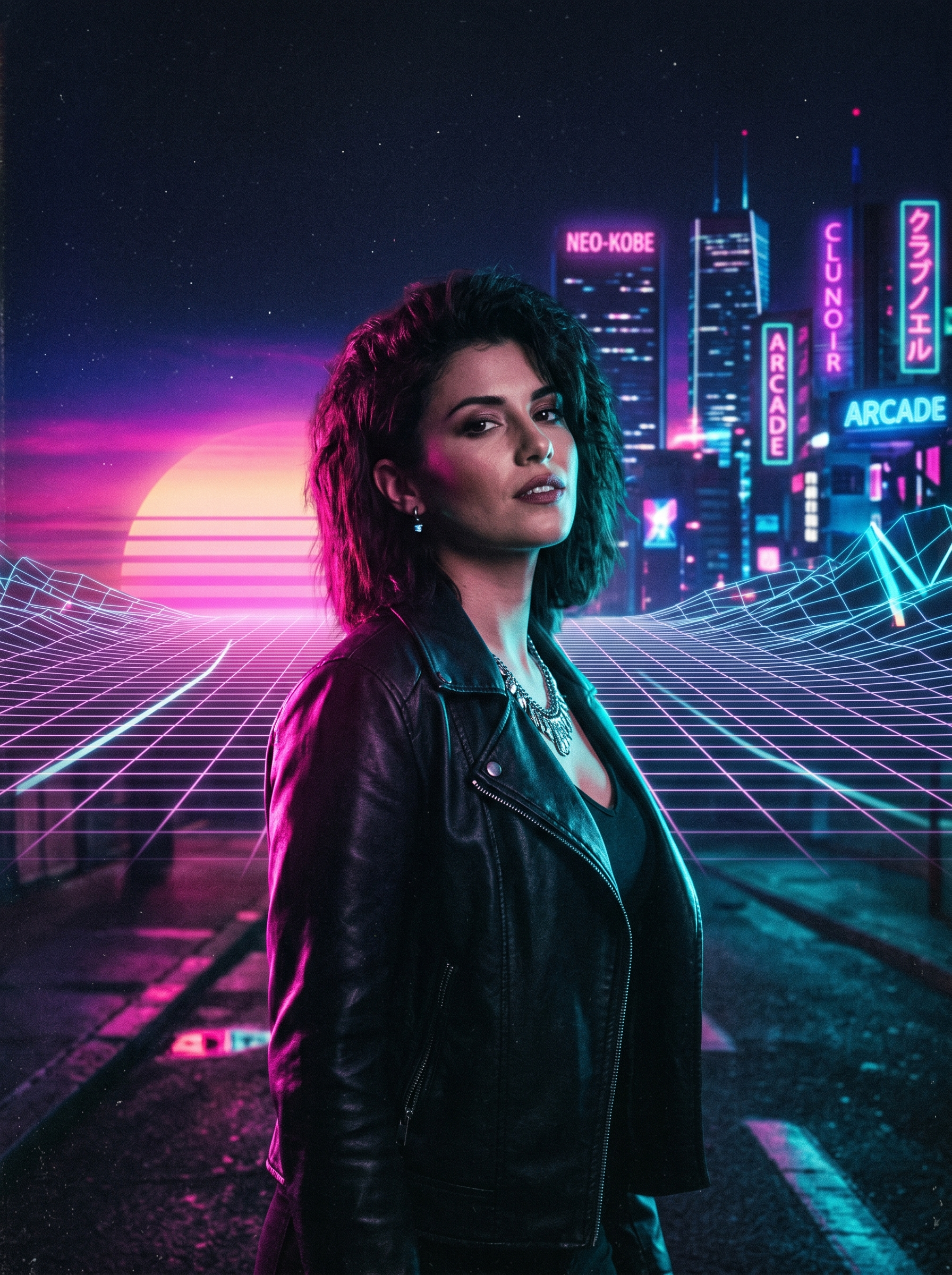
Preview — your generation appears here
What is Synthwave Noir?
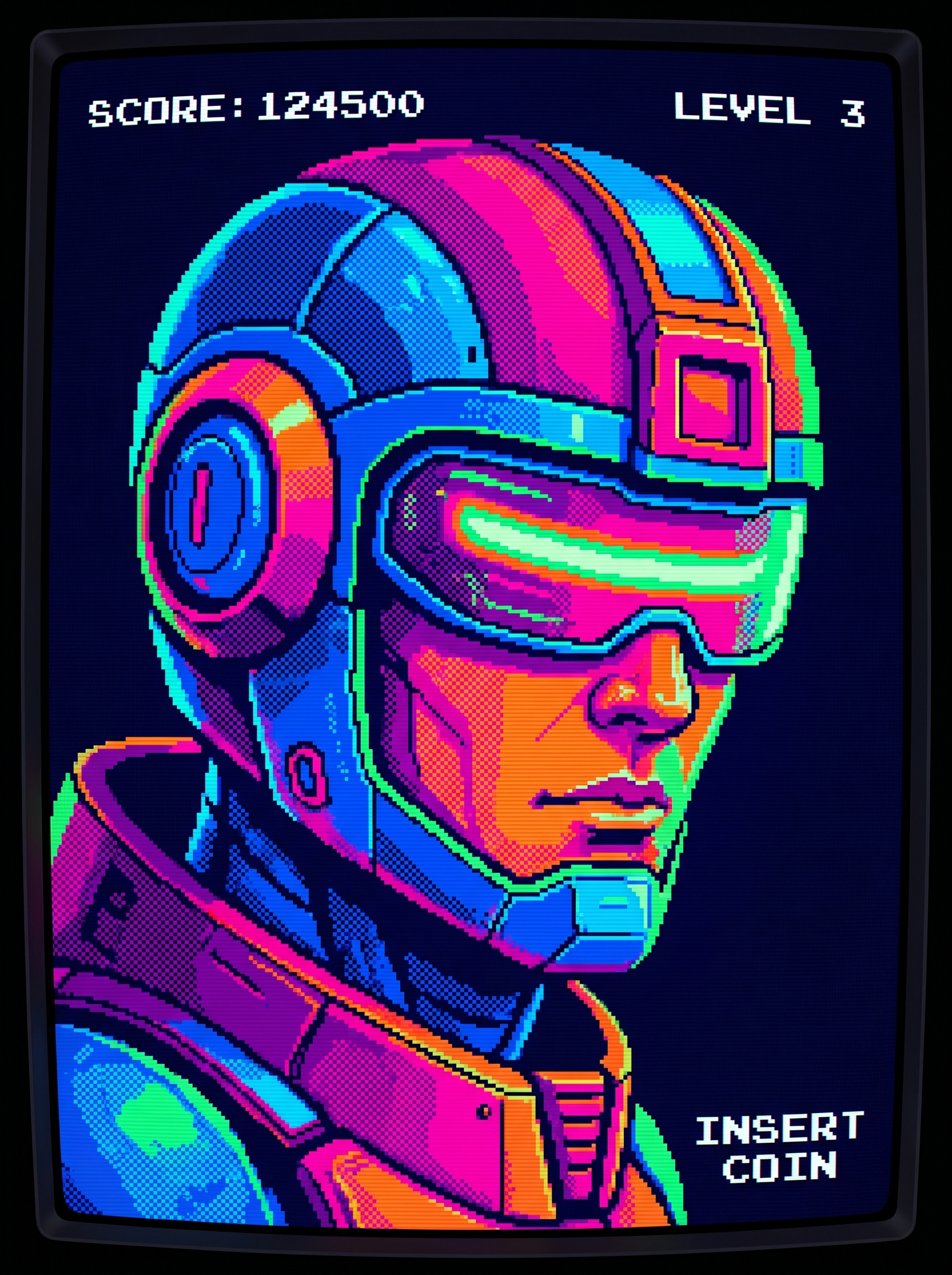
The Synthwave Noir effect on PromptNerdyToMe transforms your standard portraits into stylized, retro-futuristic digital art. By blending classic 80s cinematic aesthetics with moody, dark-toned backdrops, this tool applies striking neon pink and cyan rim lighting to your subject. The final image places your subject against a classic retrowave sunset grid, delivering a distinct, high-contrast look reminiscent of vintage science fiction. It is designed to give your profile pictures and promotional graphics a moody, electronic music-inspired atmosphere.
Best for
- • Creating eye-catching profile pictures for Instagram
- • Designing retro-themed cover art for Spotify releases
- • Crafting stylized visual posts for TikTok slideshows
- • Generating unique channel avatars for YouTube
How to use Synthwave Noir
Upload your photo
Select and upload a clear, high-resolution portrait of yourself or your subject to begin the transformation.
Apply the effect
Initiate the generation process to let the AI analyze your image and apply the retro-futuristic styling.
Preview the render
Review the generated image to ensure the neon lighting and sunset grid background align with your expectations.
Download and share
Save your new Synthwave Noir image directly to your device and share it across your favorite social networks.