Bedtime Story
Tips for better results
Preview — your generation appears here
What is Bedtime Story?
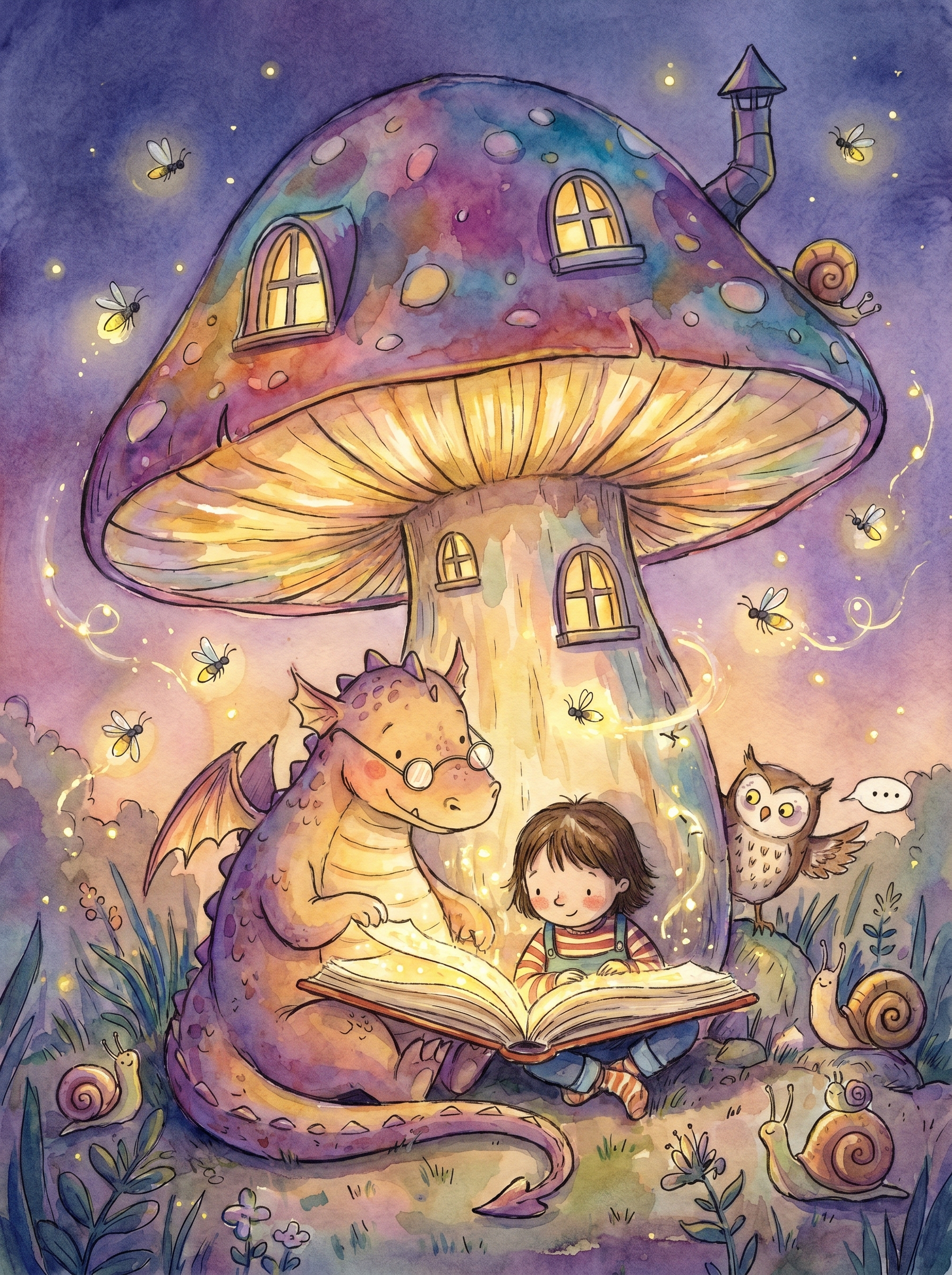
The "Bedtime Story" effect on PromptNerdyToMe transforms your written scene descriptions into gentle, animated videos. It applies a whimsical watercolor children's book aesthetic, complete with twilight lighting, glowing fireflies, and a calm visual pace. This text-to-video tool is designed to bring cozy, imaginative tales to life without requiring any design experience. The resulting short videos are ideal for soothing narratives, gentle animations, or peaceful visual backdrops.
Best for
- • Creating soothing bedtime countdowns for parents to share on TikTok
- • Sharing cozy, animated poetry readings on Instagram Reels
- • Generating peaceful background visuals for YouTube Shorts lo-fi tracks
- • Visualizing short, whimsical children's fables for Pinterest Idea Pins
How to use Bedtime Story
Describe the story
Type a detailed scene description into the text prompt box, focusing on cozy elements and gentle actions.
Generate the video
Click the generate button to let the AI process your text and render the watercolor animation.
Preview the animation
Review the generated video to ensure the twilight atmosphere and pacing match your vision.
Download and share
Save the final video file to your device and upload it to your preferred social media platform.