Comic Strip
Tips for better results
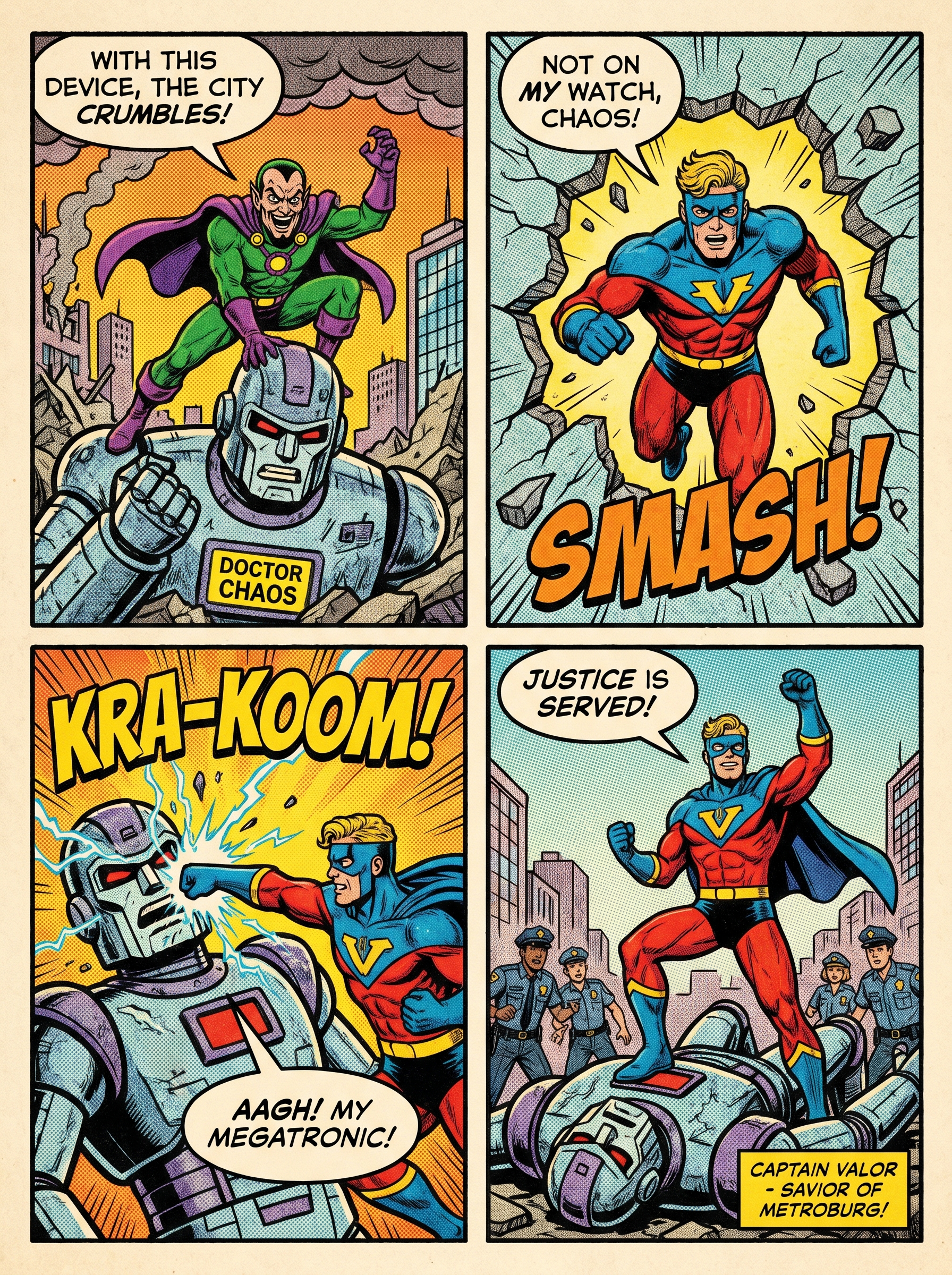
Preview — your generation appears here
What is Comic Strip?
The Comic Strip effect on PromptNerdyToMe transforms your written stories into classic, multi-panel comic book pages. By generating bold ink outlines, halftone dot textures, and stylized speech bubbles, it captures the nostalgic aesthetic of vintage print comics. You simply describe your narrative, and the AI renders a complete visual sequence based on your text. It is a straightforward way to bring original characters and short story concepts to life in a traditional graphic novel format.
Best for
- • Creating multi-panel story carousels for Instagram
- • Visualizing short narrative concepts to share on Reddit community boards
- • Generating eye-catching background graphics for TikTok storytimes
- • Designing custom webcomic teasers for Pinterest boards
How to use Comic Strip
Describe your story
Type a detailed description of your narrative, characters, and panel layout in the input box.
Select style options
Choose your preferred color scheme or layout settings to match your desired comic era.
Generate the artwork
Click the generate button and wait a few moments while the AI renders your multi-panel comic page.
Save and share
Download your high-resolution comic strip image to share directly on your social channels or print out.