Movie Trailer
Tips for better results
Preview — your generation appears here
What is Movie Trailer?
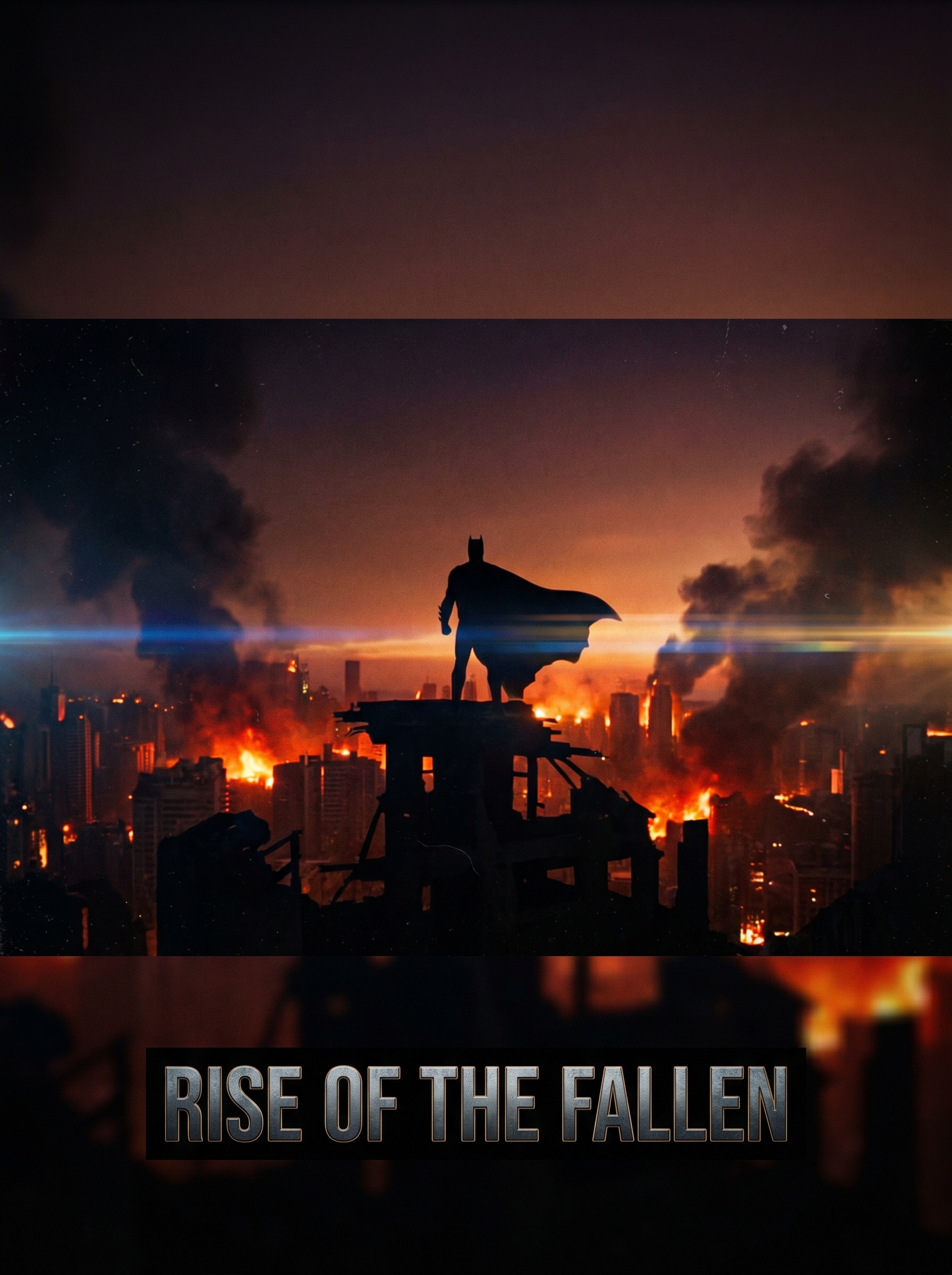
The "Movie Trailer" effect on PromptNerdyToMe transforms your written concepts into high-impact cinematic video teasers. By analyzing your text description, the tool generates a short video featuring dramatic silhouettes, anamorphic lens flares, and the fast-paced editing style of a blockbuster film preview. It allows creators to visualize their stories with a moody, high-production-value aesthetic without needing any camera equipment.
Best for
- • Creating high-tension teasers for YouTube Shorts to promote upcoming creative projects
- • Generating dramatic, atmospheric background videos for TikTok storytelling clips
- • Designing cinematic intro sequences for Instagram Reels
- • Visualizing mood boards and pitch concepts for indie film projects
How to use Movie Trailer
Describe your movie
Type a vivid description of your cinematic scene into the text prompt box. Focus on the mood, setting, and key action you want to visualize.
Select the effect
Ensure the 'Movie Trailer' effect is active to apply the cinematic lighting and anamorphic aspect ratio to your generation.
Generate the video
Click the generate button and wait a few moments while the AI processes your text into a high-pacing teaser clip.
Download and share
Save the finished video to your device and upload it directly to your favorite social media platforms.