Music Video
Tips for better results
Preview — your generation appears here
What is Music Video?
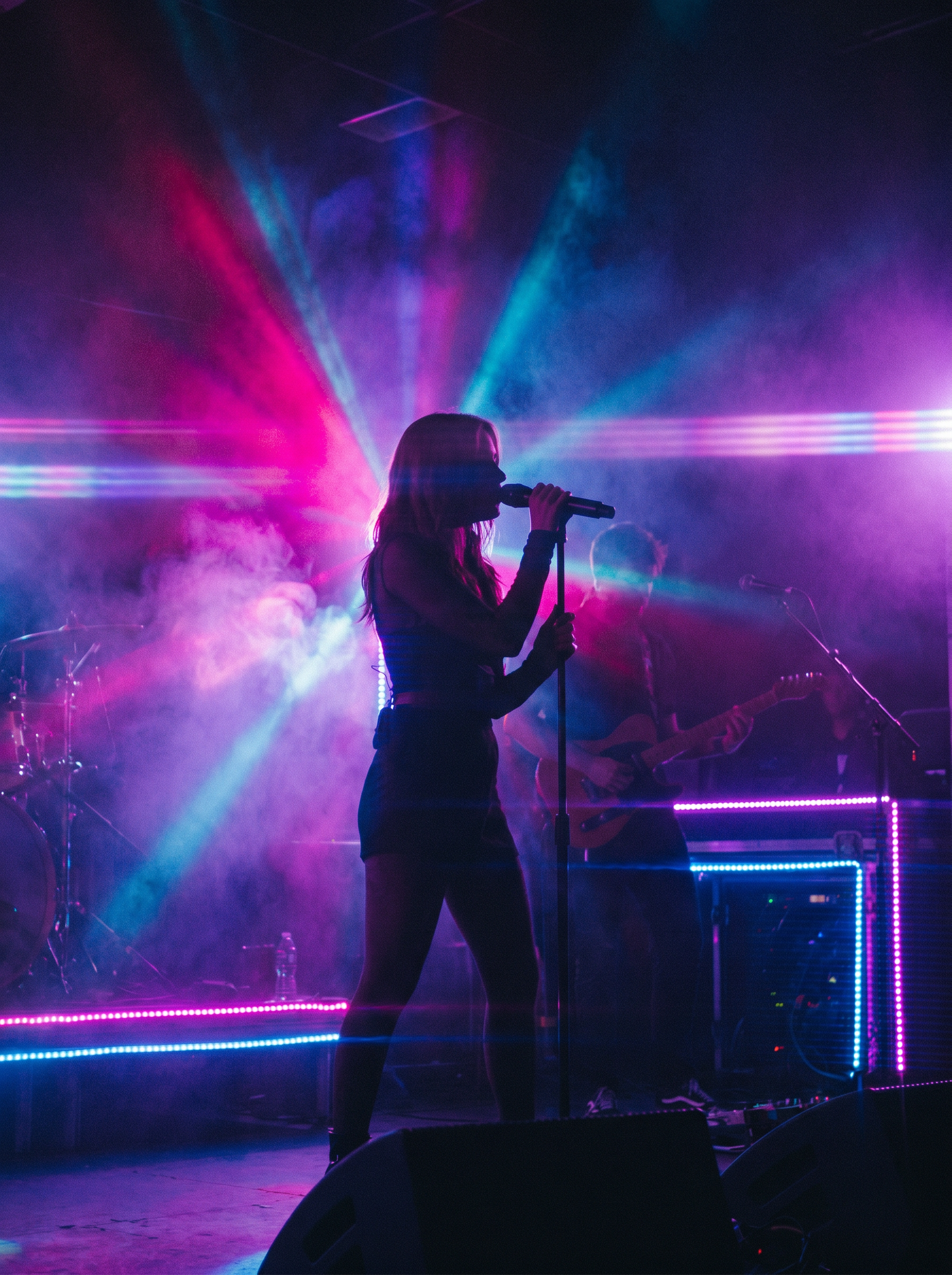
The "Music Video" effect on PromptNerdyToMe transforms your text descriptions into high-energy, cinematic performance clips. It automatically applies dramatic, colored stage lighting, atmospheric smoke, and subtle lens flares to give your generated footage a professional concert or studio aesthetic. By utilizing a vivid neon palette, this text-to-video tool helps you visualize musical concepts and dynamic artist performances in seconds.
Best for
- • Creating eye-catching teaser clips for upcoming tracks on TikTok
- • Generating atmospheric background visuals for YouTube Shorts
- • Visualizing stylized artist performances for Instagram Reels
- • Producing mood boards and concept videos for music production pitches
How to use Music Video
Describe the performance
Enter a detailed description of the artist, instrument, and vibe in the input field to set the stage.
Select your aspect ratio
Choose between vertical orientation for mobile platforms or widescreen for traditional video layouts.
Generate the video
Click the generate button and wait a few moments while the AI renders your neon-lit stage performance.
Download and share
Save the completed video file directly to your device and share it across your social media channels.