Dreamy Anime
Tips for better results
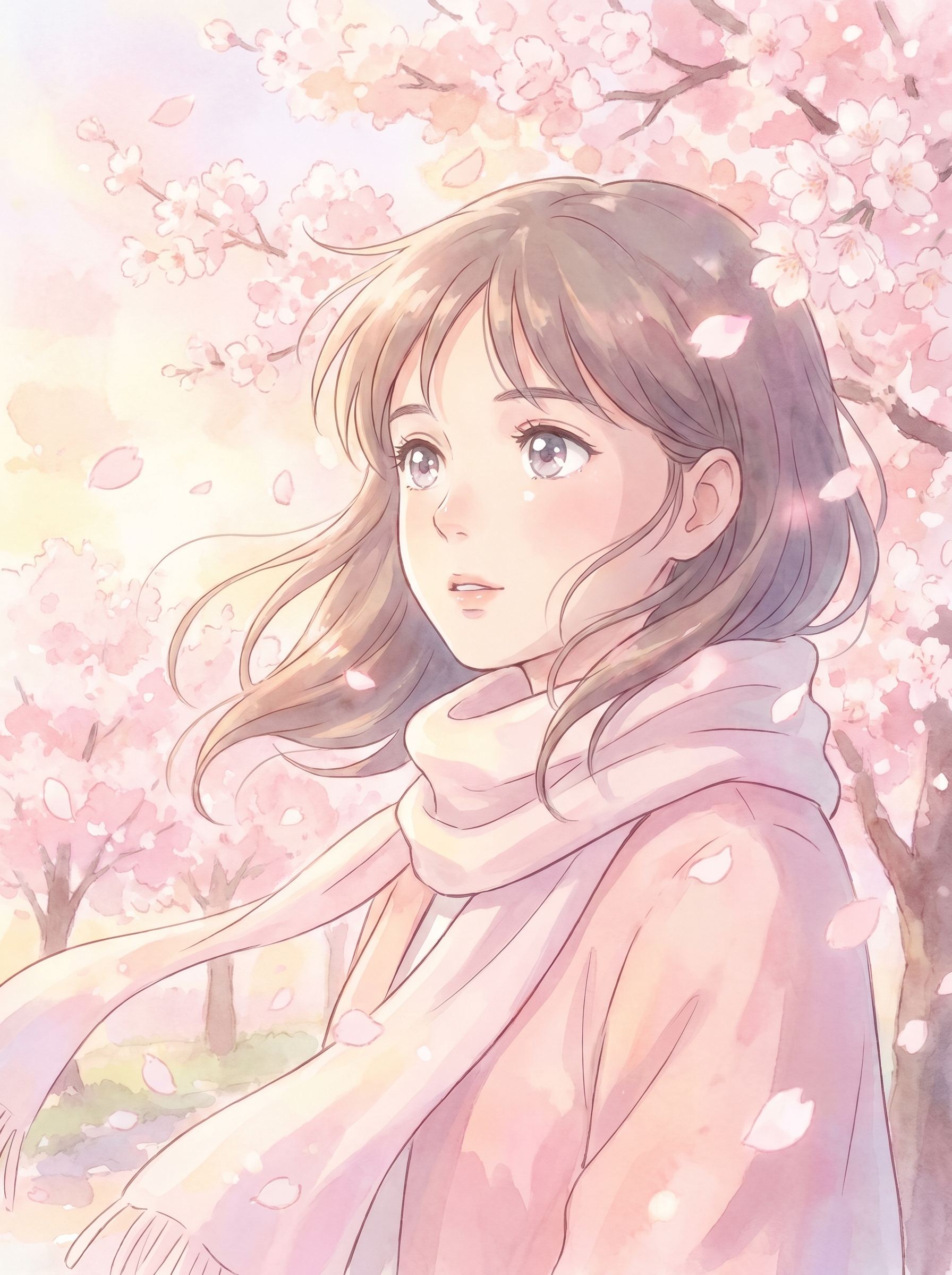
Preview — your generation appears here
What is Dreamy Anime?
The Dreamy Anime effect on PromptNerdyToMe transforms your everyday photos into soft, hand-drawn illustrations inspired by classic Japanese animation. It reimagines your subject with expressive, sparkling eyes set against a gentle background of pastel cherry blossoms and an ethereal, warm glow. This photo-to-image tool is designed to capture a nostalgic, whimsical aesthetic, turning simple portraits into artistic anime keepsakes.
Best for
- • Creating eye-catching profile pictures for Discord or Instagram
- • Designing unique cover art for YouTube Shorts or TikTok videos
- • Crafting stylized digital avatars for gaming and community forums
- • Sharing whimsical, anime-inspired portrait posts on Pinterest
How to use Dreamy Anime
Upload your photo
Select a clear, high-resolution portrait from your device to begin the transformation.
Apply the effect
Click the generate button to let the Dreamy Anime style process your image.
Preview the artwork
Review the generated anime portrait to see the soft glow and pastel details.
Download and share
Save your new digital illustration to your device or share it directly to your social feeds.