Ghost Photo
Tips for better results
Preview — your generation appears here
What is Ghost Photo?
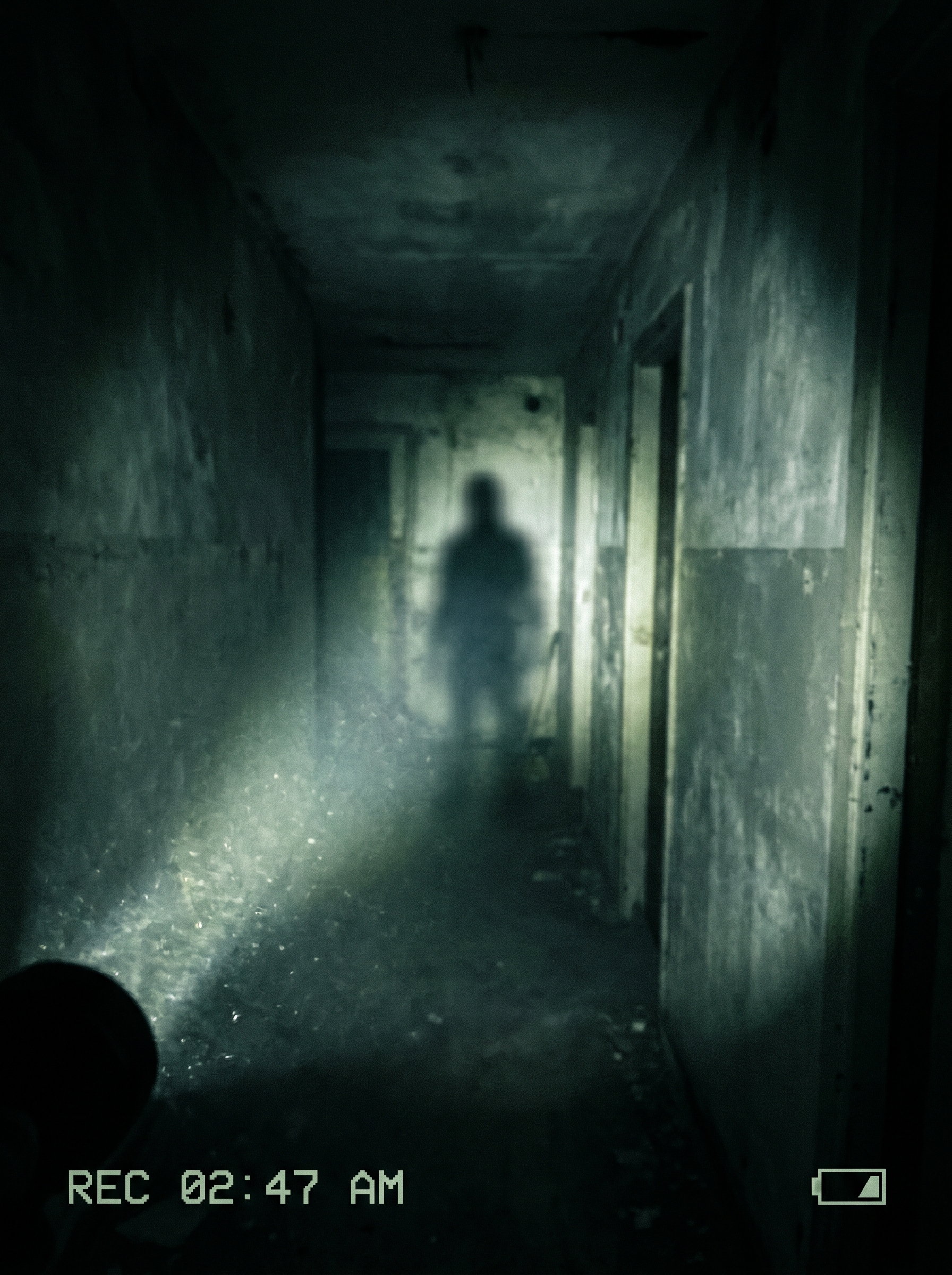
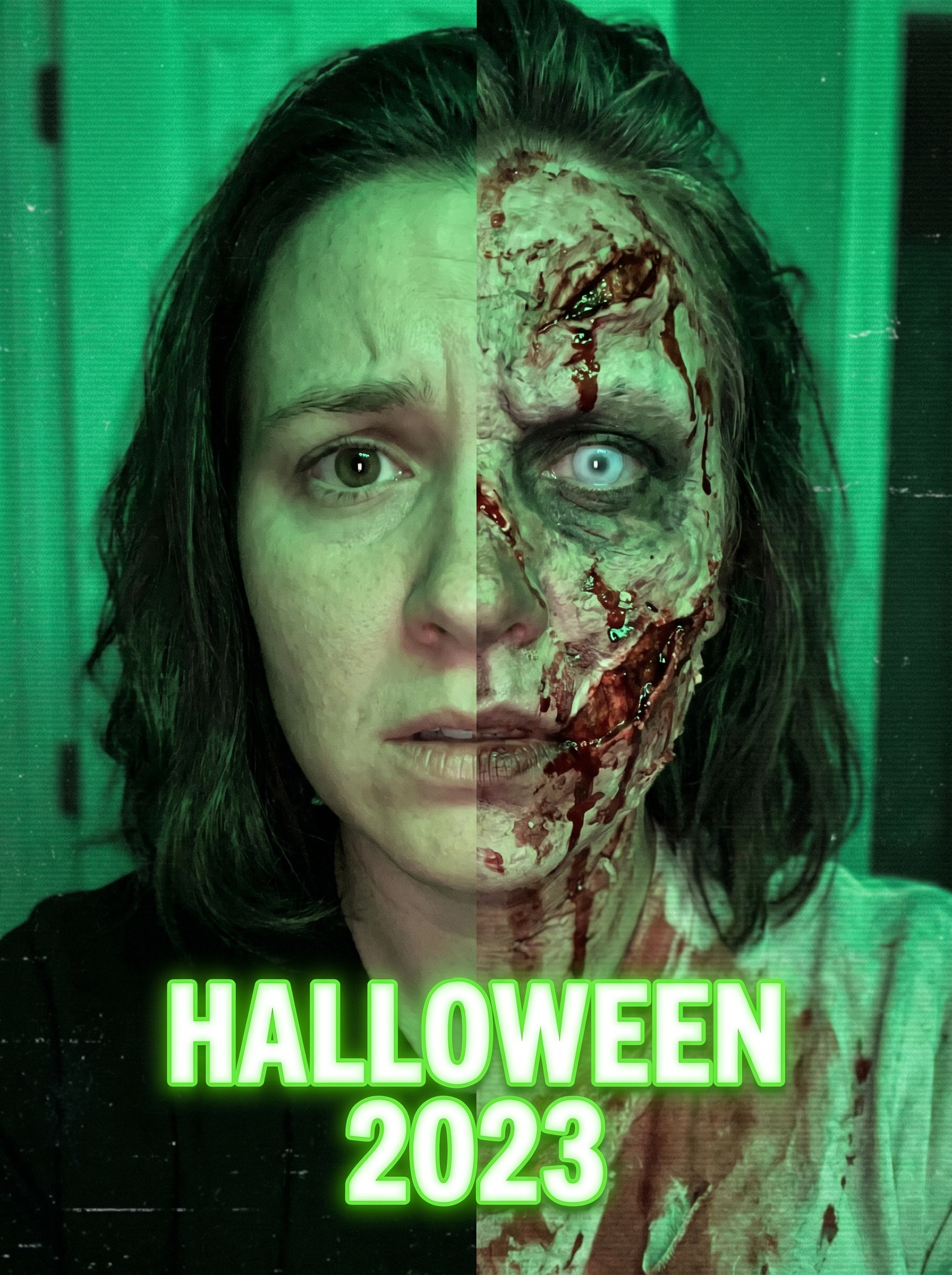
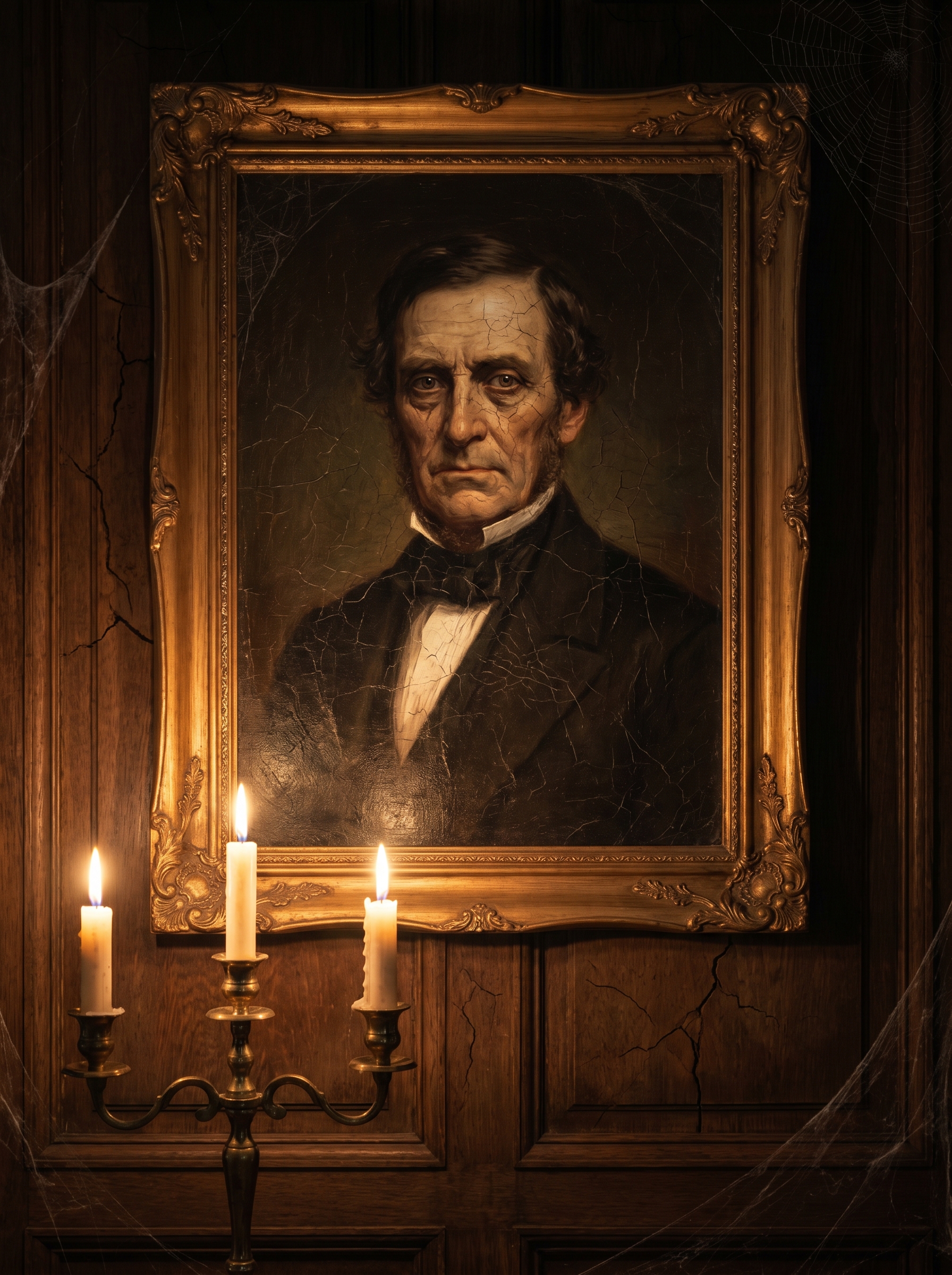
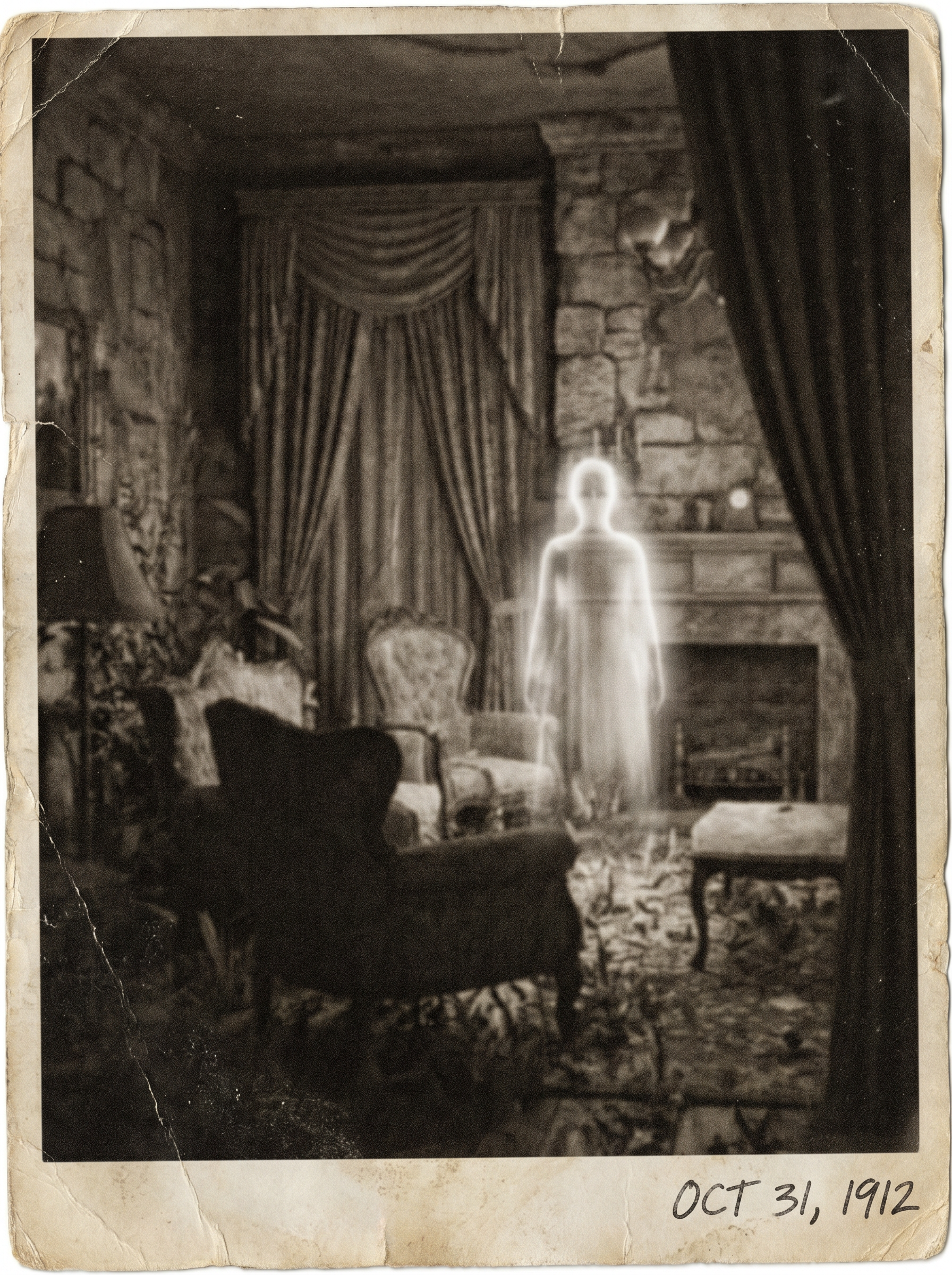
The Ghost Photo effect on PromptNerdyToMe transforms your standard portraits into chilling, paranormal-style images. By analyzing your uploaded image, the AI seamlessly integrates a faint, translucent spectral figure into the background while applying a vintage film grain. The final result captures the classic, eerie aesthetic of old-school ghost photography. It is an easy way to add a subtle, spooky atmosphere to your personal photos without complex editing software.
Best for
- • Creating eerie cover images for spooky story threads on Instagram
- • Generating eye-catching thumbnails for paranormal-themed YouTube Shorts
- • Sharing Halloween-themed profile pictures on Discord or Reddit
- • Crafting atmospheric background visuals for horror narration videos on TikTok
How to use Ghost Photo
Upload your photo
Select and upload a clear, high-resolution photo of yourself or your subject to begin the transformation.
Select the effect
Choose the Ghost Photo effect from our style library to apply the paranormal aesthetic.
Generate the image
Click the generate button and wait a few moments while the AI adds the vintage grain and spectral figure.
Download and share
Save your newly styled paranormal image to your device and share it directly to your favorite social platforms.