Zombie Transform
Tips for better results
Preview — your generation appears here
What is Zombie Transform?
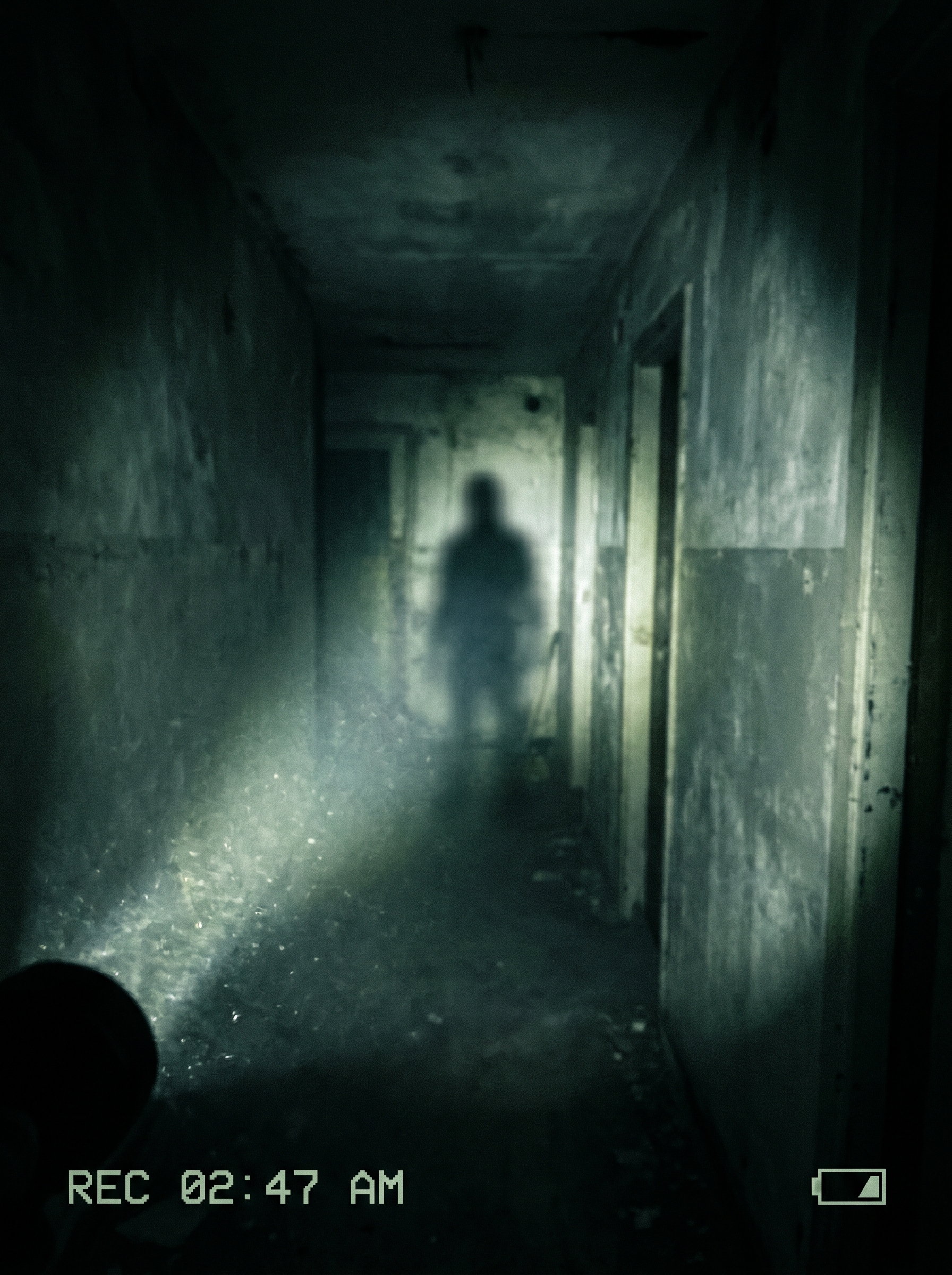
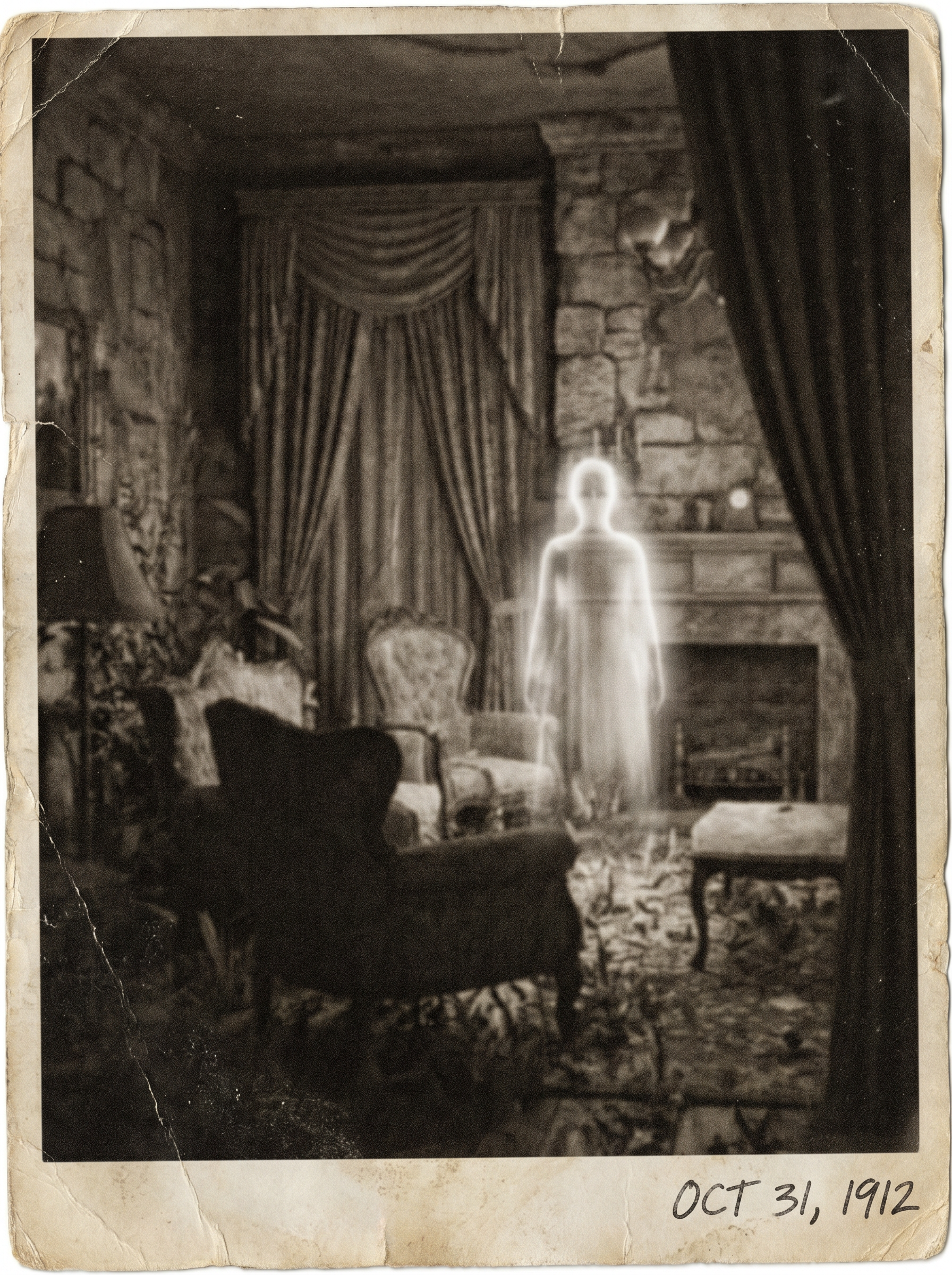
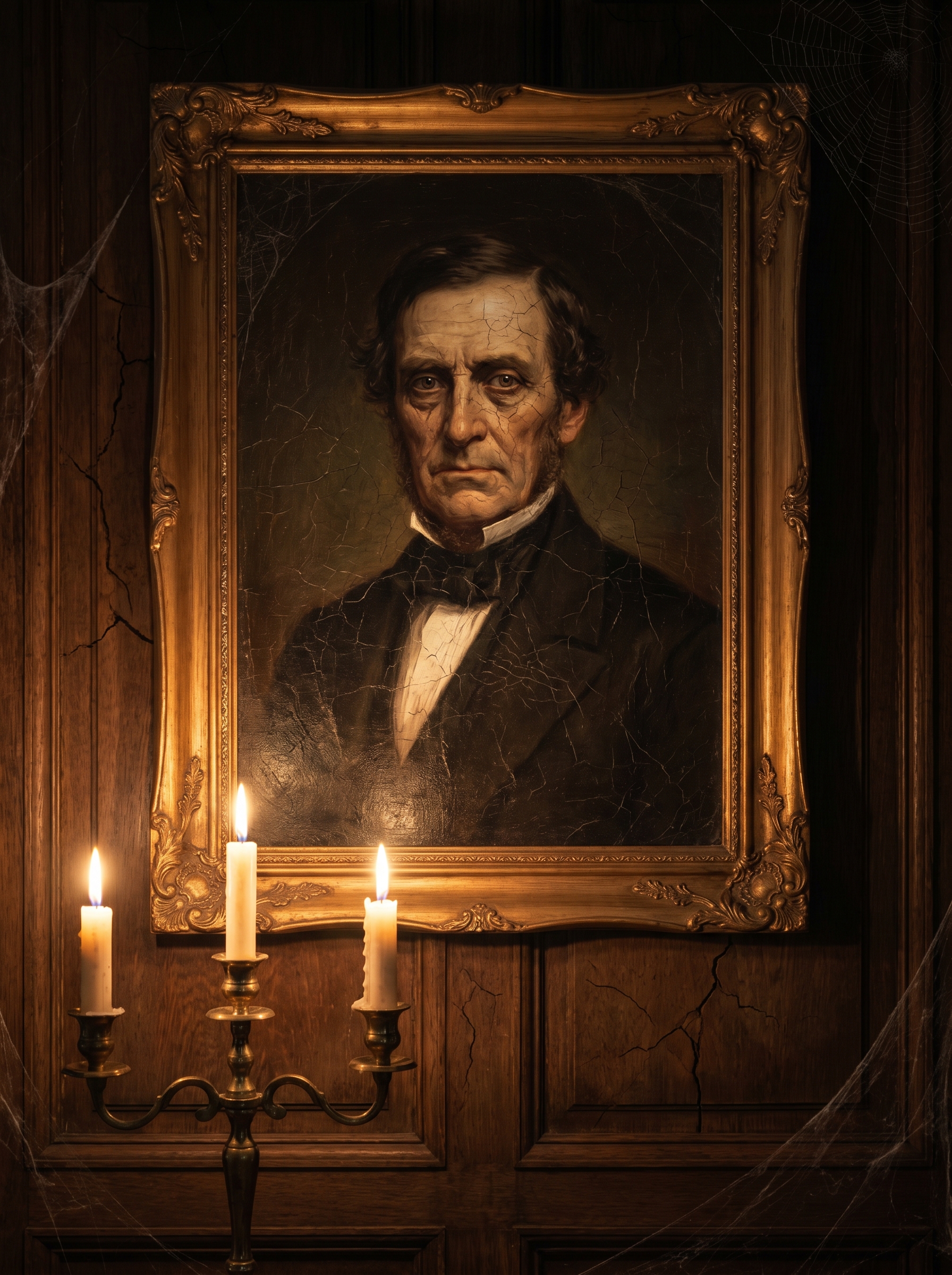
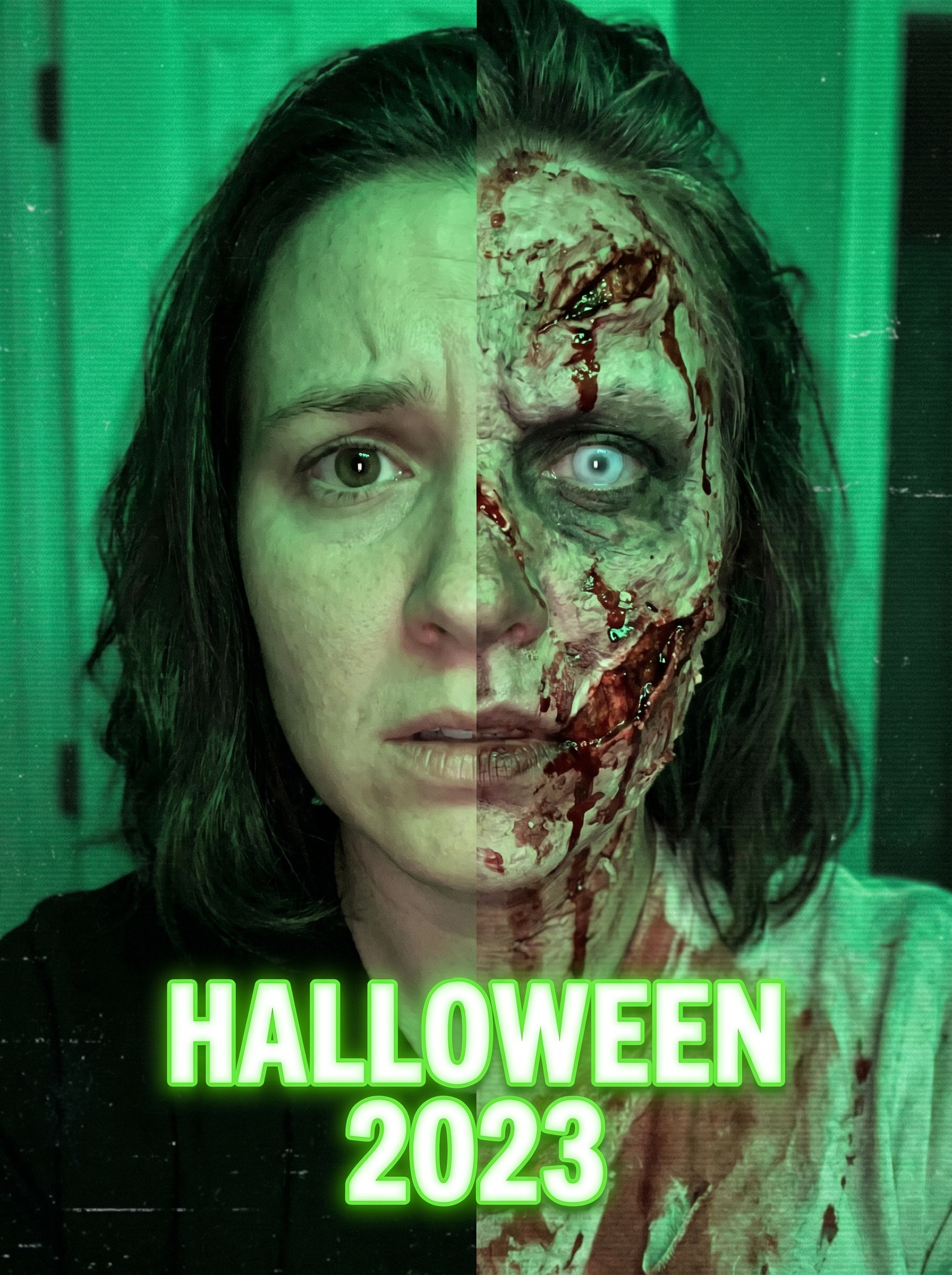
The Zombie Transform effect on PromptNerdyToMe allows you to convert any standard portrait into a spooky, undead masterpiece. By applying theatrical horror makeup styles and dramatic green-tinted lighting, this tool gives your photo a classic cinematic Halloween filter. The resulting image maintains your recognizable features while adding realistic decay, sunken eyes, and eerie atmospheric shadows. It is an easy way to prepare your social media profiles for the spooky season without the mess of real makeup.
Best for
- • Creating spooky profile pictures for Instagram during October
- • Generating eye-catching thumbnails for horror-themed YouTube Shorts
- • Sharing before-and-after transition posts on TikTok
- • Designing digital invitations for Halloween parties on Facebook
How to use Zombie Transform
Upload your photo
Select and upload a clear, well-lit portrait or selfie from your device.
Apply the effect
Click the generate button to let the AI apply the theatrical horror makeup and green lighting filters.
Preview the transformation
Review the generated undead image to ensure the details and lighting match your expectations.
Download and share
Save the final high-quality image to your device and share it across your social media channels.