Jump Scare
Tips for better results
Preview — your generation appears here
What is Jump Scare?
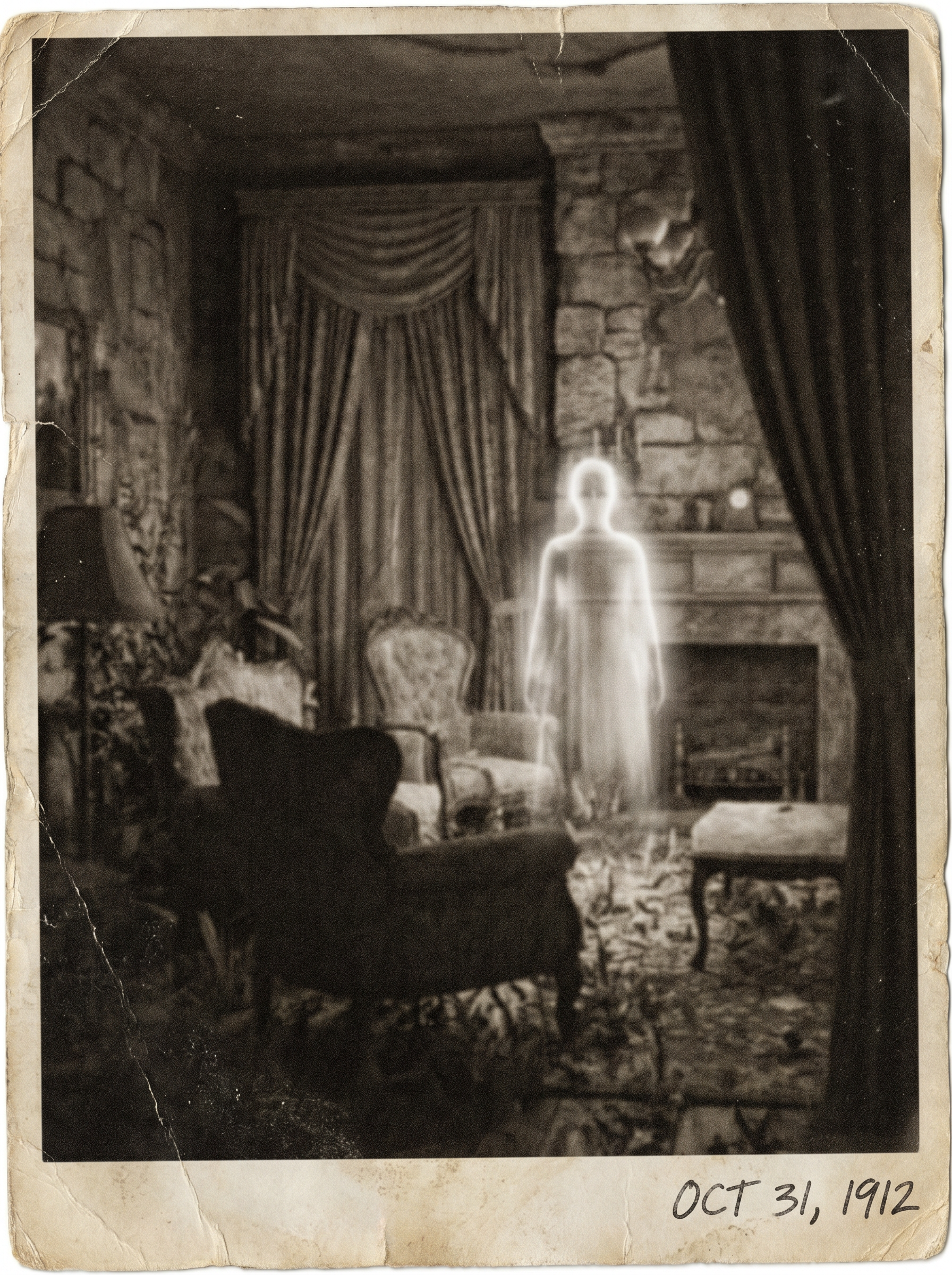
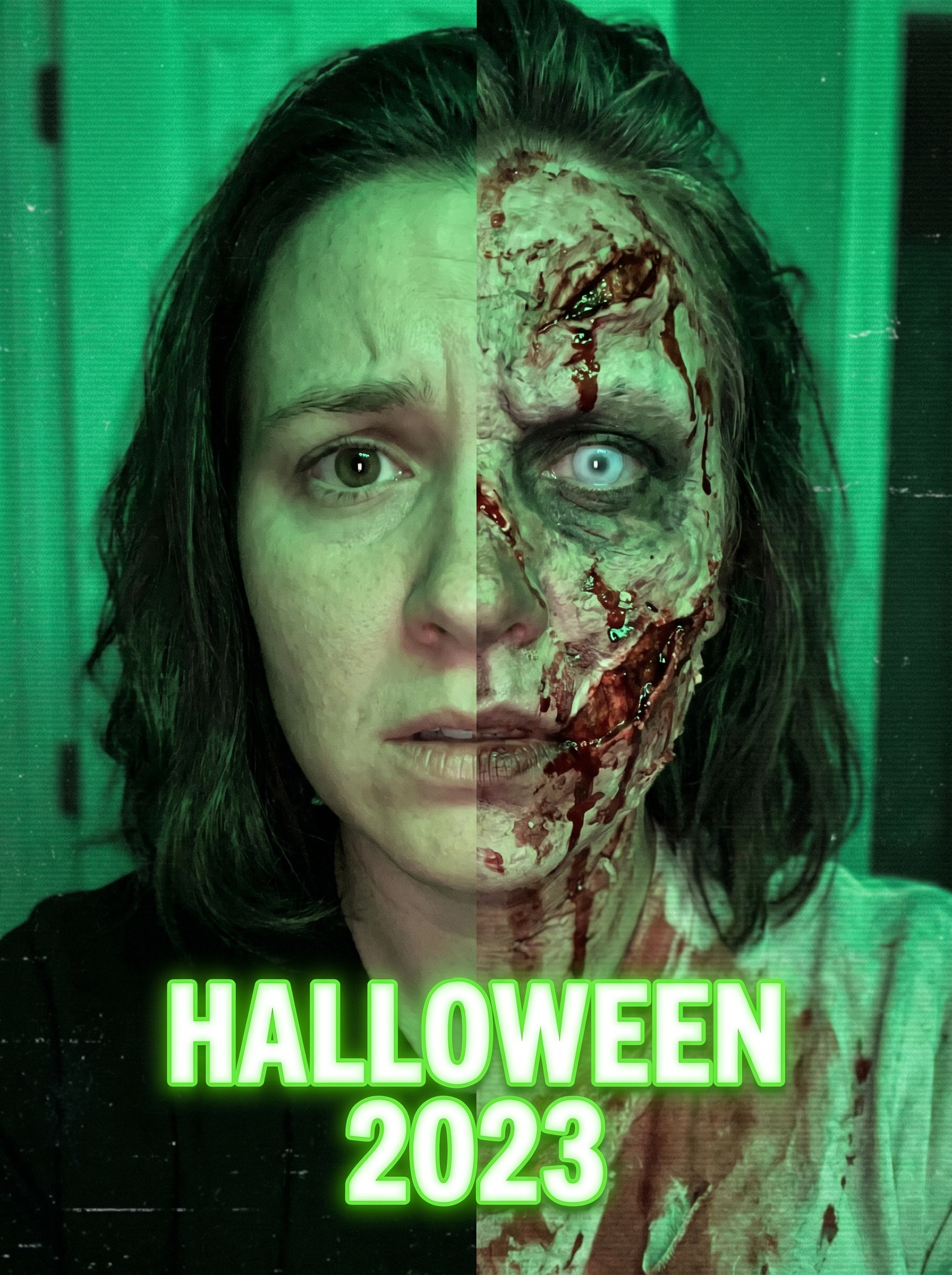
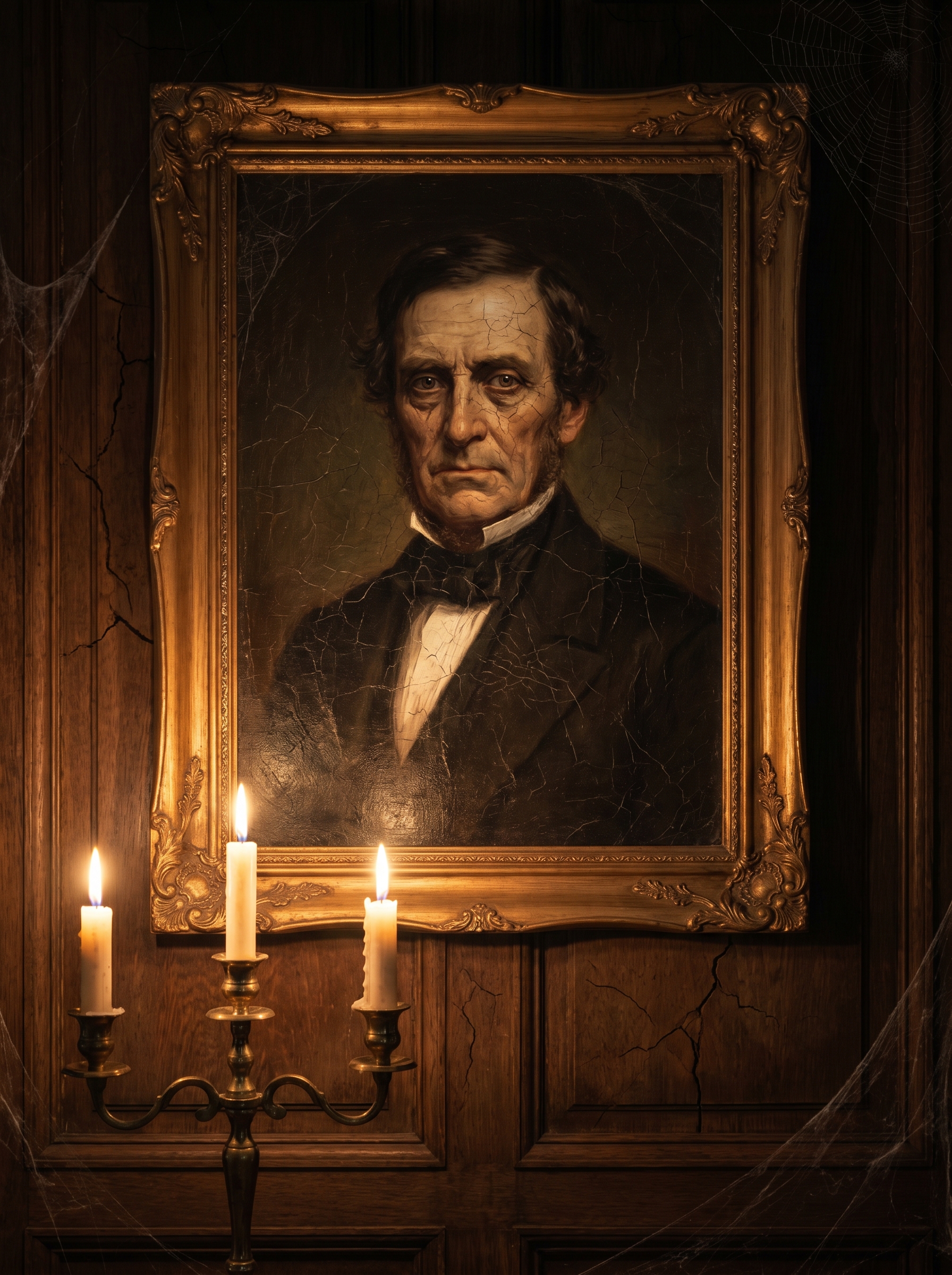
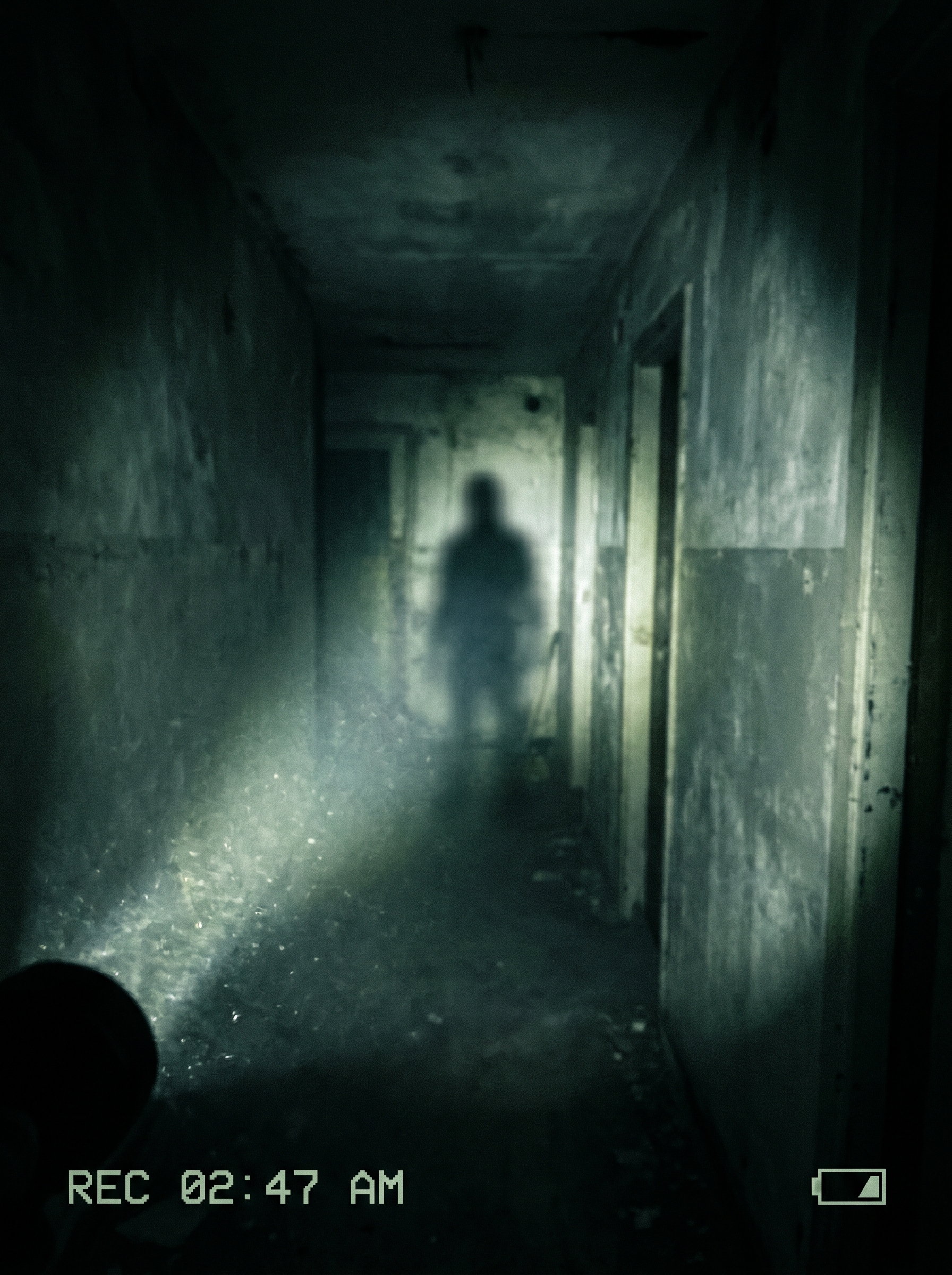
The "Jump Scare" effect on PromptNerdyToMe lets you generate suspenseful, short horror videos from a simple text prompt. It specializes in creating a gritty, found-footage aesthetic featuring dark hallways, dramatic flashlight beams, and sudden, shadowy figures. By translating your written descriptions into brief, tense video clips, it helps you build instant suspense for your creative projects.
Best for
- • Creating quick, suspenseful teasers for horror-themed TikTok videos
- • Adding sudden transition scares to spooky Instagram Reels
- • Generating atmospheric B-roll for YouTube Shorts mystery stories
- • Drafting visual concept clips for indie horror film pitches
How to use Jump Scare
Describe the scare
Type a brief description of your horror scene, focusing on the setting and the sudden element you want to appear.
Adjust settings
Select your preferred aspect ratio and duration to match the platform you plan to post on.
Generate the video
Click the generate button and wait a few moments while the AI renders your suspenseful horror clip.
Download and share
Save the finished video to your device and upload it directly to your favorite social media platforms.