Haunted Portrait
Tips for better results
Preview — your generation appears here
What is Haunted Portrait?
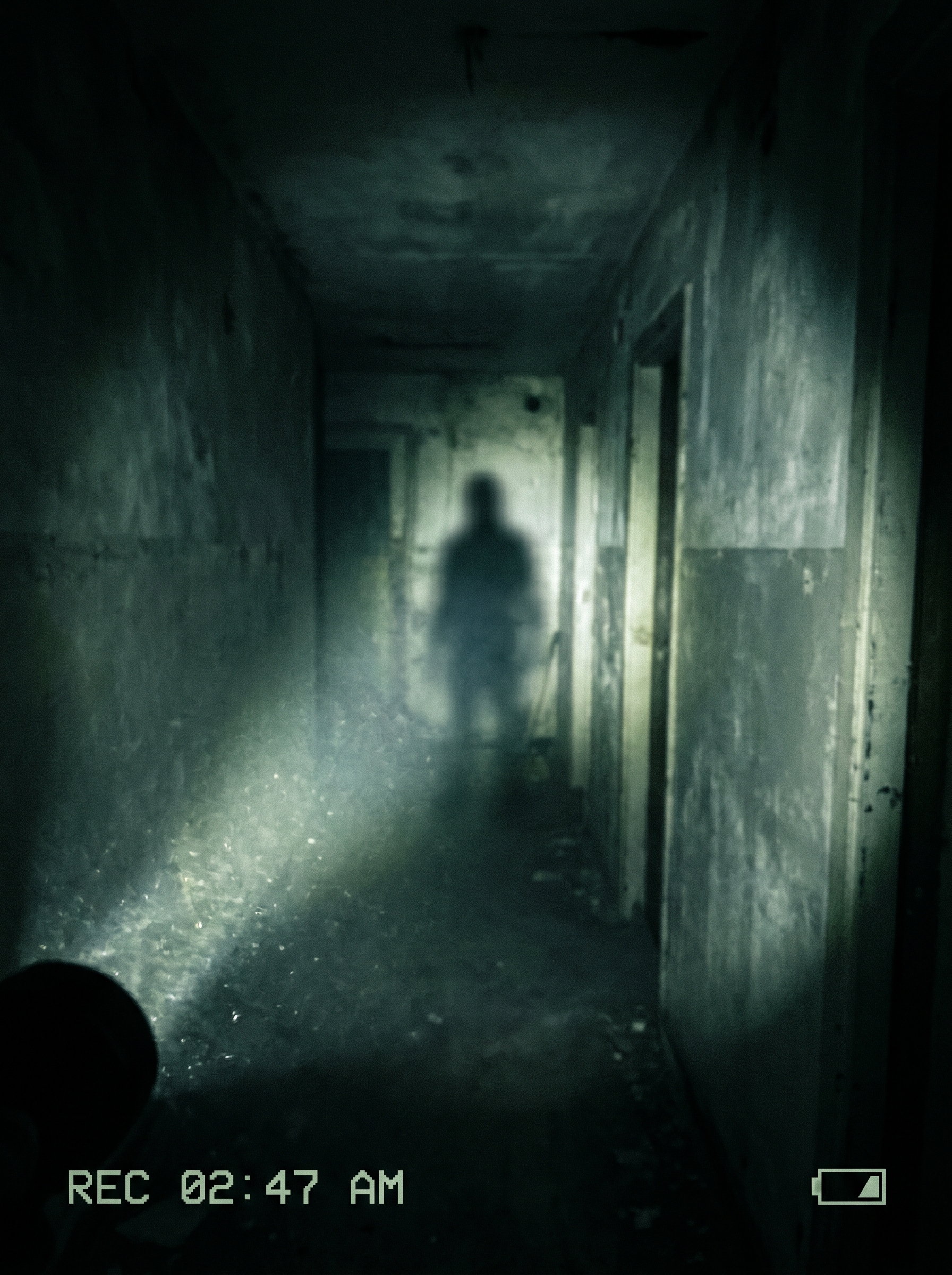
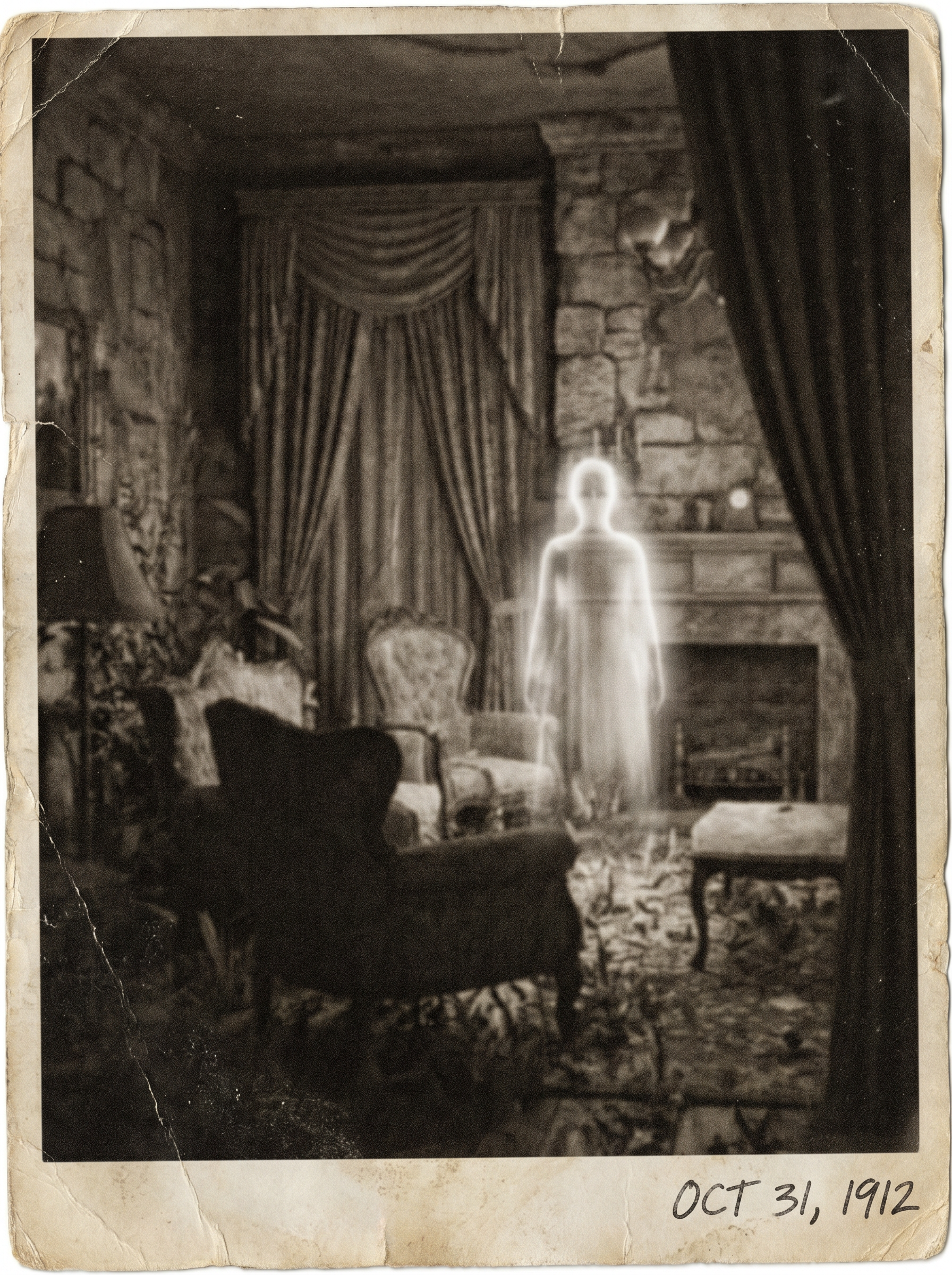
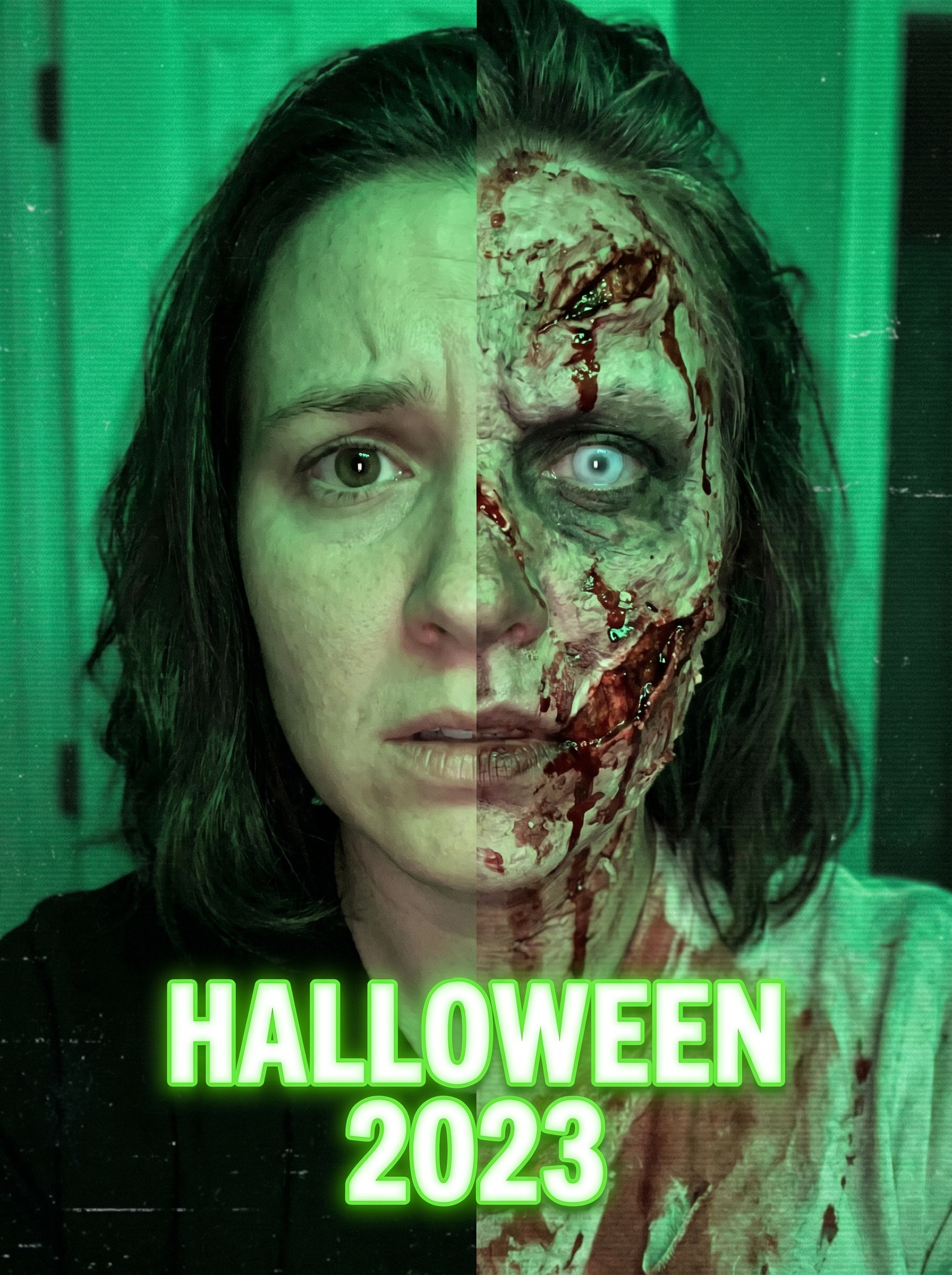
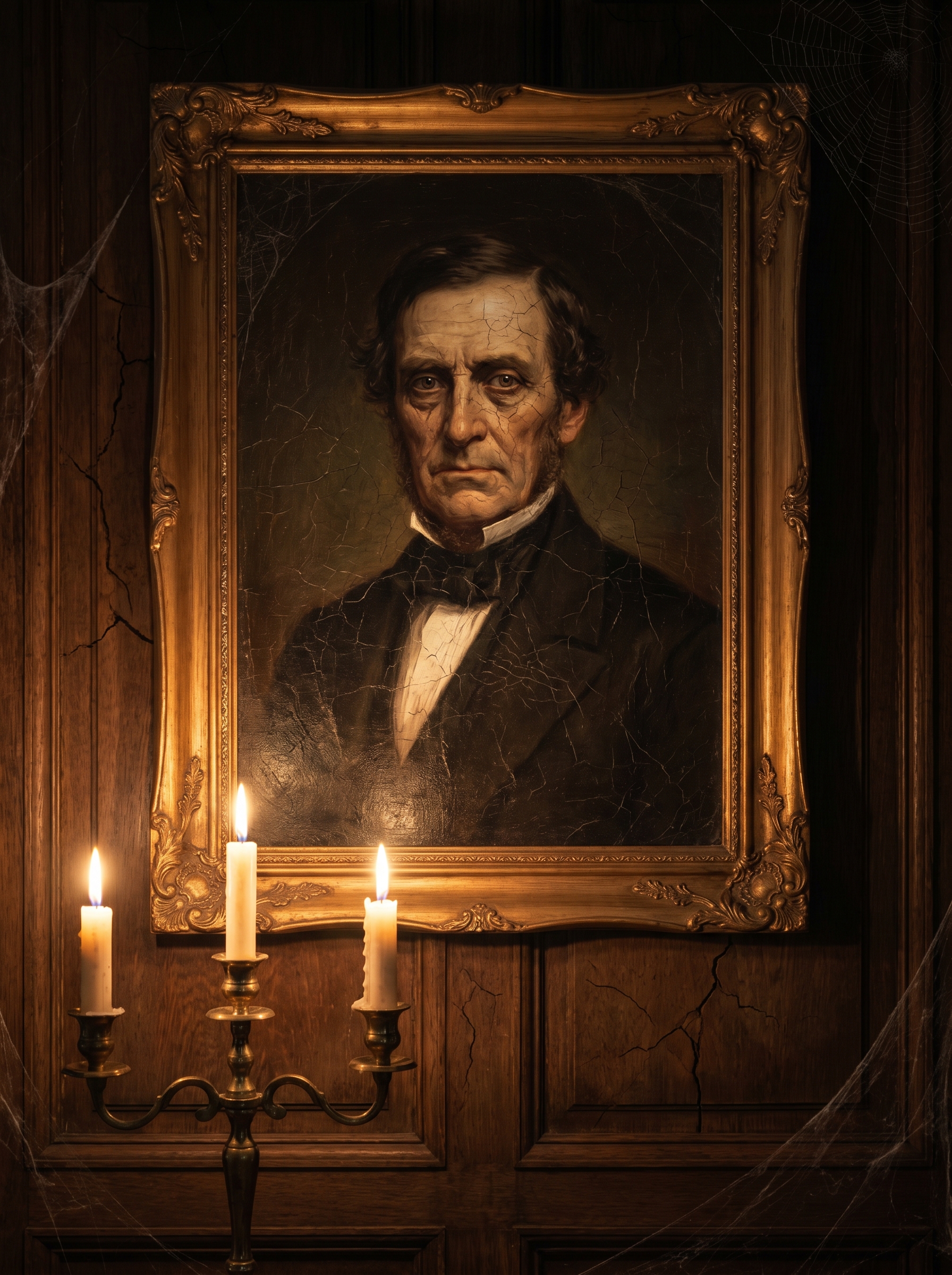
The Haunted Portrait effect on PromptNerdyToMe transforms your standard photos into eerie, Victorian-style oil paintings. It applies a gothic horror aesthetic, complete with cracked paint textures and the dim, atmospheric lighting of a candlelit mansion. The resulting image captures a haunting, antique look that feels both mysterious and classic. It is designed to give your modern portraits a chilling, historical depth.
Best for
- • Spooky profile pictures for Instagram during the autumn season
- • Eye-catching cover images for gothic-themed TikTok videos
- • Atmospheric community posts on YouTube to engage horror fans
- • Unique digital avatars for Discord or horror gaming forums
How to use Haunted Portrait
Upload your photo
Select a clear, well-lit portrait or selfie from your device to begin the transformation.
Adjust positioning
Crop or center your subject to ensure the face is the main focus of the Victorian frame.
Generate the portrait
Click the generate button to let the AI apply the cracked oil paint and gothic lighting effects.
Download and share
Save your new haunted masterpiece to your device or share it directly to your social feeds.