LinkedIn Headshot
Tips for better results

Preview — your generation appears here
What is LinkedIn Headshot?
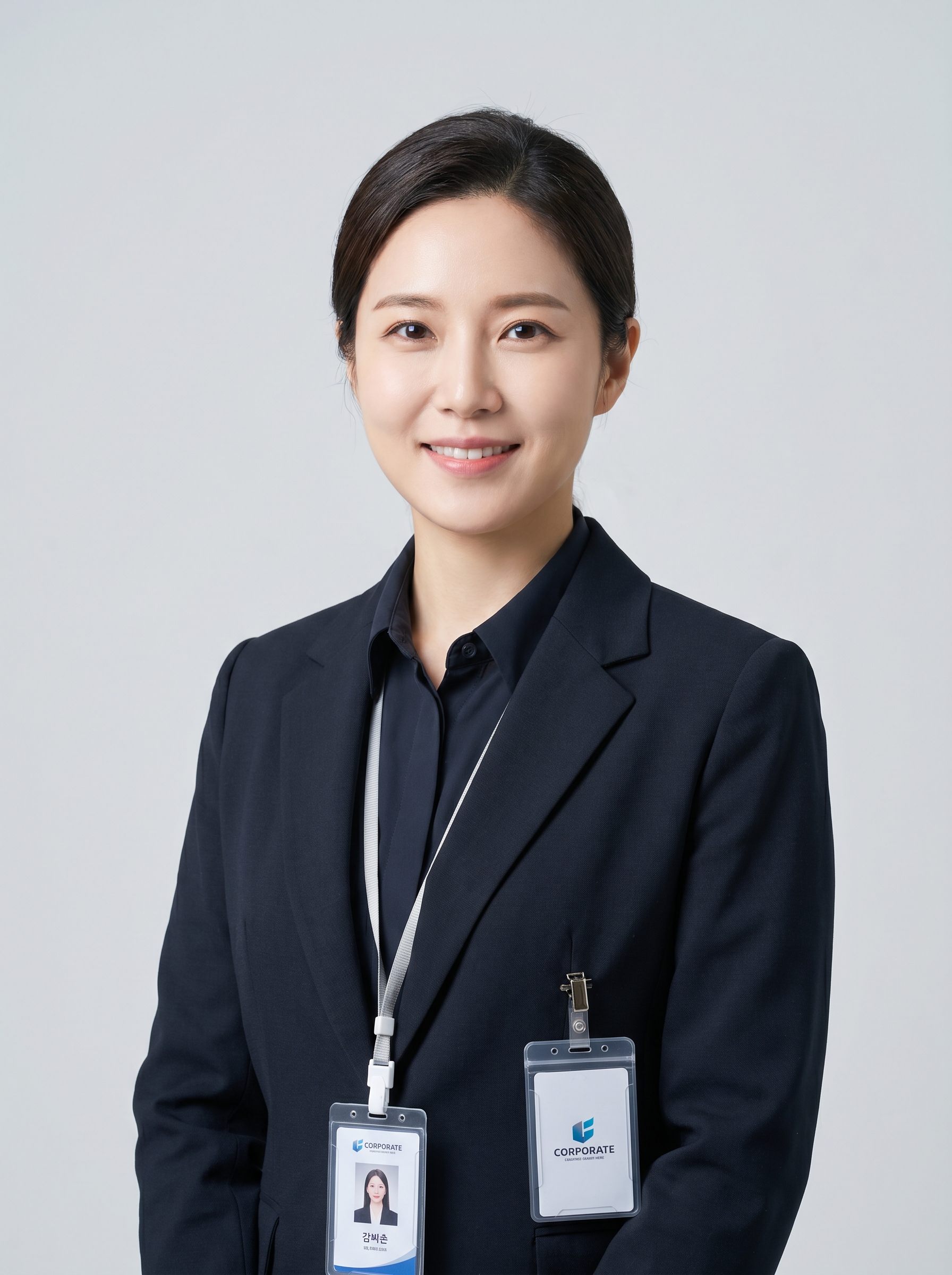
The LinkedIn Headshot effect on PromptNerdyToMe transforms your casual snapshots into polished, professional portraits suitable for corporate profiles. By analyzing your uploaded photo, the tool applies a tailored restyling that places you in a professional blazer against a softly blurred office background. The final image features warm, studio-quality lighting designed to project approachable confidence. It offers an efficient way to update your professional image without booking an expensive studio session.
Best for
- • Updating your professional profile picture on LinkedIn
- • Creating a polished avatar for corporate Slack or Microsoft Teams
- • Enhancing your bio photo for a company website or team directory
- • Establishing a clean, professional presence on Twitter/X or personal portfolios
How to use LinkedIn Headshot
Upload your photo
Select and upload a clear, well-lit photo of yourself where your facial features are easily visible.
Select the effect
Choose the LinkedIn Headshot effect from the style library to apply the professional styling.
Generate your portrait
Click the generate button to let the AI process your image, rendering a blazer and a soft office background.
Save and share
Review your new professional headshot, then download the high-resolution image to upload to your professional profiles.