Logo Mockup
Tips for better results
Preview — your generation appears here
What is Logo Mockup?
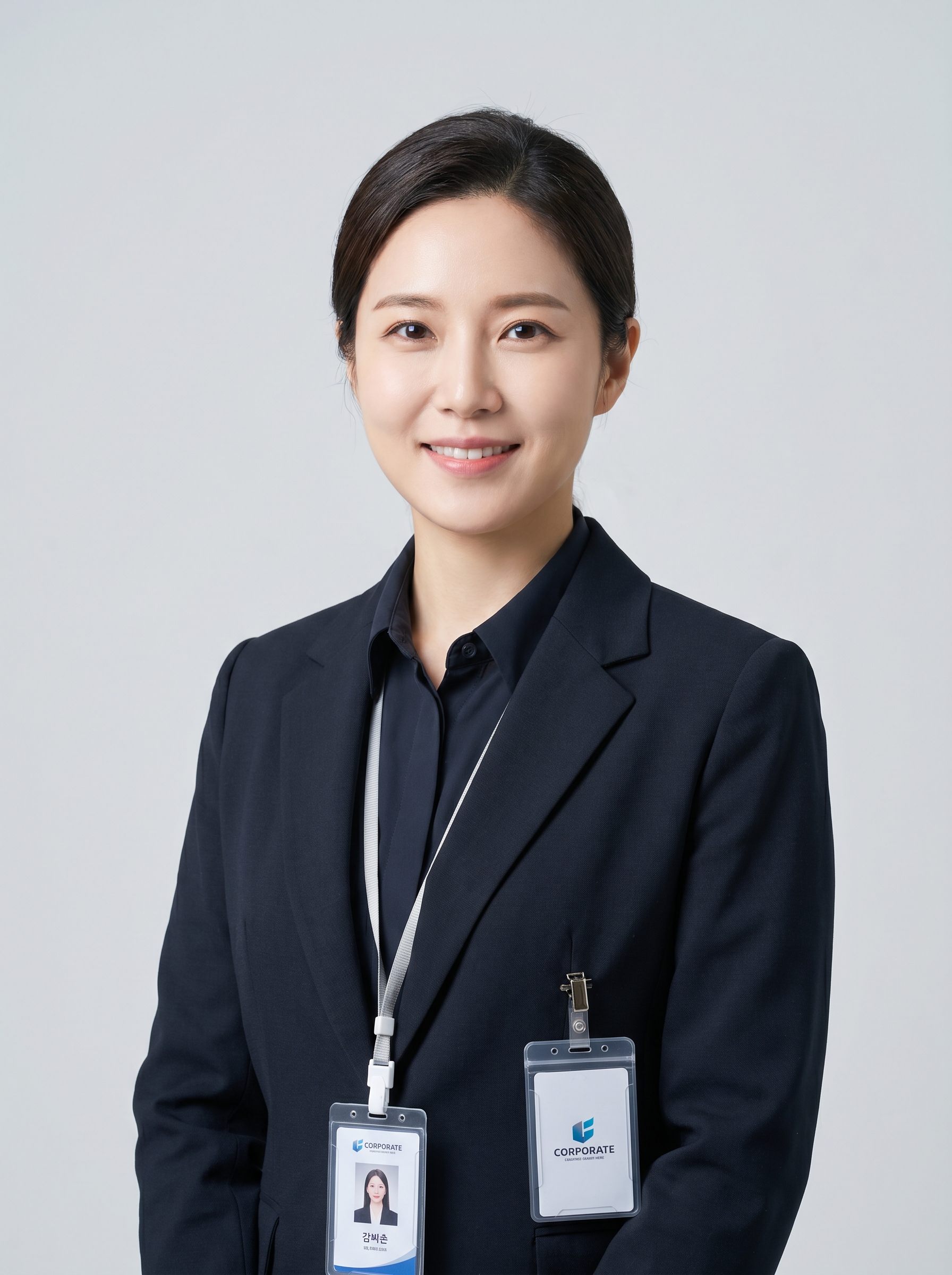
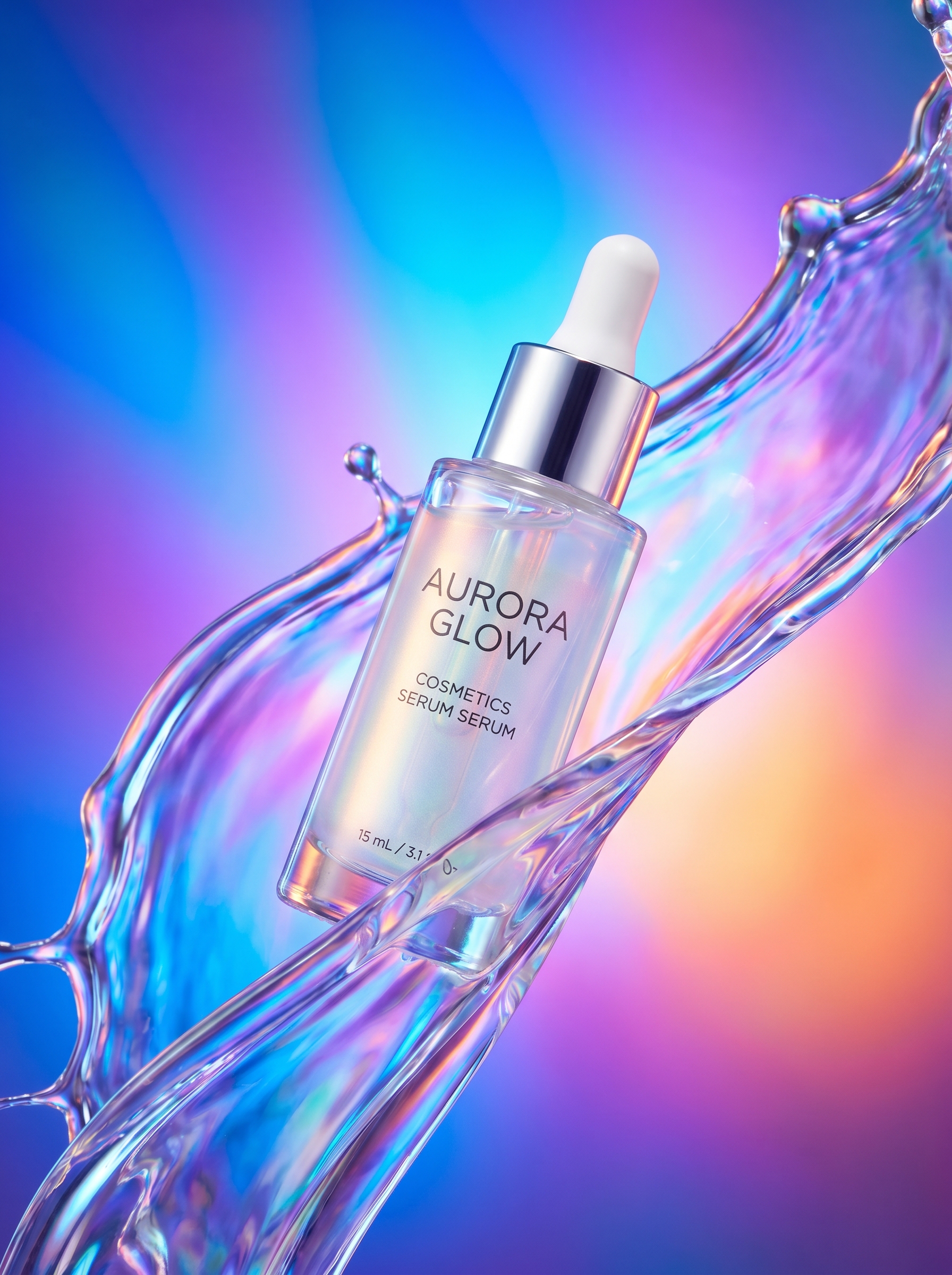
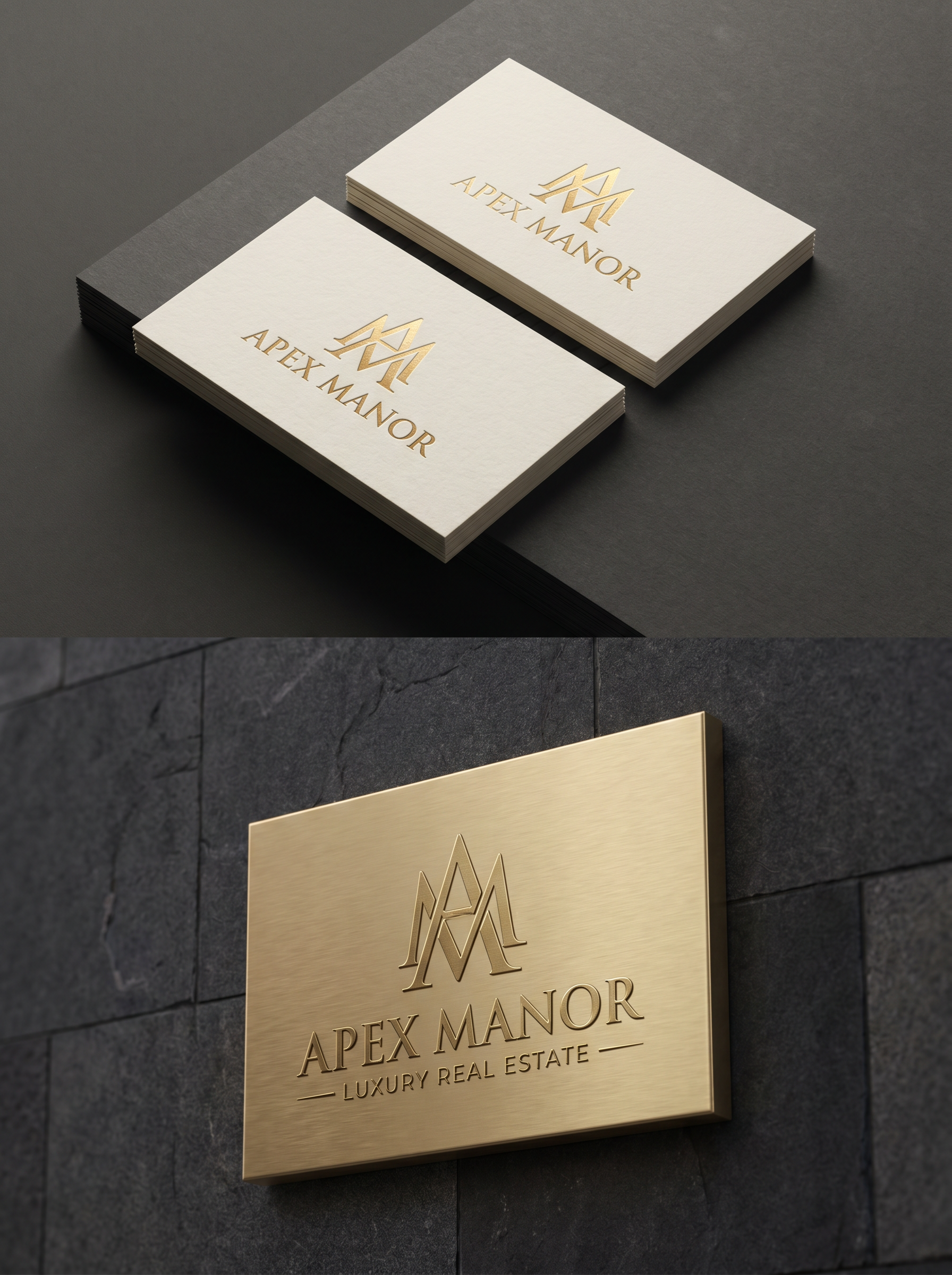
The Logo Mockup effect on PromptNerdyToMe allows you to visualize your brand assets in professional, real-world settings. By transforming your uploaded design, this tool generates high-quality images of your branding on embossed business cards, premium storefront signage, and studio product setups. It provides a realistic preview of how your designs look in physical environments without the need for expensive photoshoots. This helps designers and business owners quickly iterate on branding concepts.
Best for
- • Creating aesthetic brand reveal videos for Instagram Reels
- • Showcasing behind-the-scenes design processes on TikTok
- • Generating high-quality community post graphics for YouTube Shorts channels
- • Designing professional portfolio imagery for LinkedIn and Pinterest
How to use Logo Mockup
Upload your logo
Select and upload a clear, high-resolution image of your logo or brand mark from your device.
Select style preferences
Choose the specific mockup environments, such as storefront signage or embossed business cards, to apply to your design.
Generate the mockup
Click the generate button to let the AI render your logo onto the selected premium physical assets.
Download and share
Save your newly generated high-quality mockup image to your device or share it directly with your clients and team.