Short Video Ad
Tips for better results
Preview — your generation appears here
What is Short Video Ad?
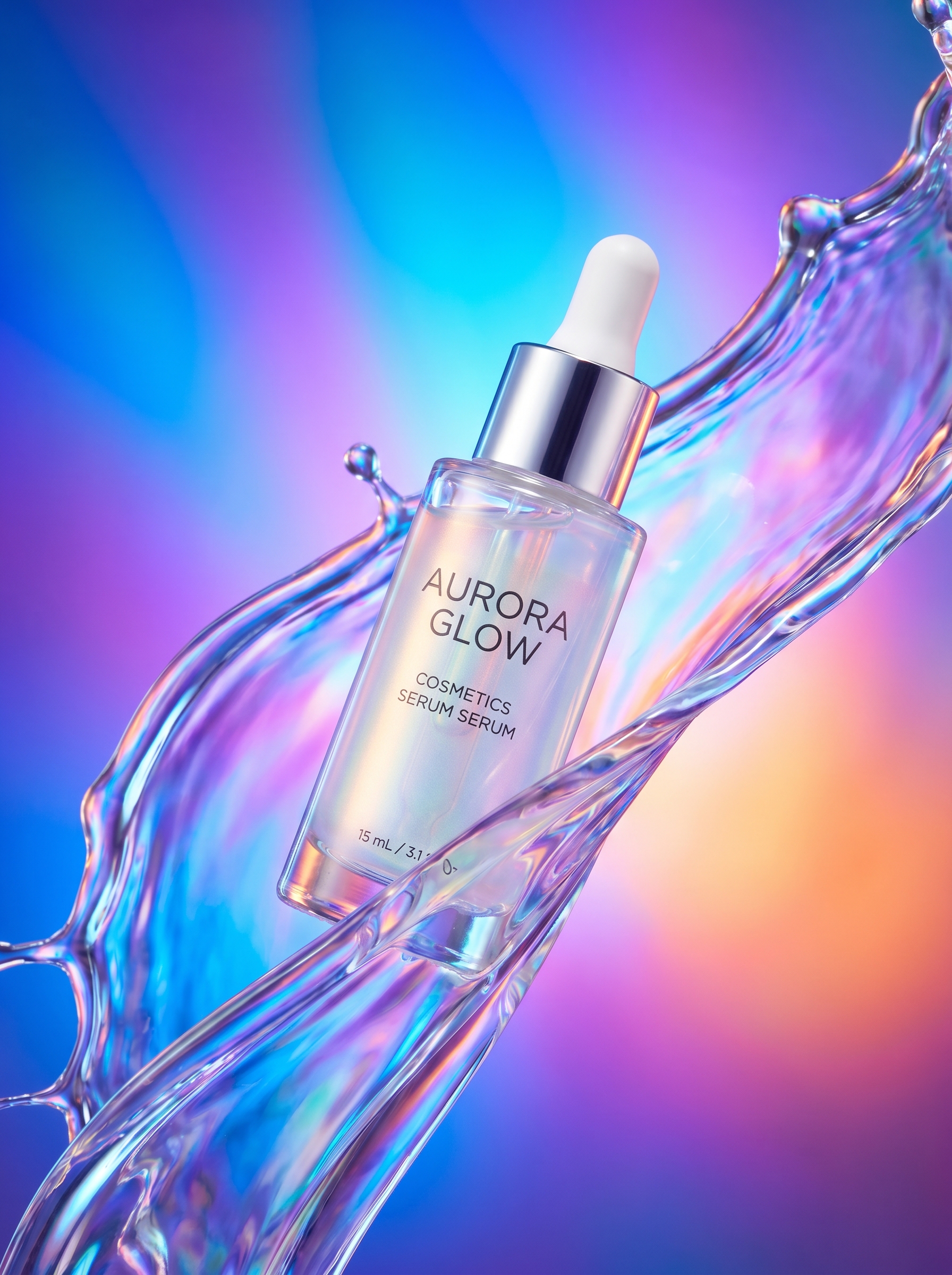
The Short Video Ad effect on PromptNerdyToMe helps you generate high-energy promotional clips for your products using only a text description. By translating your written input into a dynamic hero video, this tool automatically applies commercial studio lighting, vibrant gradient backdrops, and splash effects to make your item stand out. You receive a short, high-quality video file ready to be used in your digital marketing campaigns without needing any video editing experience.
Best for
- • Creating eye-catching product showcases for TikTok feeds
- • Generating quick, high-energy promotional clips for Instagram Reels
- • Producing brief, engaging video teasers for YouTube Shorts
- • Designing dynamic visual assets for e-commerce storefronts and social ads
How to use Short Video Ad
Describe your product
Type a detailed description of the item you want to feature in the text input box, noting its key visual features.
Select style options
Choose your preferred color palette or motion style to align the video with your brand identity.
Generate the video
Click the generate button and wait a few moments while the AI renders your high-energy product clip.
Download and share
Save the final video file directly to your device and upload it to your preferred social media or marketing channels.