Bald Filter
Tips for better results
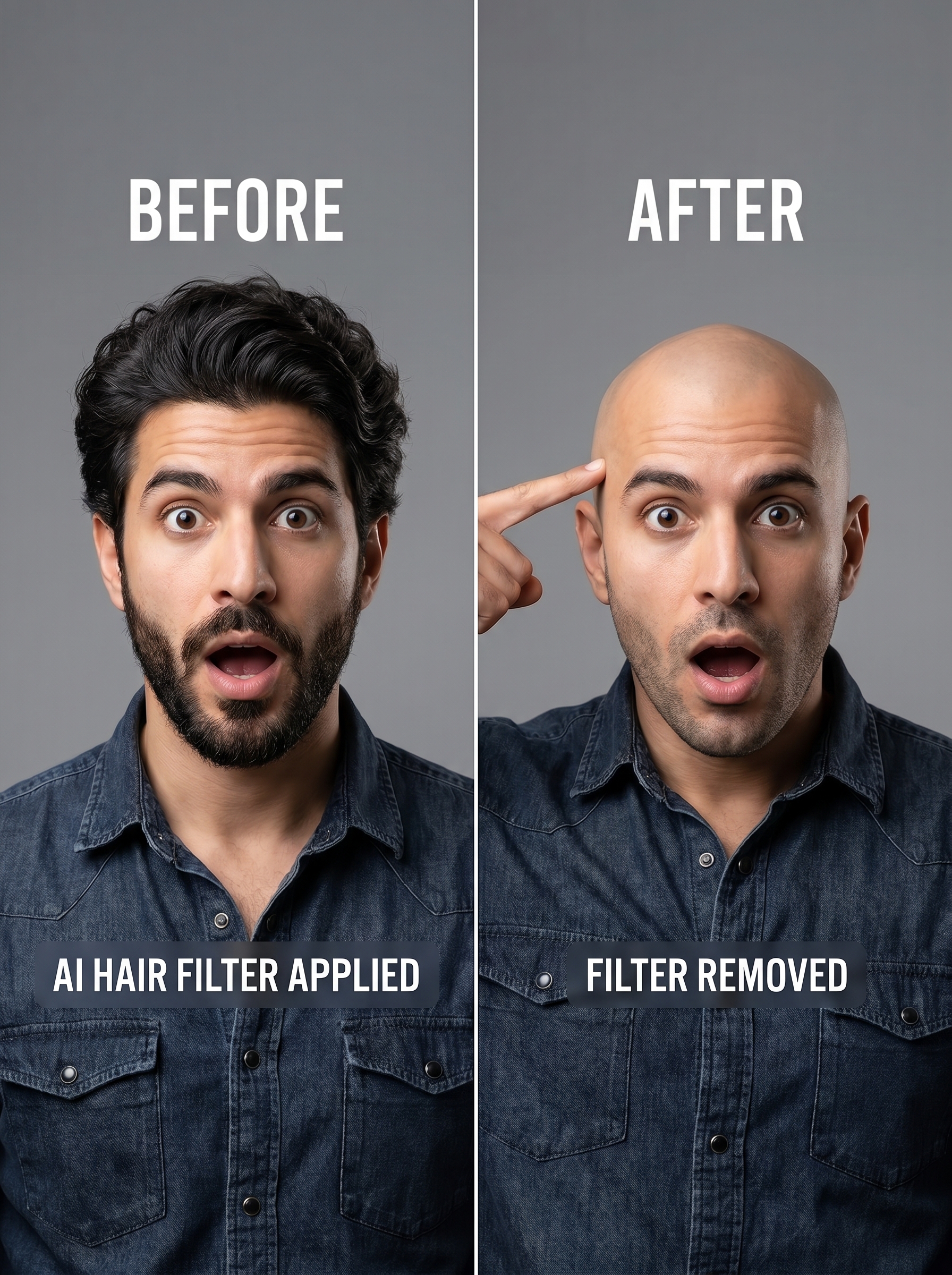
Preview — your generation appears here
What is Bald Filter?
The Bald Filter on PromptNerdyToMe lets you preview a realistic, hairless version of yourself or any subject. By analyzing your facial structure, this AI-powered effect removes hair while preserving your original features under professional studio lighting. The resulting high-quality portrait offers a clean, realistic look that is ideal for sharing or satisfying your curiosity about a clean-shaven style.
Best for
- • Creating humorous transformation posts for TikTok
- • Sharing a surprising 'new look' update on Instagram Reels
- • Generating funny reaction content for YouTube Shorts
- • Testing a clean-shaven head look before committing to a real-life haircut
How to use Bald Filter
Upload your photo
Select and upload a clear, high-resolution portrait of yourself or your subject.
Adjust the framing
Crop or center the photo to ensure your face and hair are fully visible in the frame.
Generate the effect
Click the generate button to let the AI process the image and apply the realistic bald style.
Save and share
Download your new bald portrait to your device or share it directly to your social feeds.