Tattoo Sleeve
Tips for better results
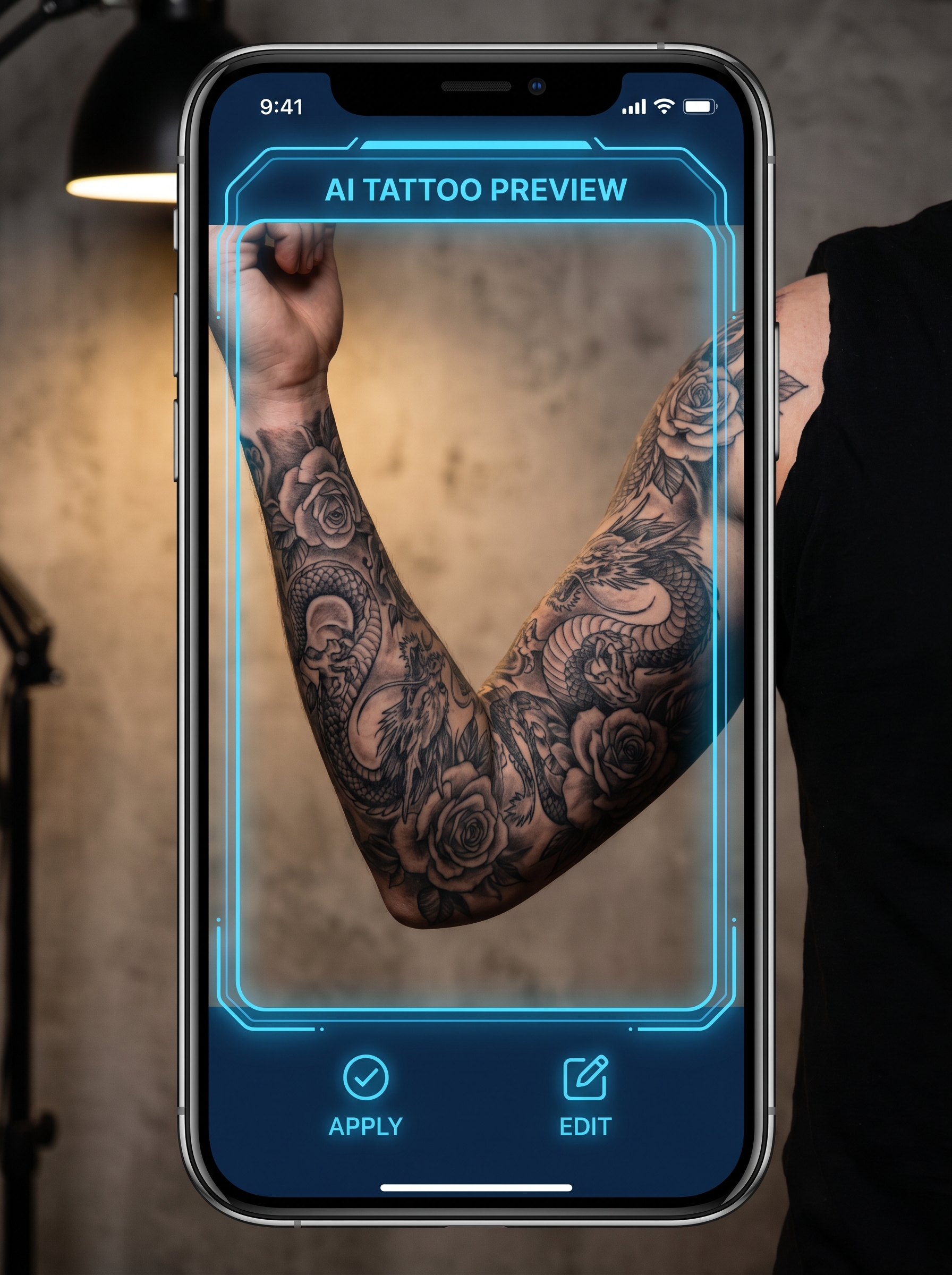
Preview — your generation appears here
What is Tattoo Sleeve?
The Tattoo Sleeve effect on PromptNerdyToMe allows you to visualize a detailed, full-arm tattoo design without any permanent ink. By analyzing your uploaded photo, the AI overlays an intricate pattern of dragons and roses directly onto your arm with realistic studio lighting. The resulting image provides a high-fidelity preview of how a professional tattoo sleeve would look on your skin. It is an easy way to test out a bold new aesthetic or share a realistic concept with your friends.
Best for
- • Sharing a realistic 'new ink' reveal photo on your Instagram Feed
- • Creating a before-and-after transition image for a TikTok video
- • Testing out tattoo placement ideas before visiting a studio
- • Generating eye-catching thumbnail images for YouTube Shorts
How to use Tattoo Sleeve
Upload your photo
Select and upload a clear, well-lit photo of your bare arm using the 'Upload a photo of your arm' button.
Position the preview
Ensure your arm is centered in the frame so the AI can accurately detect your skin and apply the design.
Generate the design
Click the generate button to let the AI render the detailed dragon and rose sleeve onto your arm.
Save and share
Download your newly styled image to your device or share it directly to your social media profiles.