Mugshot
Tips for better results
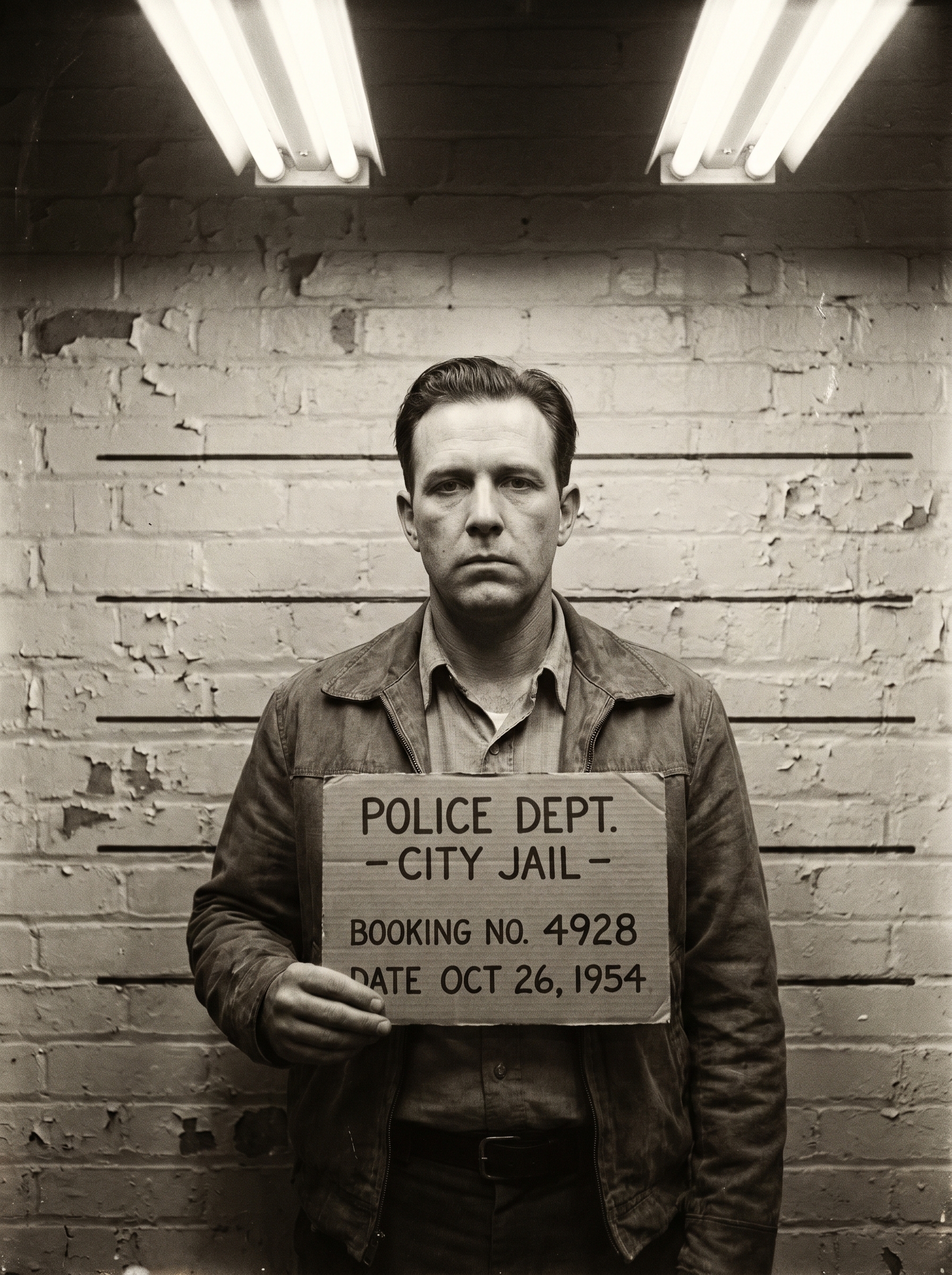
Preview — your generation appears here
What is Mugshot?
The Mugshot effect on PromptNerdyToMe transforms your standard portrait into a vintage police booking photograph. It restyles your uploaded image to feature a classic height chart background, harsh fluorescent lighting, and authentic film grain. The final output captures a deadpan expression, complete with a placard, giving your photo a retro, cinematic crime-drama aesthetic.
Best for
- • Creating eye-catching profile pictures for Discord or Twitter
- • Visual assets for true-crime themed TikTok videos
- • Humorous story posts on Instagram Reels to engage followers
- • Thumbnail images for YouTube Shorts discussing mysteries or gaming
How to use Mugshot
Upload your photo
Select and upload a clear, front-facing portrait of yourself or your subject to begin the process.
Adjust positioning
Crop or center your image to ensure your head and shoulders are framed correctly for the height chart background.
Generate the effect
Click the generate button to apply the vintage Mugshot style and lighting to your photo.
Download and share
Save your finished retro mugshot image to your device or share it directly to your social feeds.