Couple Photo
Tips for better results
Preview — your generation appears here
What is Couple Photo?
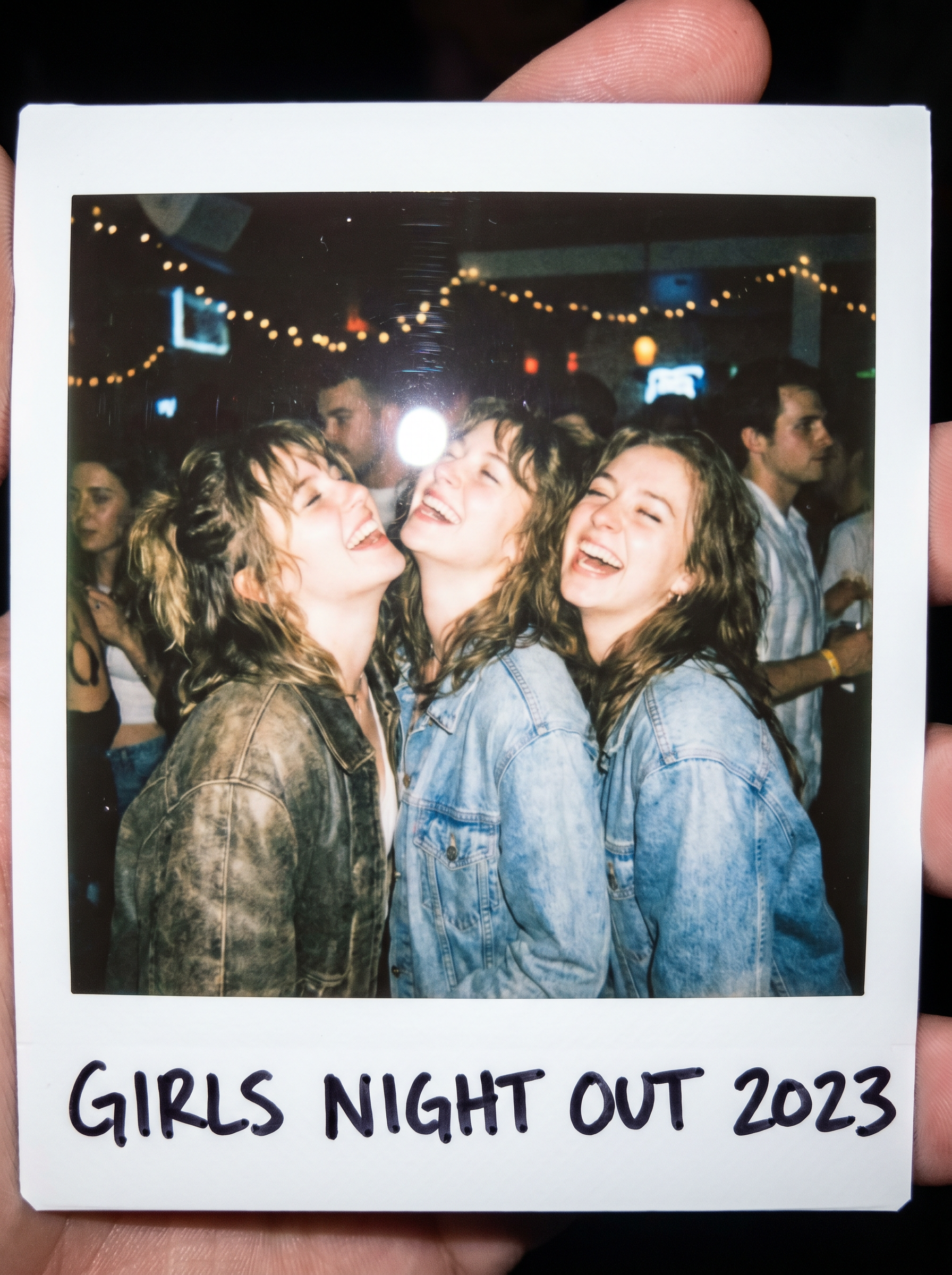
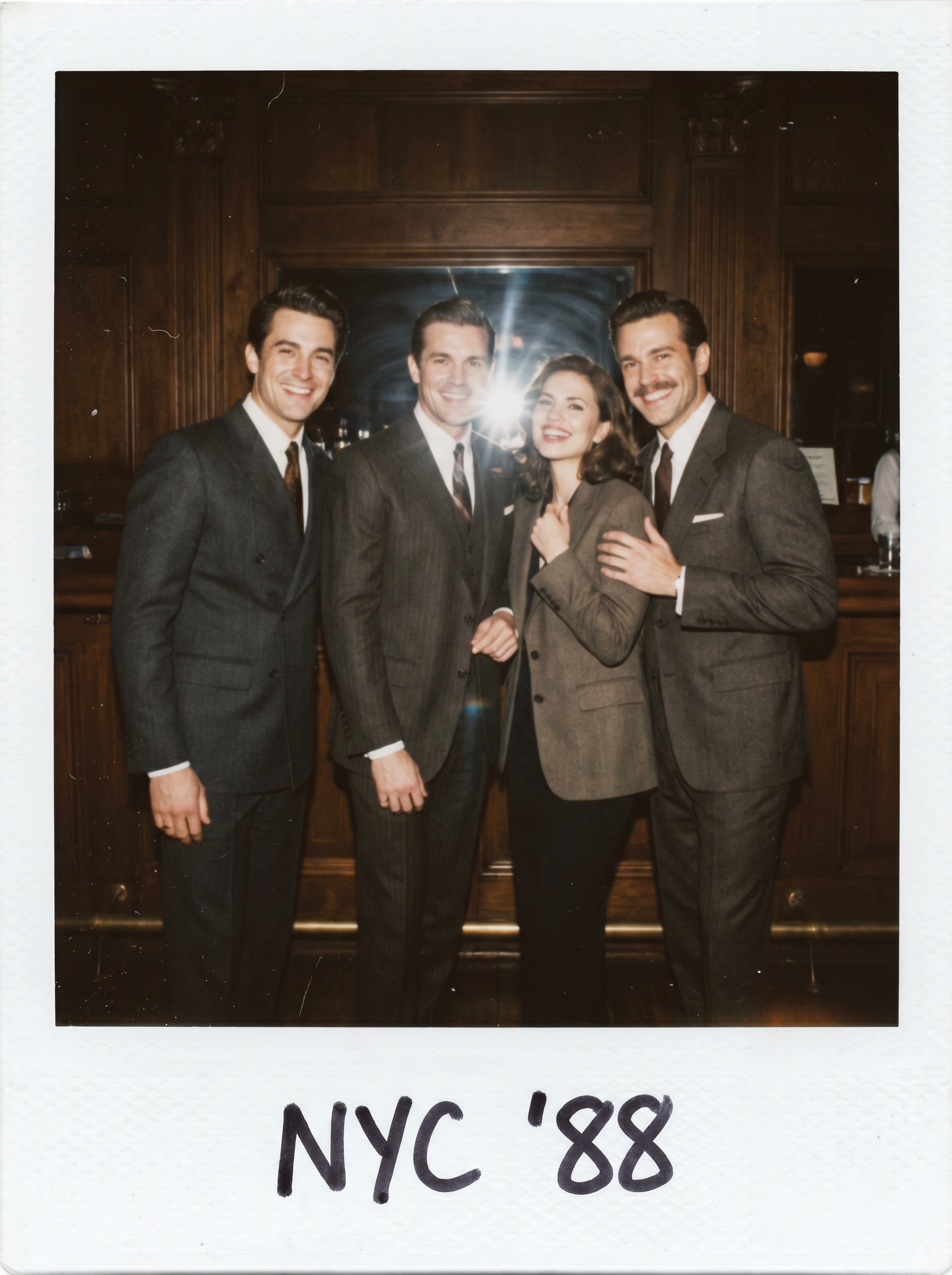
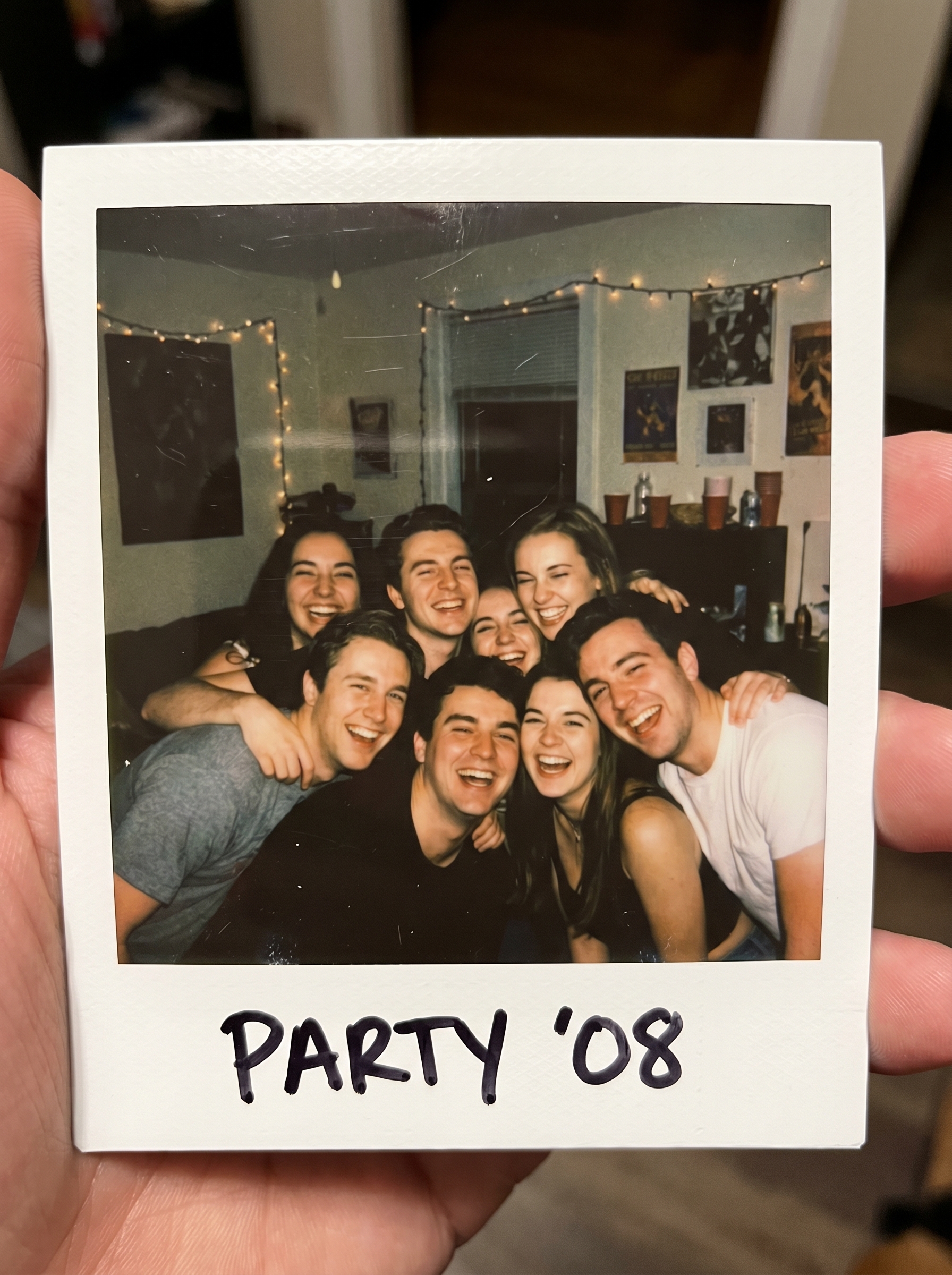
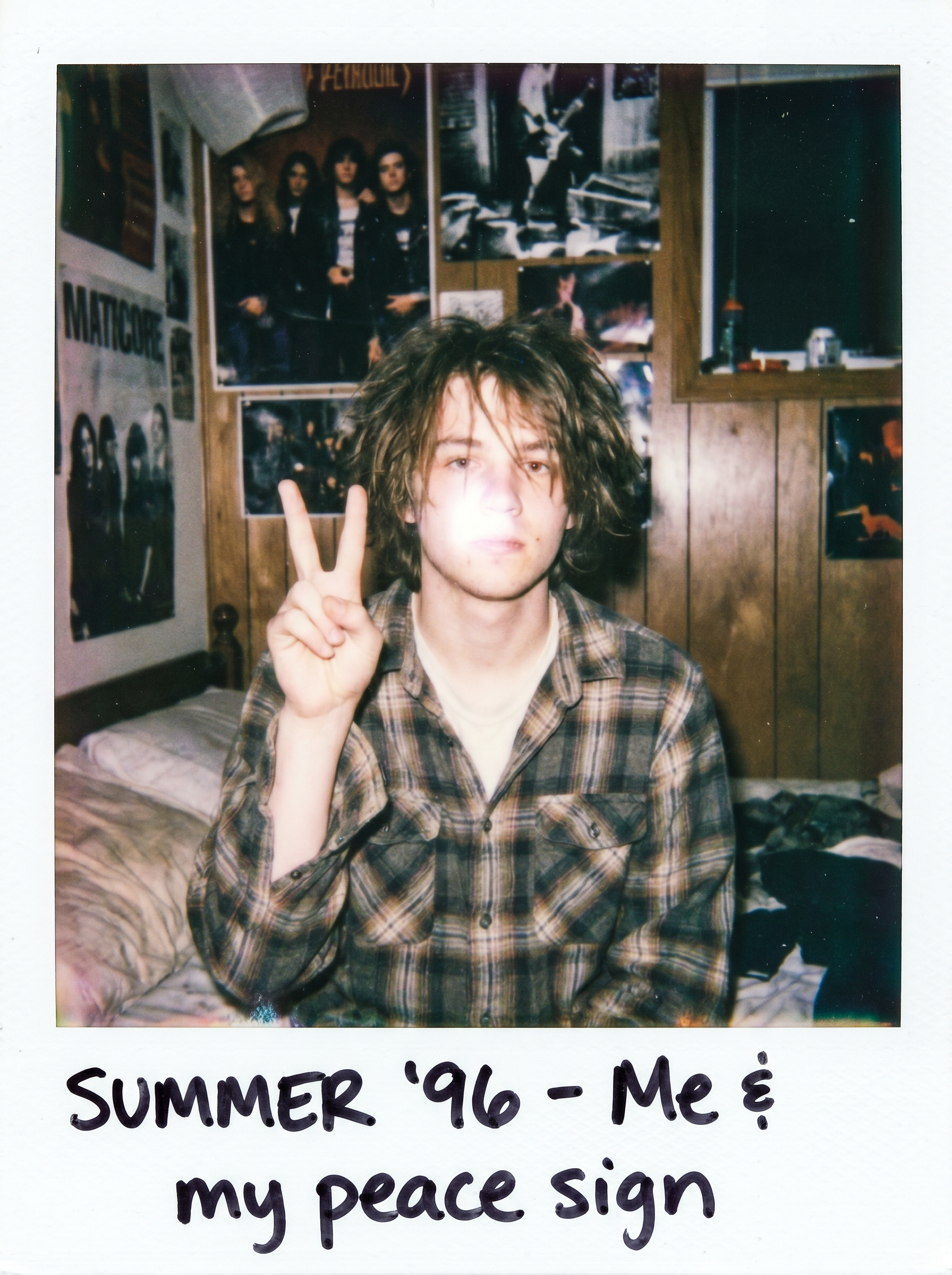
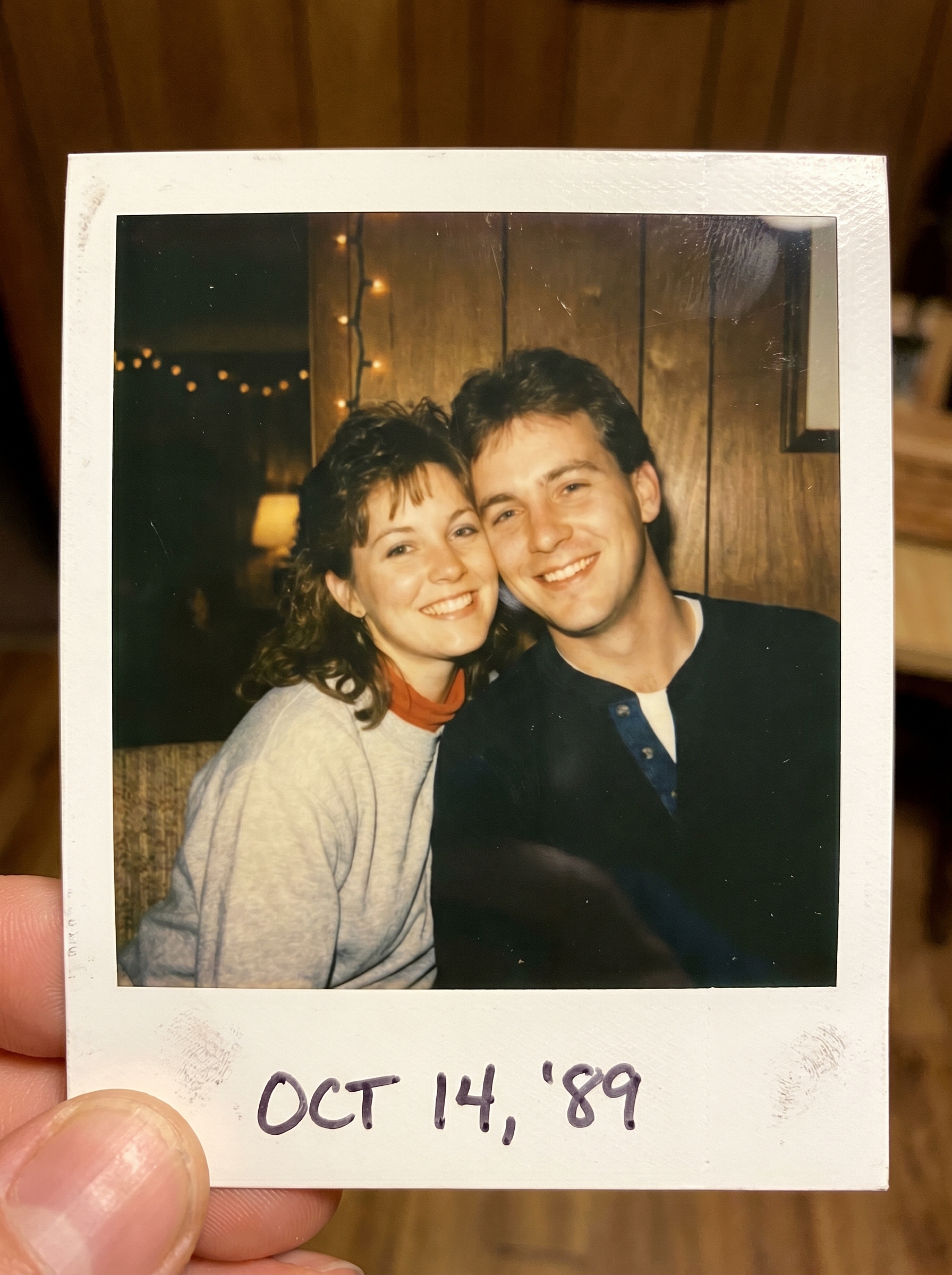
The Couple Photo effect on PromptNerdyToMe transforms your standard portraits into nostalgic, romantic keepsakes. By applying a warm, retro film aesthetic, this tool reimagines your uploaded image as an instant polaroid photo of a couple smiling cheek-to-cheek. The final output features a classic white polaroid frame and soft, warm flash photography tones that evoke a vintage charm. It is a simple way to give your modern digital photos a timeless, analog feel.
Best for
- • Sharing nostalgic aesthetic posts on your Instagram feed
- • Creating retro-themed photo transitions for TikTok videos
- • Designing custom digital anniversary cards for Pinterest
- • Adding vintage-style community posts to your YouTube channel
How to use Couple Photo
Upload your couple photo
Select and upload a clear, well-lit photo of you and your partner to begin the transformation.
Apply the effect
Initiate the generation process to let the AI apply the warm retro film and polaroid frame styling.
Preview the generation
Review the generated vintage polaroid image to ensure the details and aesthetic meet your expectations.
Save and share
Download your high-resolution retro image to your device or share it directly to your favorite social platforms.