Girls Night
Tips for better results
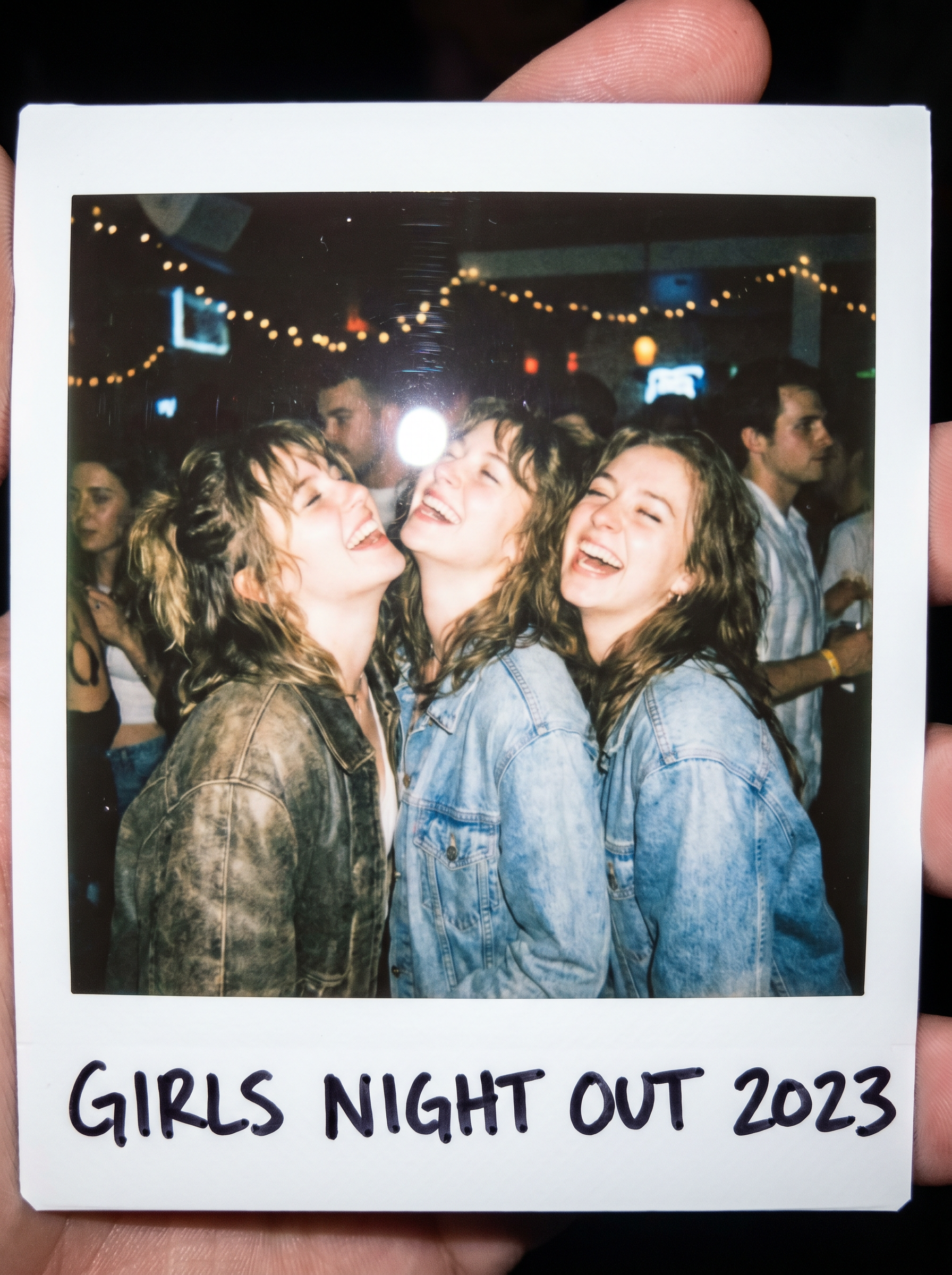
Preview — your generation appears here
What is Girls Night?
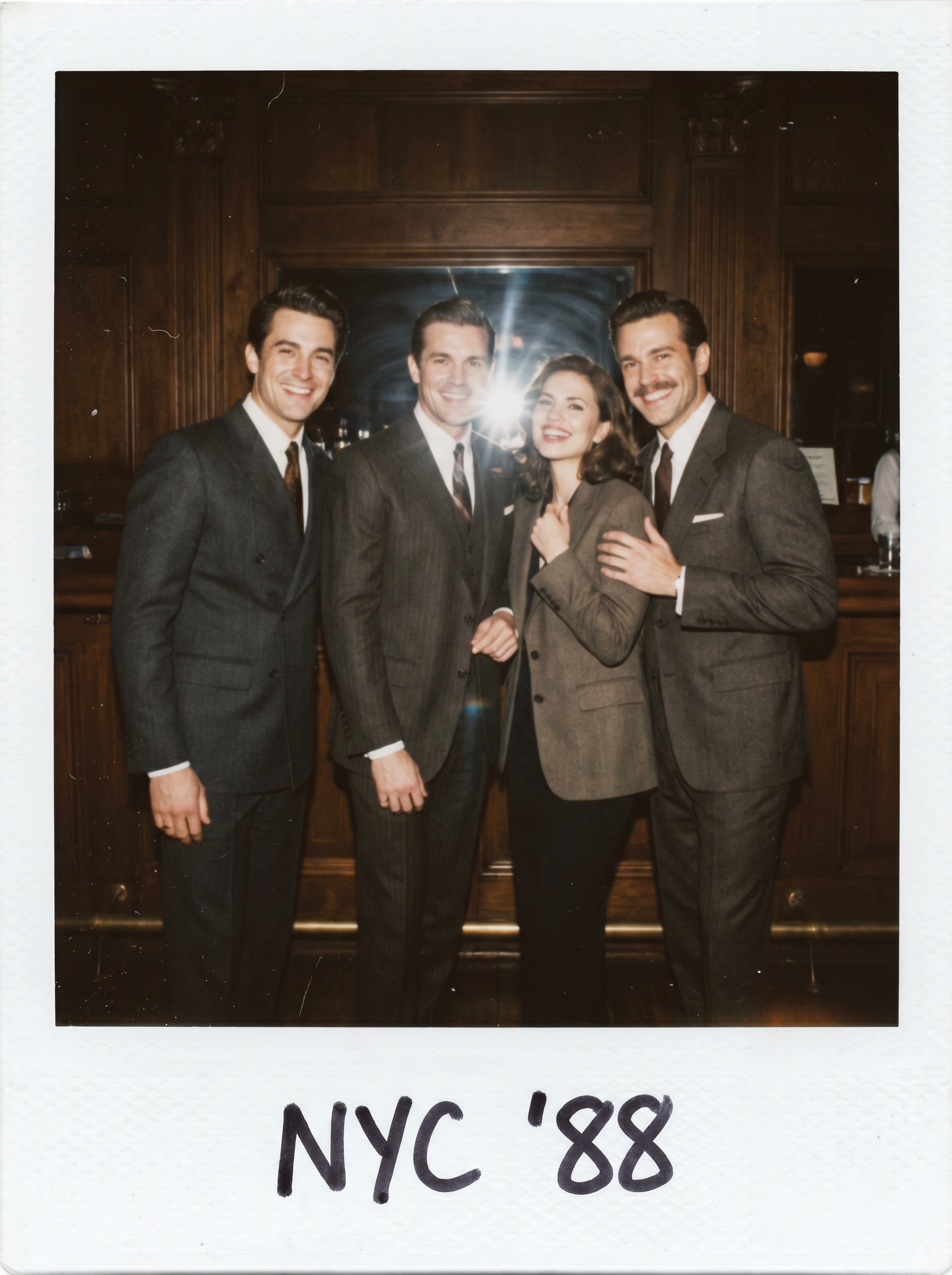
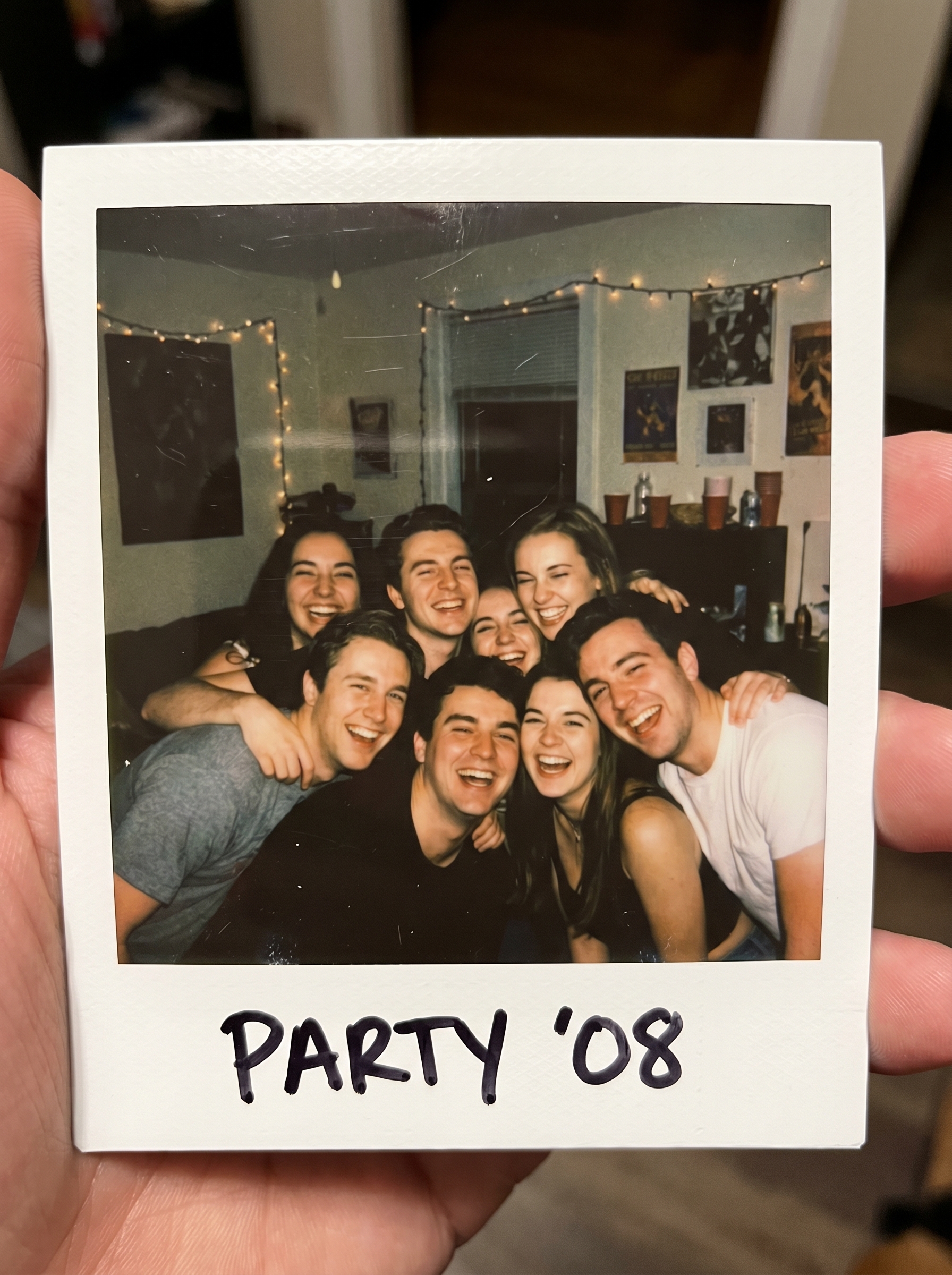
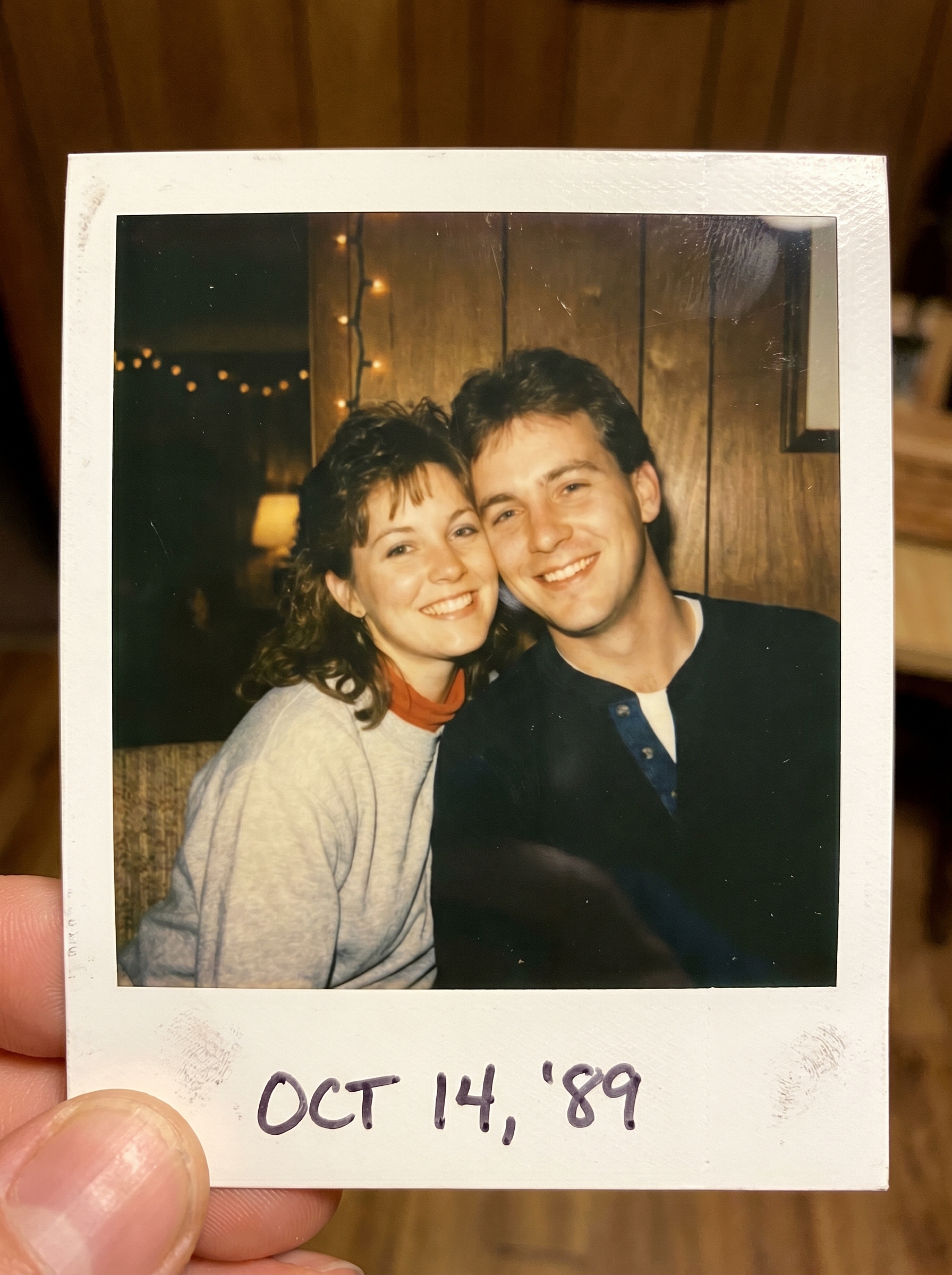
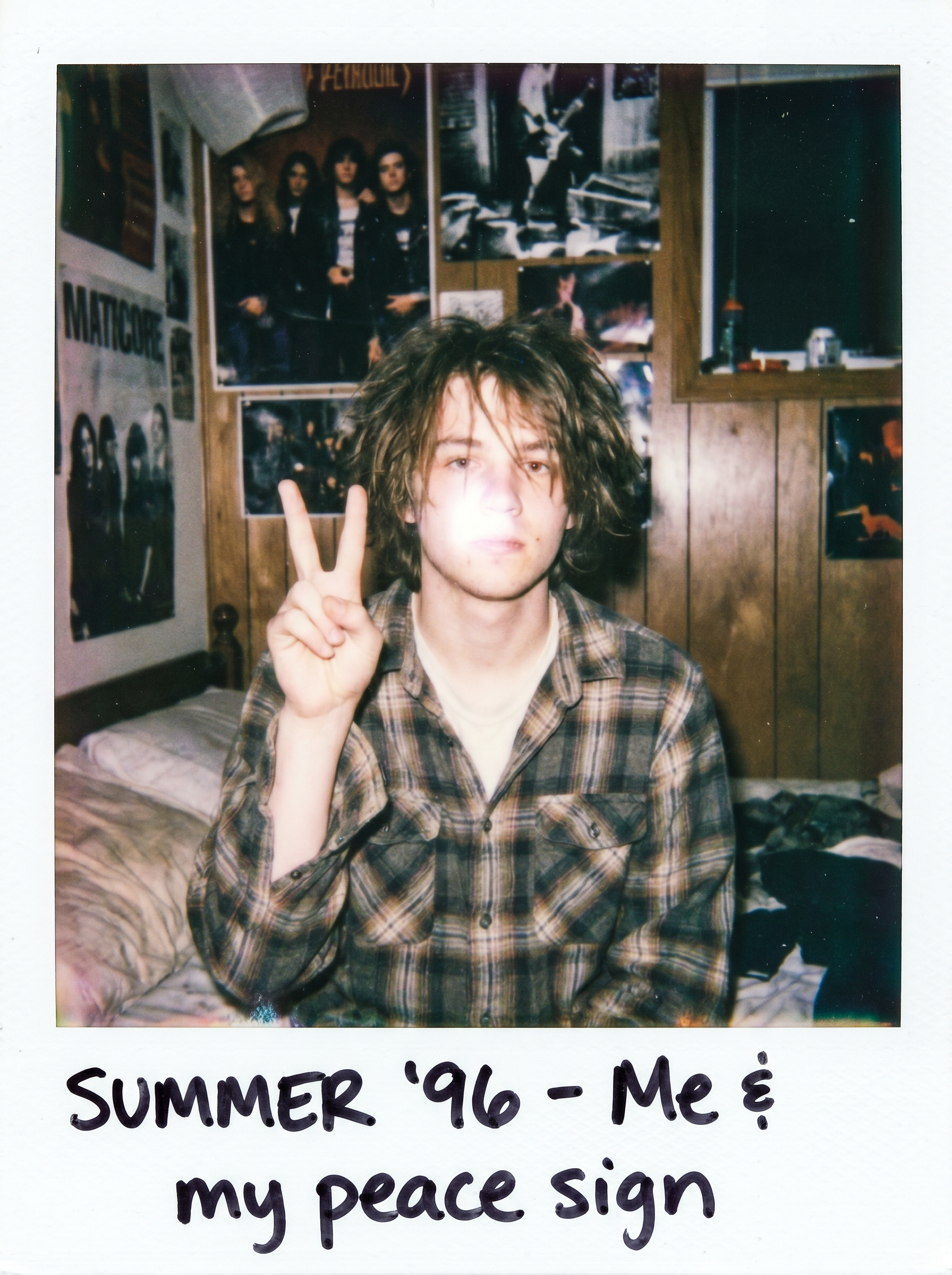
The Girls Night effect on PromptNerdyToMe transforms your standard group photos into nostalgic, candid party snapshots. It applies a retro, overexposed aesthetic reminiscent of classic instant polaroid cameras, complete with a signature white frame and high-flash lighting. This tool is designed to capture the spontaneous energy of a night out, giving your modern digital uploads a warm, vintage analog feel.
Best for
- • Creating nostalgic throwback posts for Instagram grids
- • Designing aesthetic cover images for TikTok photo dumps
- • Sharing retro-style group memories on Pinterest boards
- • Crafting personalized digital keepsakes for group chats
How to use Girls Night
Upload your group photo
Select and upload a clear, well-lit photo of your group from your device to begin the transformation.
Apply the effect
Initiate the generation process to let the AI analyze and restyle your image with the retro aesthetic.
Preview the polaroid
Review the generated image to ensure you are satisfied with the candid, overexposed look and composition.
Save and share
Download your finished high-flash image directly to your device or share it with your friends.