Friends Photo
Tips for better results
Preview — your generation appears here
What is Friends Photo?
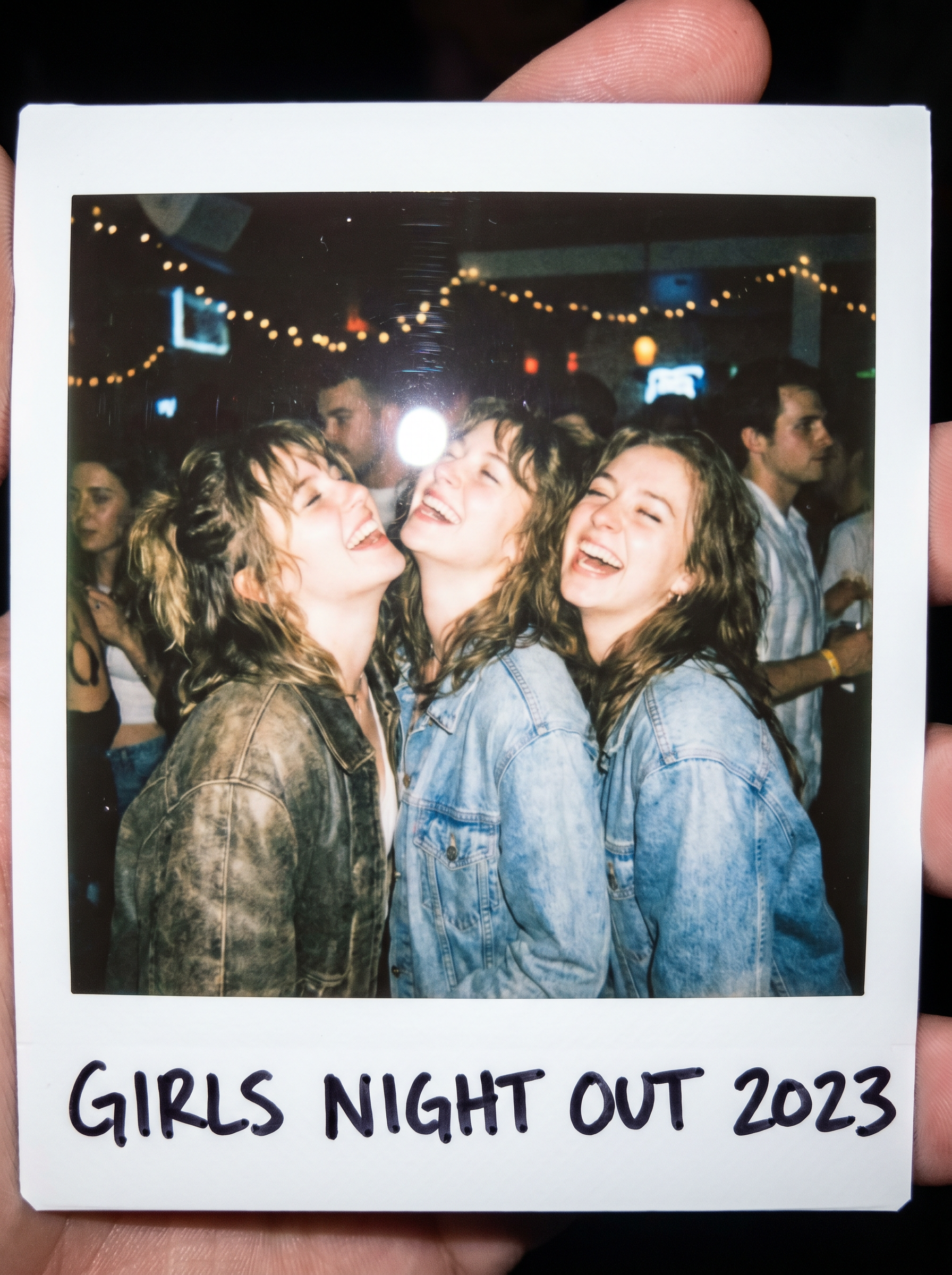
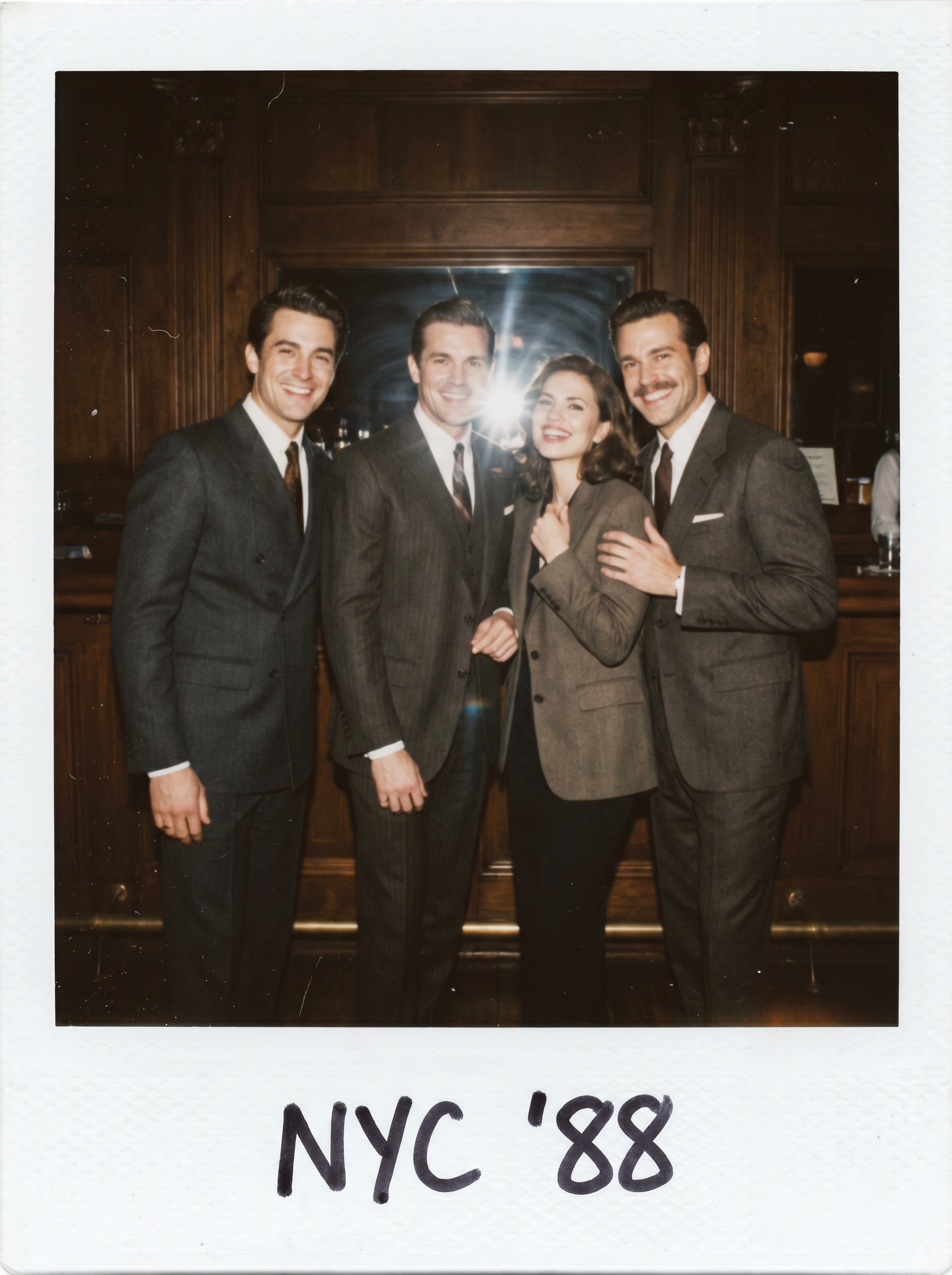
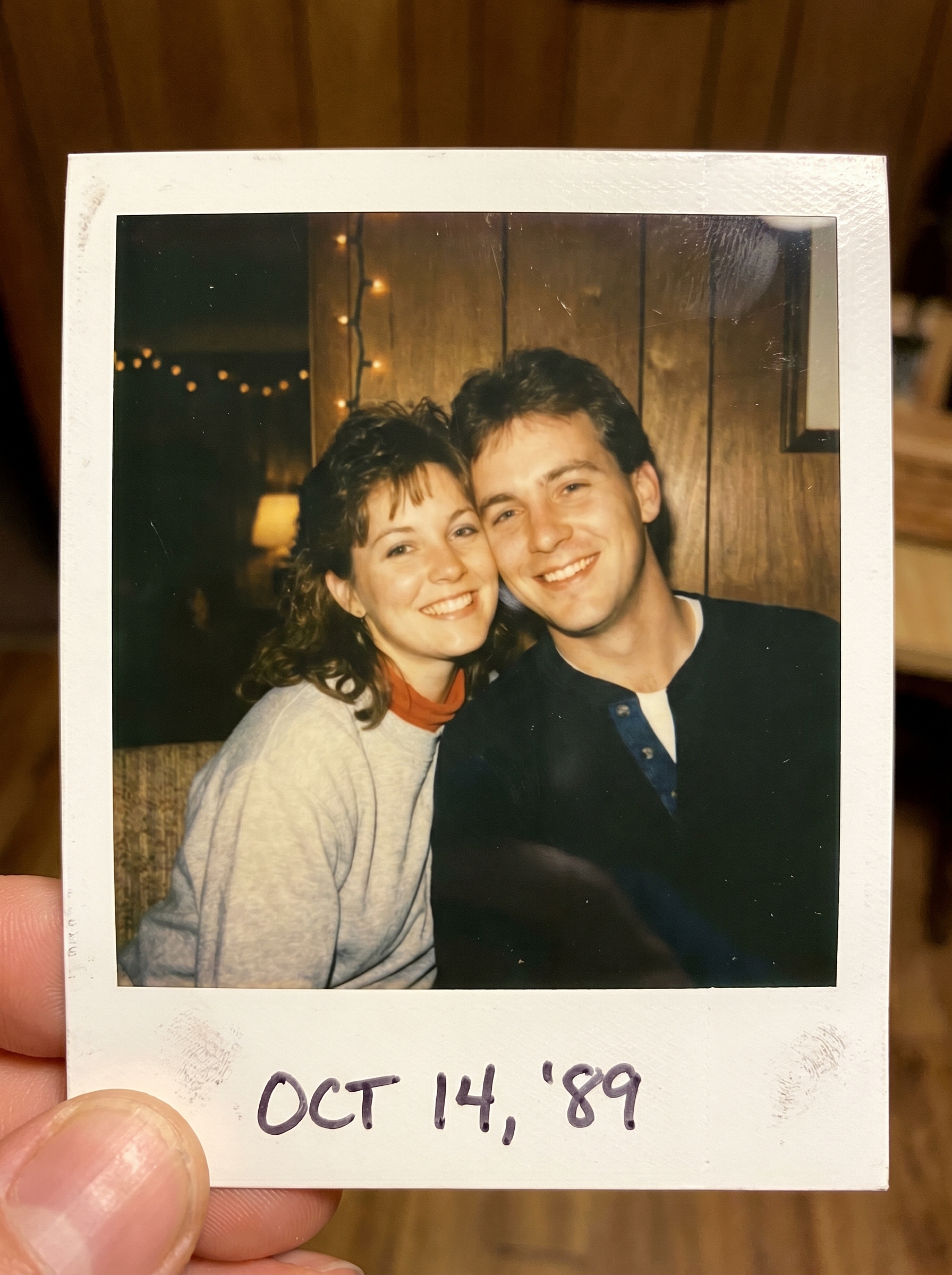
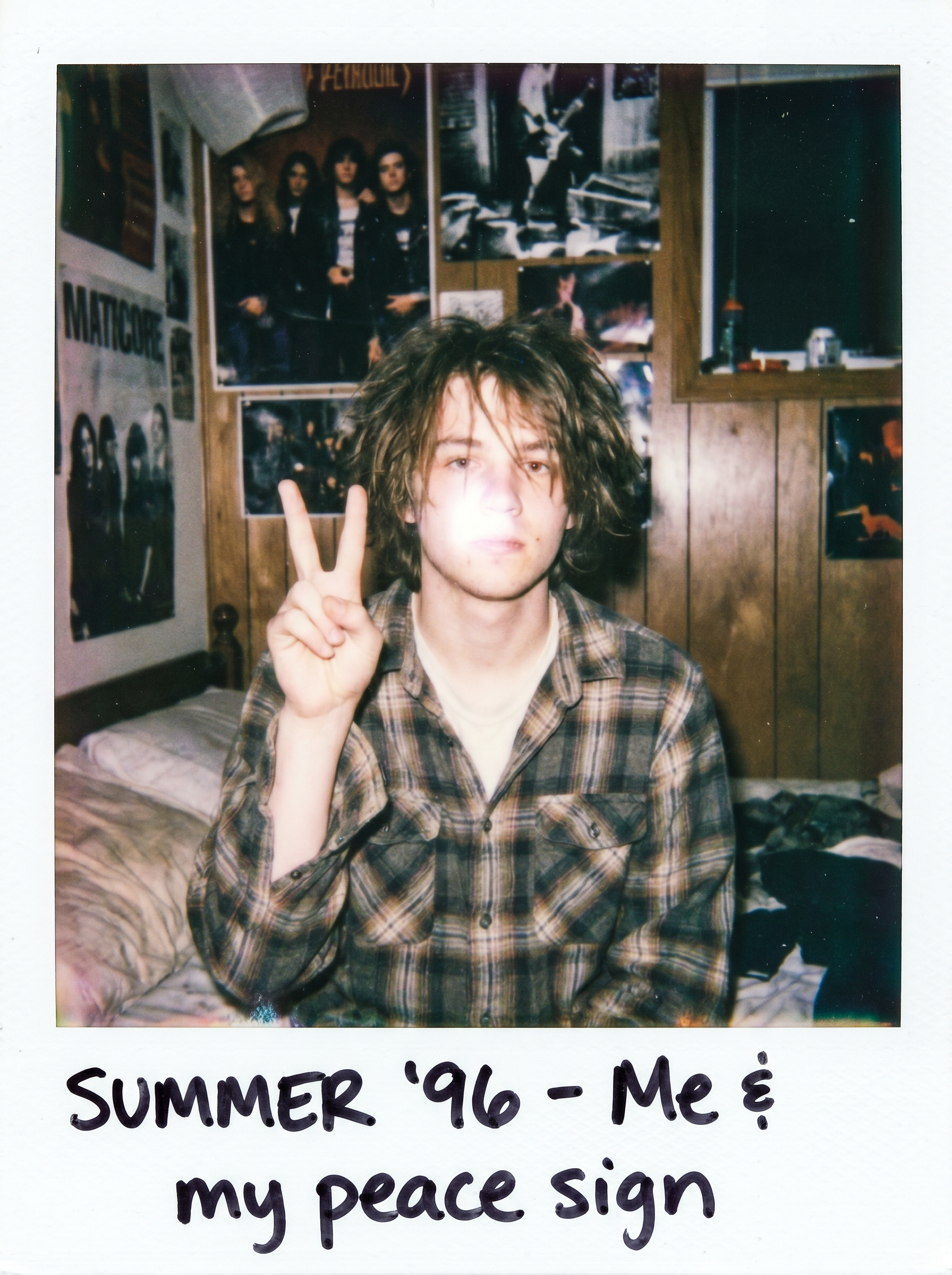
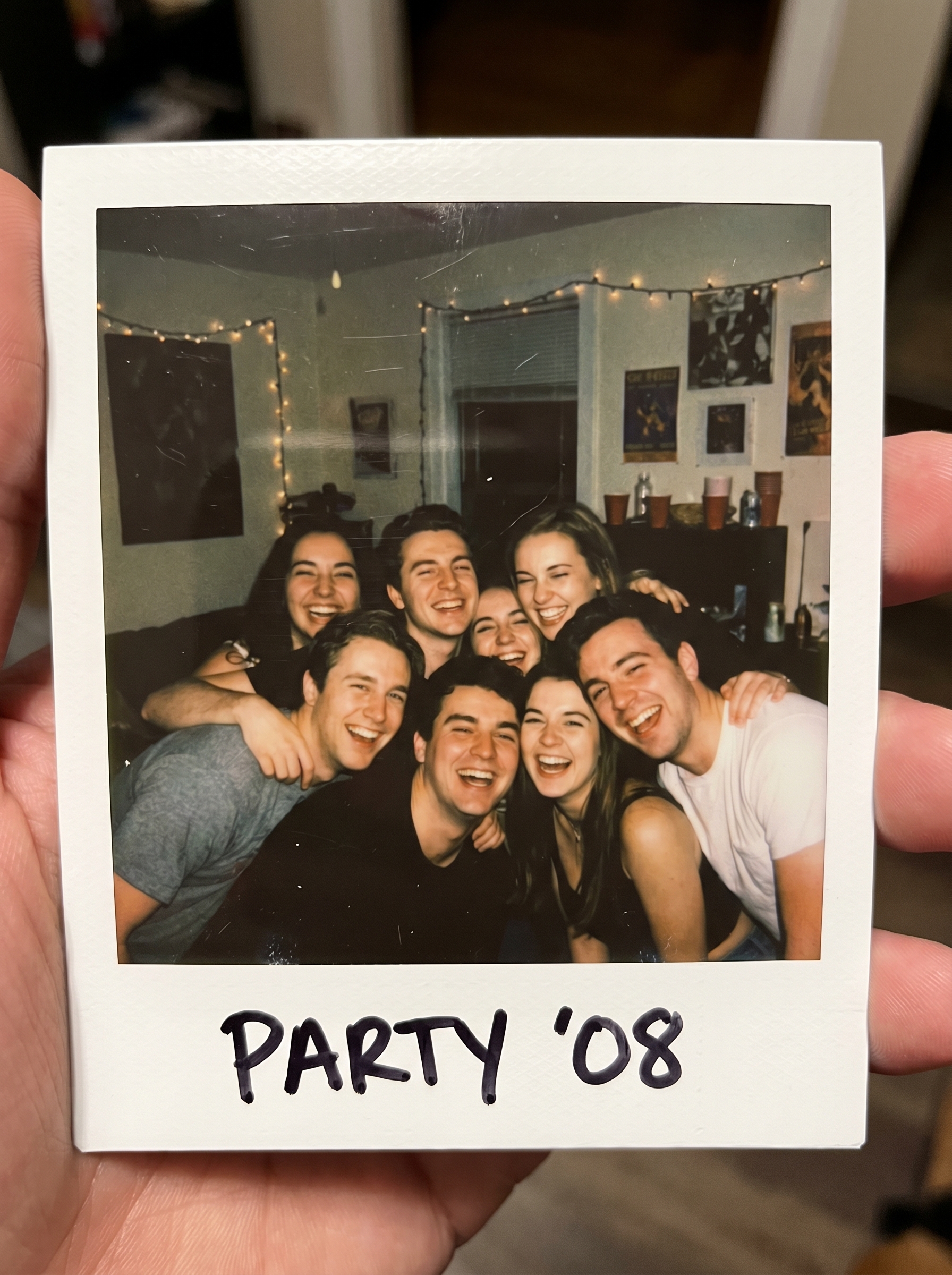
The Friends Photo effect on PromptNerdyToMe transforms your standard group pictures into nostalgic, candid polaroid-style memories. By applying a warm, house-party flash aesthetic, it reimagines your uploaded image as a group of friends squeezed tightly into a classic white-bordered film frame. The resulting image captures a spontaneous, laughing-in-the-moment vibe with retro film textures. It is designed to give your modern digital photos a cozy, analog feel.
Best for
- • Creating nostalgic throwback posts for your Instagram feed
- • Designing vintage-style cover images for TikTok photo carousels
- • Sharing candid-looking group memories on community Discord servers
- • Generating retro aesthetic visuals for Pinterest boards
How to use Friends Photo
Upload your group photo
Select and upload a clear, well-lit photo of your friend group to get started.
Adjust the framing
Crop or position your image to ensure everyone's faces are centered and visible.
Generate the polaroid
Click the generate button to apply the nostalgic flash and white-border film effect.
Save and share
Download your newly styled retro image and share it directly to your favorite social platforms.