Suit Up
Tips for better results
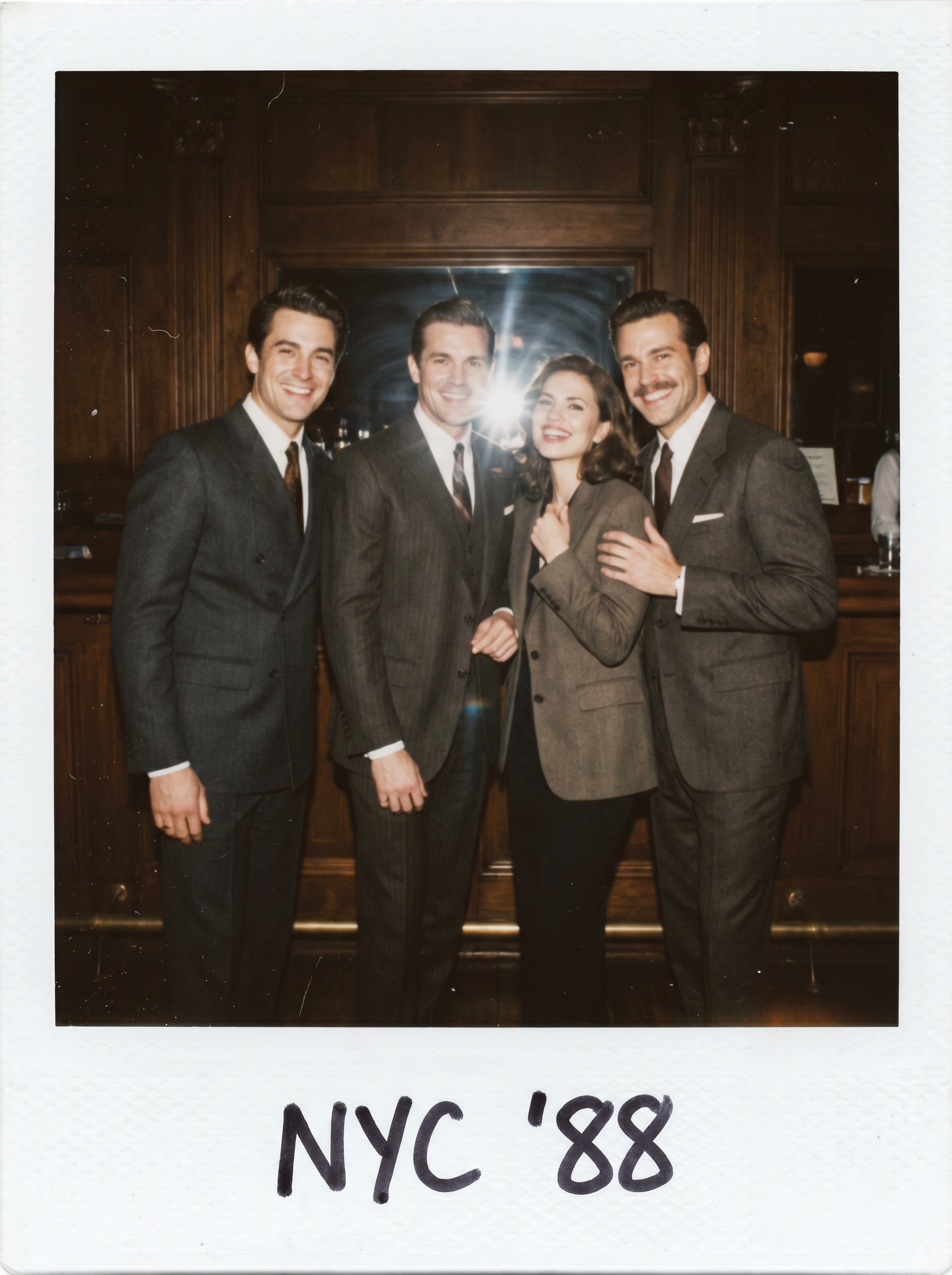
Preview — your generation appears here
What is Suit Up?
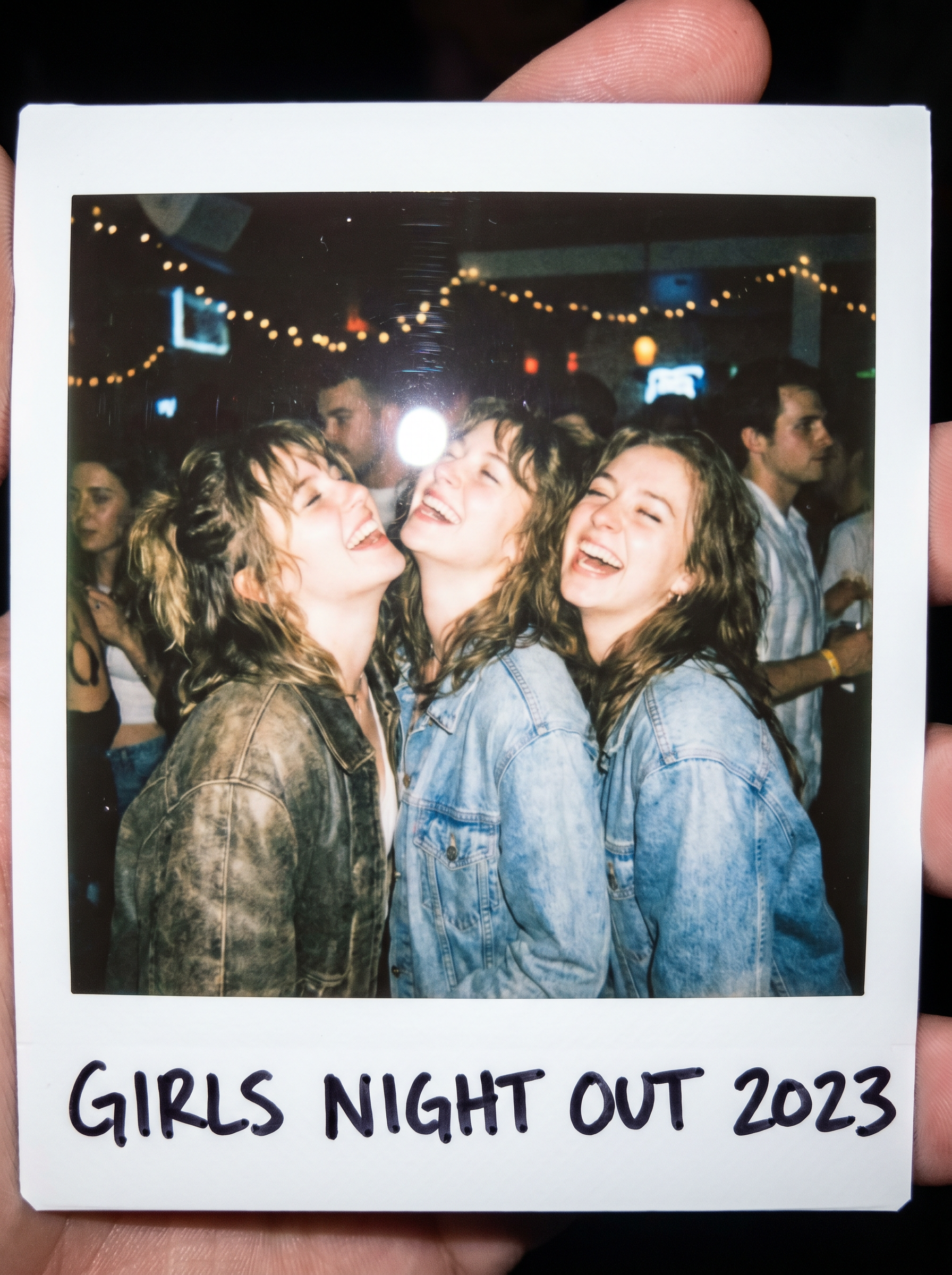
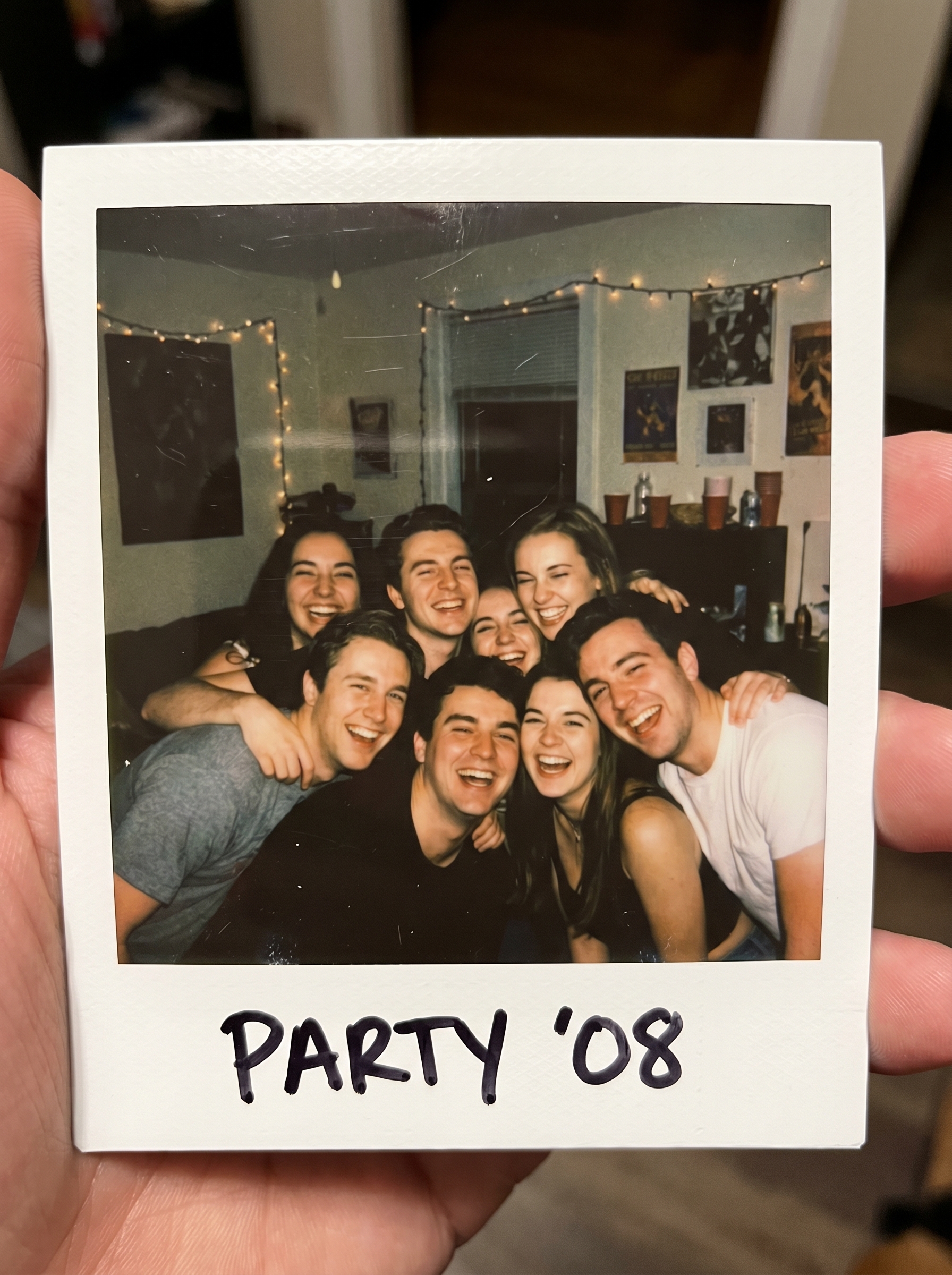
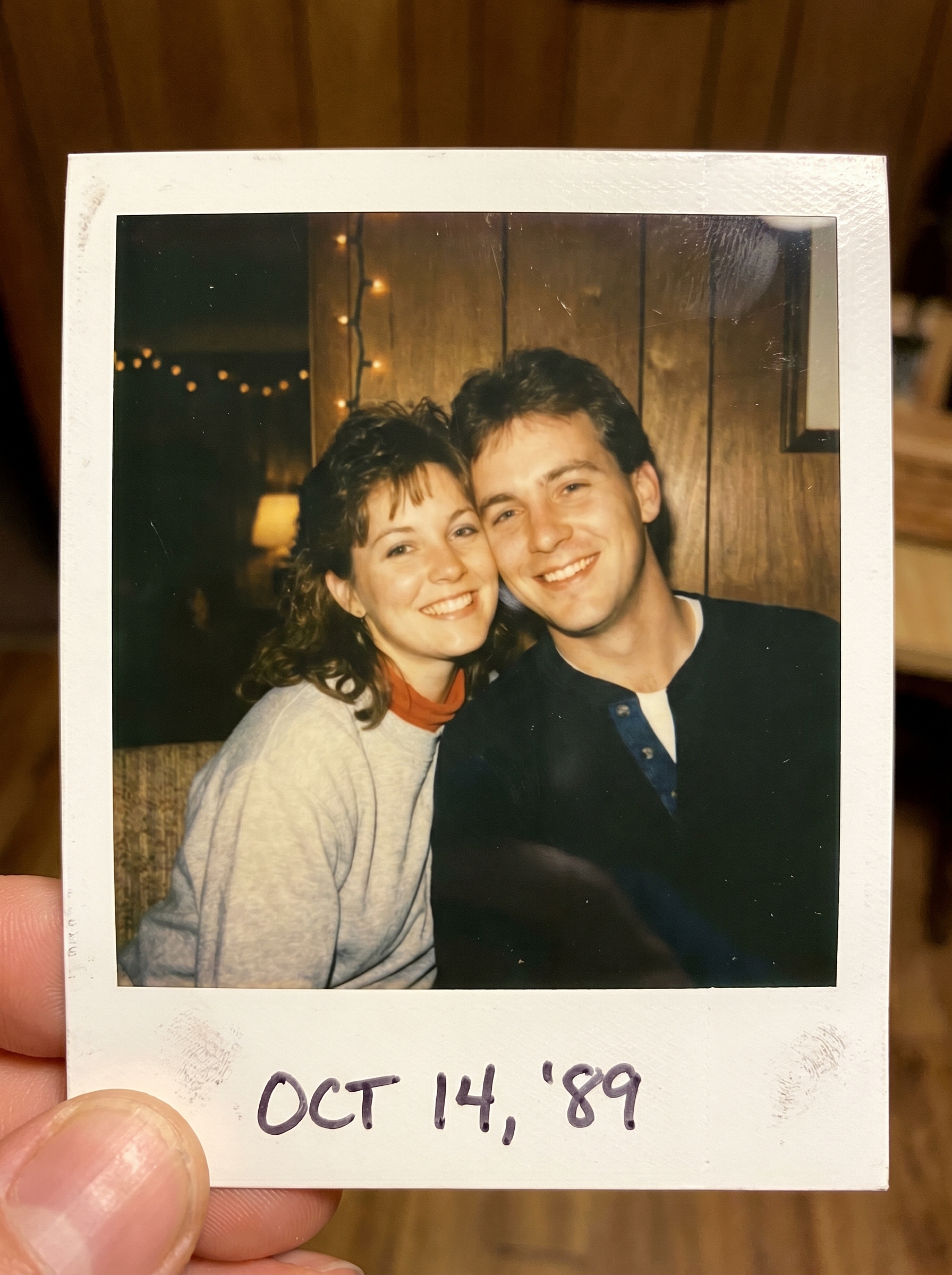
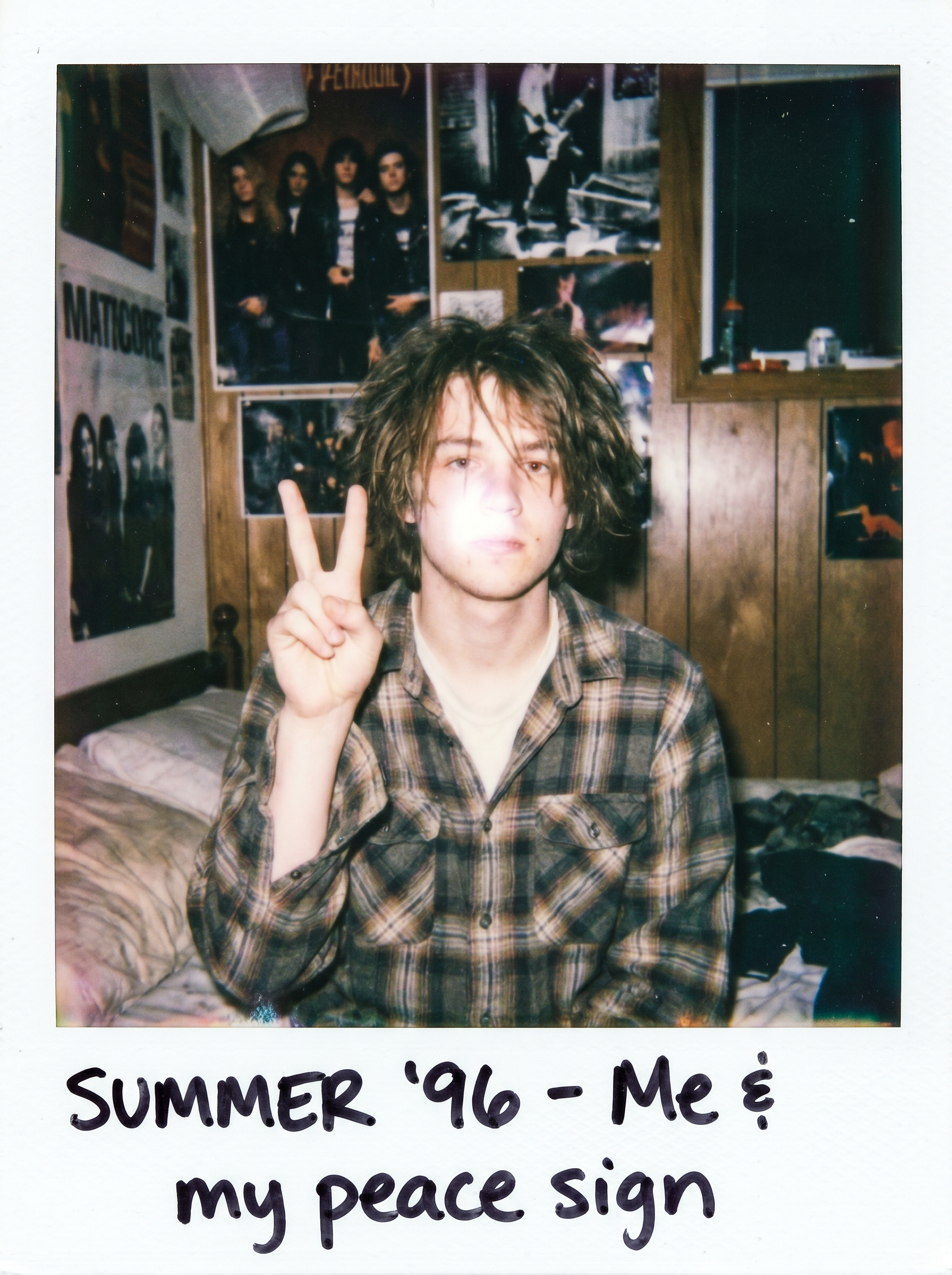
The Suit Up effect on PromptNerdyToMe instantly transforms your uploaded portrait into a sharp, GQ-style photo. It reimagines your subject wearing a tailored suit, complete with a confident pose and classic flash photography lighting. The final output is styled as a retro polaroid, featuring a white border and subtle film grain for an authentic vintage aesthetic. It is an easy way to give your casual photos a sophisticated, high-fashion makeover.
Best for
- • Creating eye-catching profile pictures for LinkedIn or professional networks
- • Sharing retro-themed transformation posts on Instagram Reels
- • Generating stylish, high-fashion avatar updates for TikTok
- • Designing engaging community posts or thumbnails for YouTube Shorts
How to use Suit Up
Upload your photo
Select a clear, high-quality portrait or selfie from your device to begin the transformation.
Apply the effect
Select the Suit Up style from the PromptNerdyToMe effect library to initiate the generation process.
Preview the generation
Wait a few moments for the AI to apply the tailored suit, retro film grain, and polaroid frame to your image.
Save and share
Download your new GQ-style polaroid photo directly to your device or share it across your social media channels.