Polaroid Photo
Tips for better results
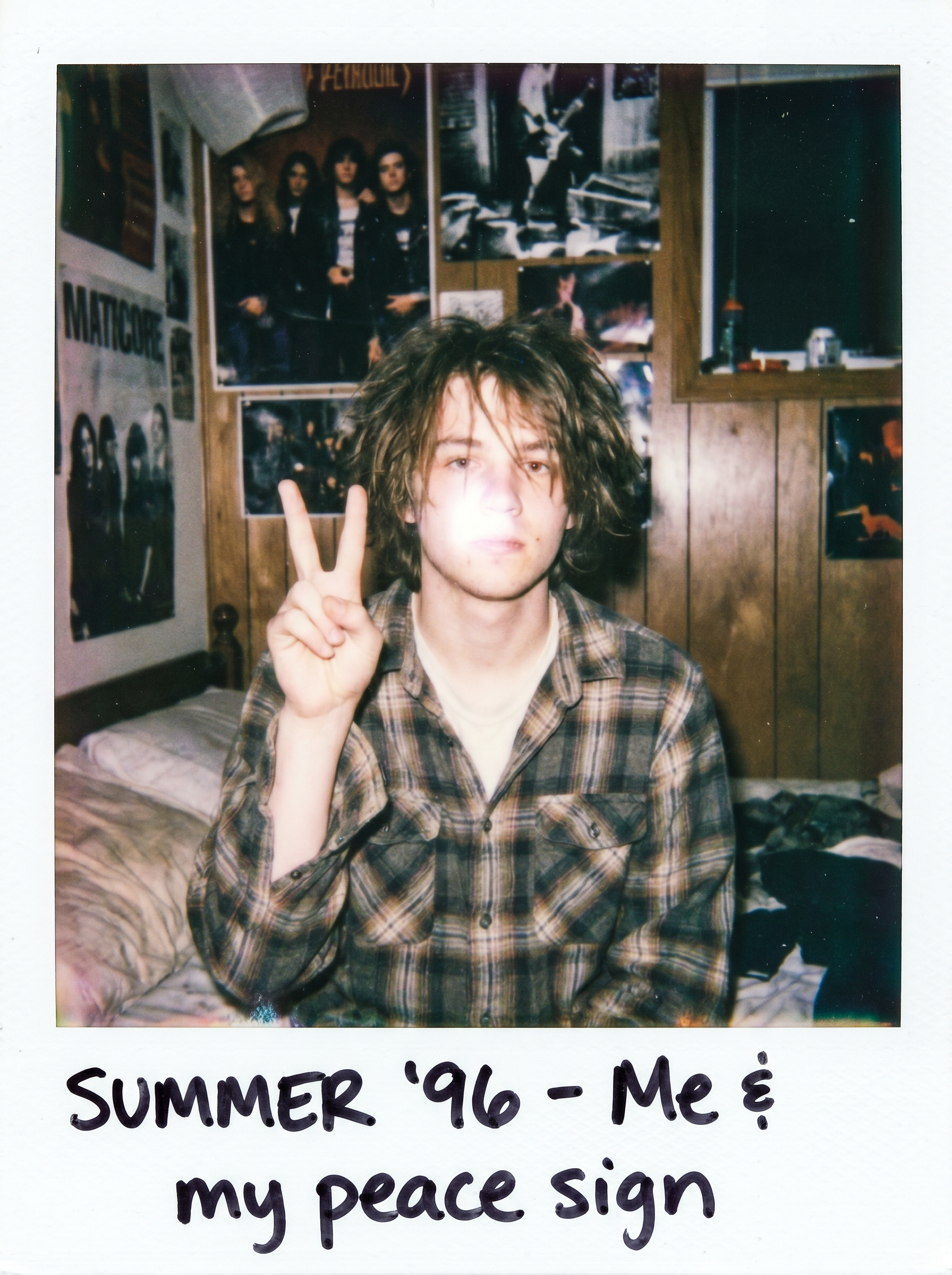
Preview — your generation appears here
What is Polaroid Photo?
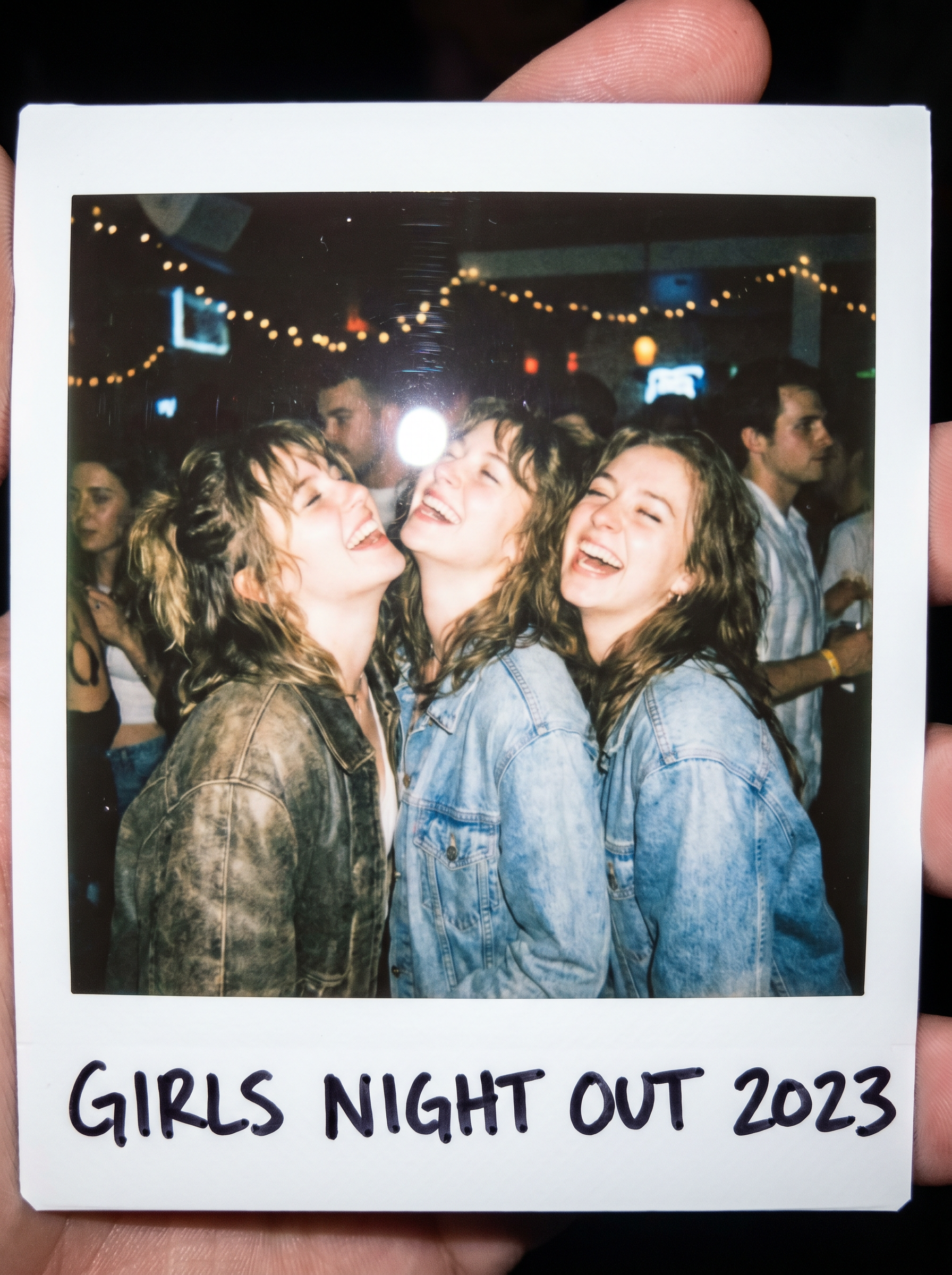
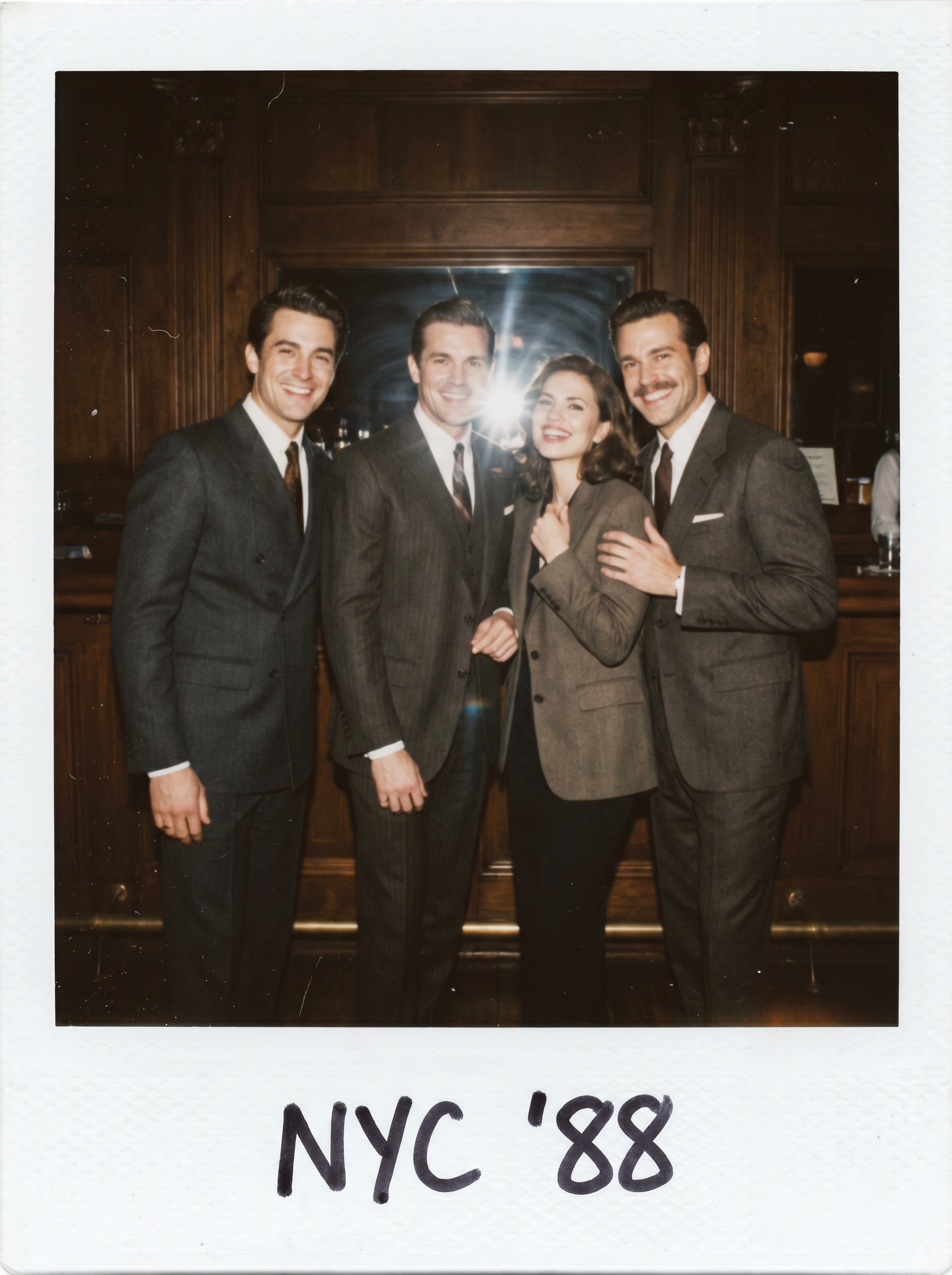
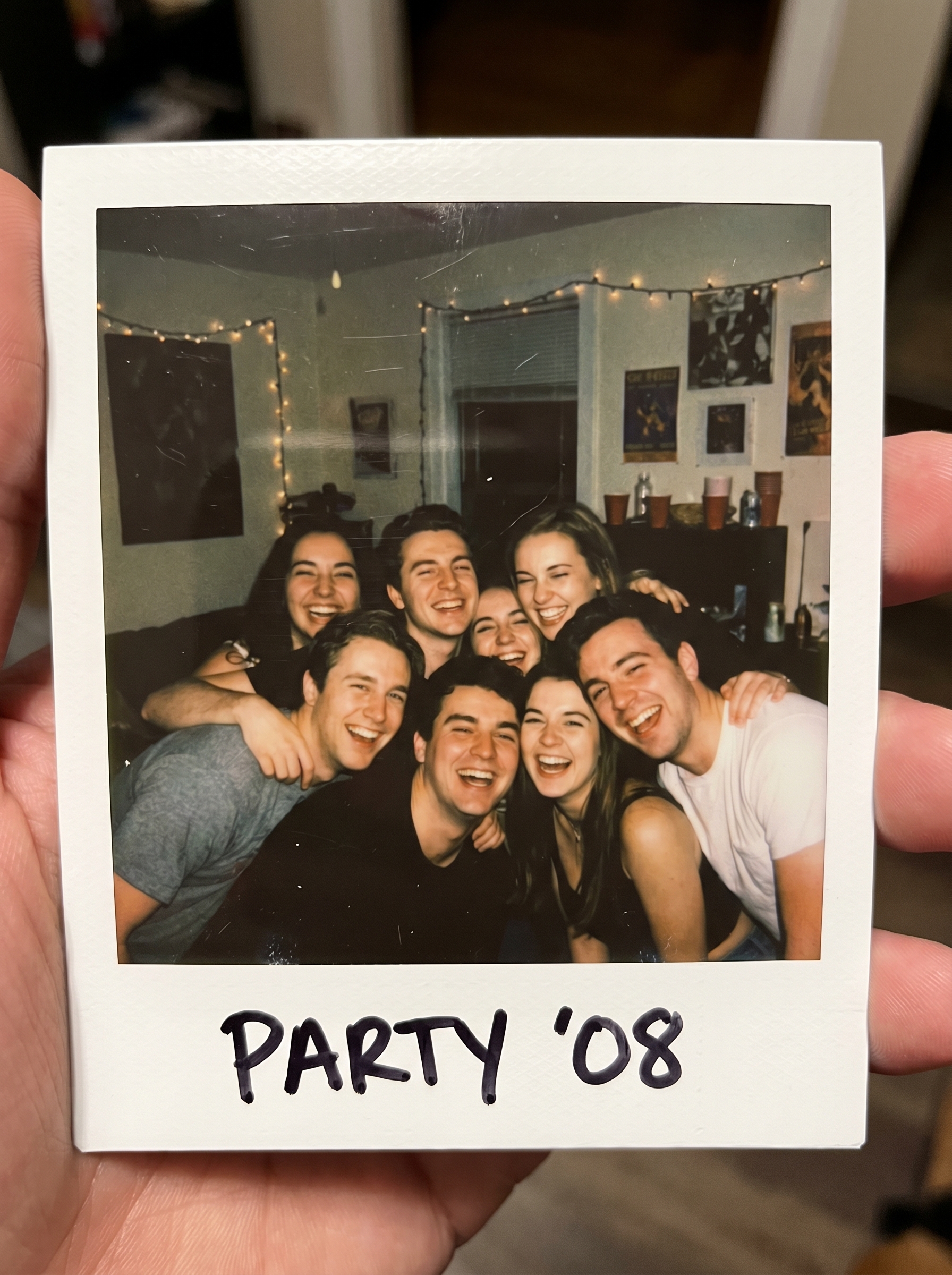
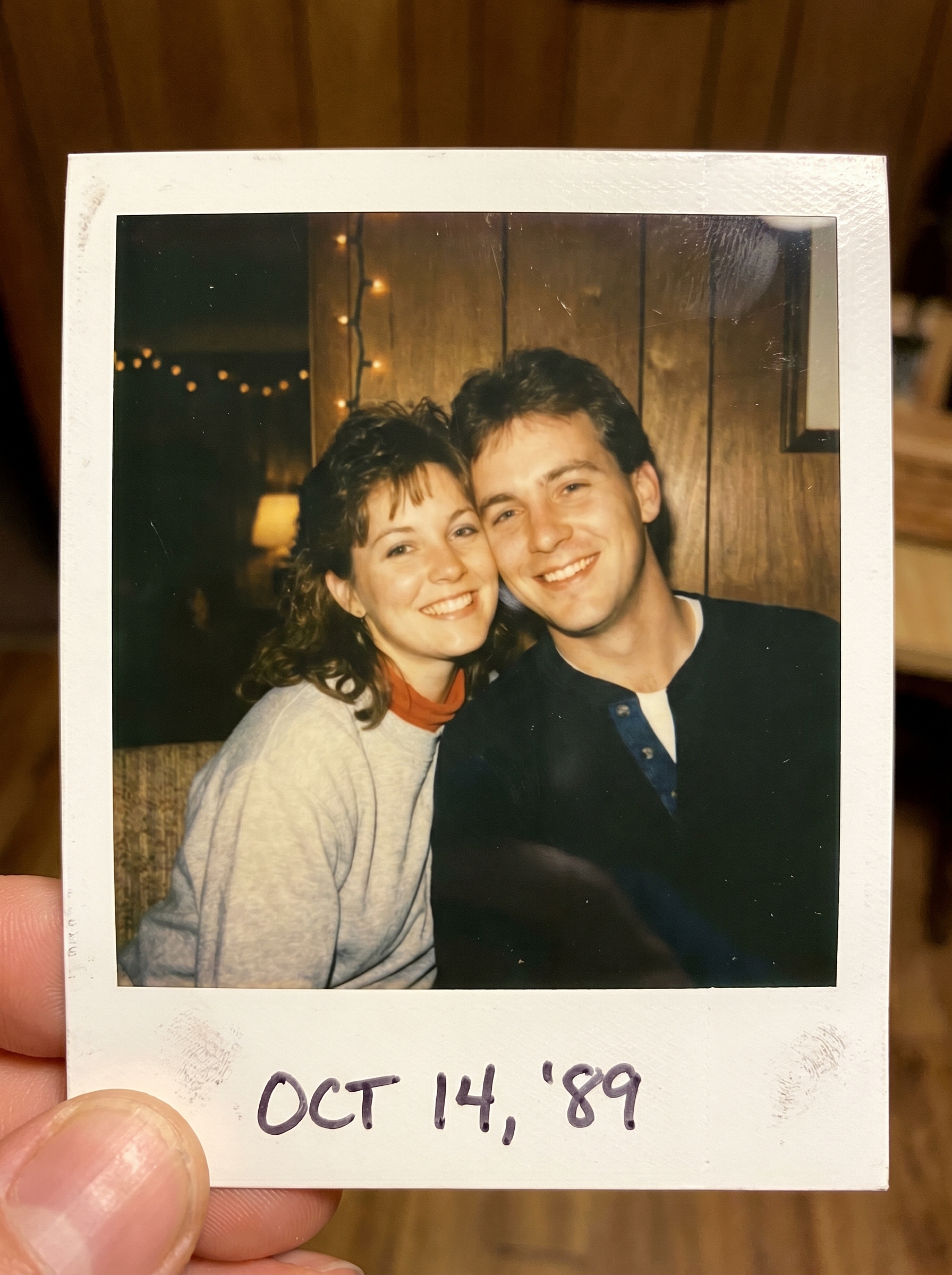
The Polaroid Photo effect on PromptNerdyToMe transforms your standard digital uploads into nostalgic, analog-style instant prints. It applies a classic 90s film aesthetic characterized by a distinct harsh flash, retro color grading, and the iconic white polaroid frame complete with simulated handwriting. This photo-to-image tool is designed to give your modern portraits a vintage, physical-media texture.
Best for
- • Creating retro-style profile pictures for Instagram or Twitter
- • Generating nostalgic static image covers for TikTok slideshows
- • Designing vintage-themed community posts for YouTube
- • Crafting aesthetic digital scrapbooks to share on Pinterest
How to use Polaroid Photo
Upload your photo
Select and upload a clear, high-quality portrait or subject photo from your device.
Select the effect
Choose the Polaroid Photo effect from the style library to apply the vintage aesthetic.
Generate the image
Click the generate button and wait a few moments while the AI applies the nostalgic film look and classic frame.
Download and share
Save your newly styled instant photo to your device or share it directly to your social media channels.