Gender Swap
Tips for better results
Preview — your generation appears here
What is Gender Swap?
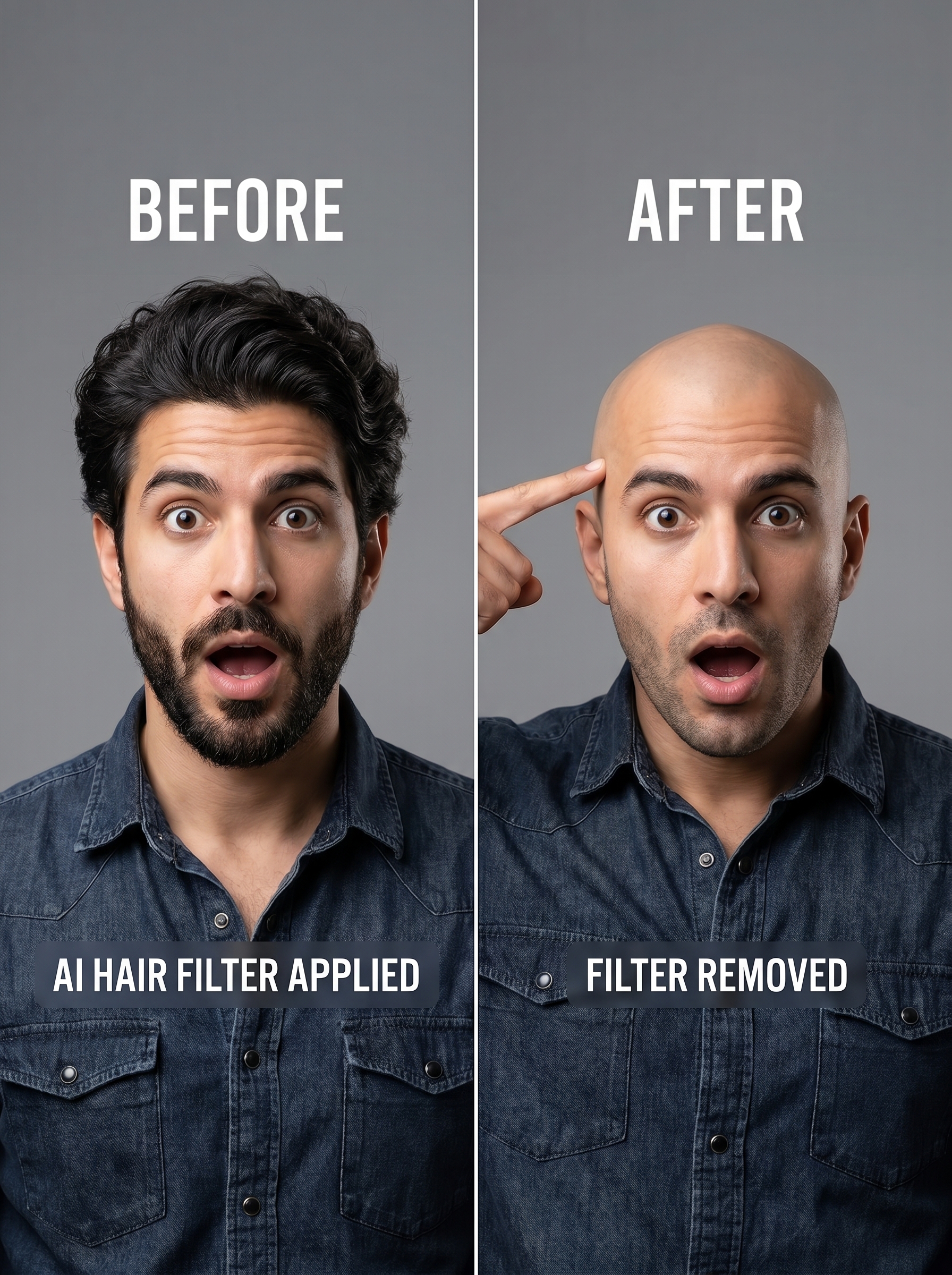
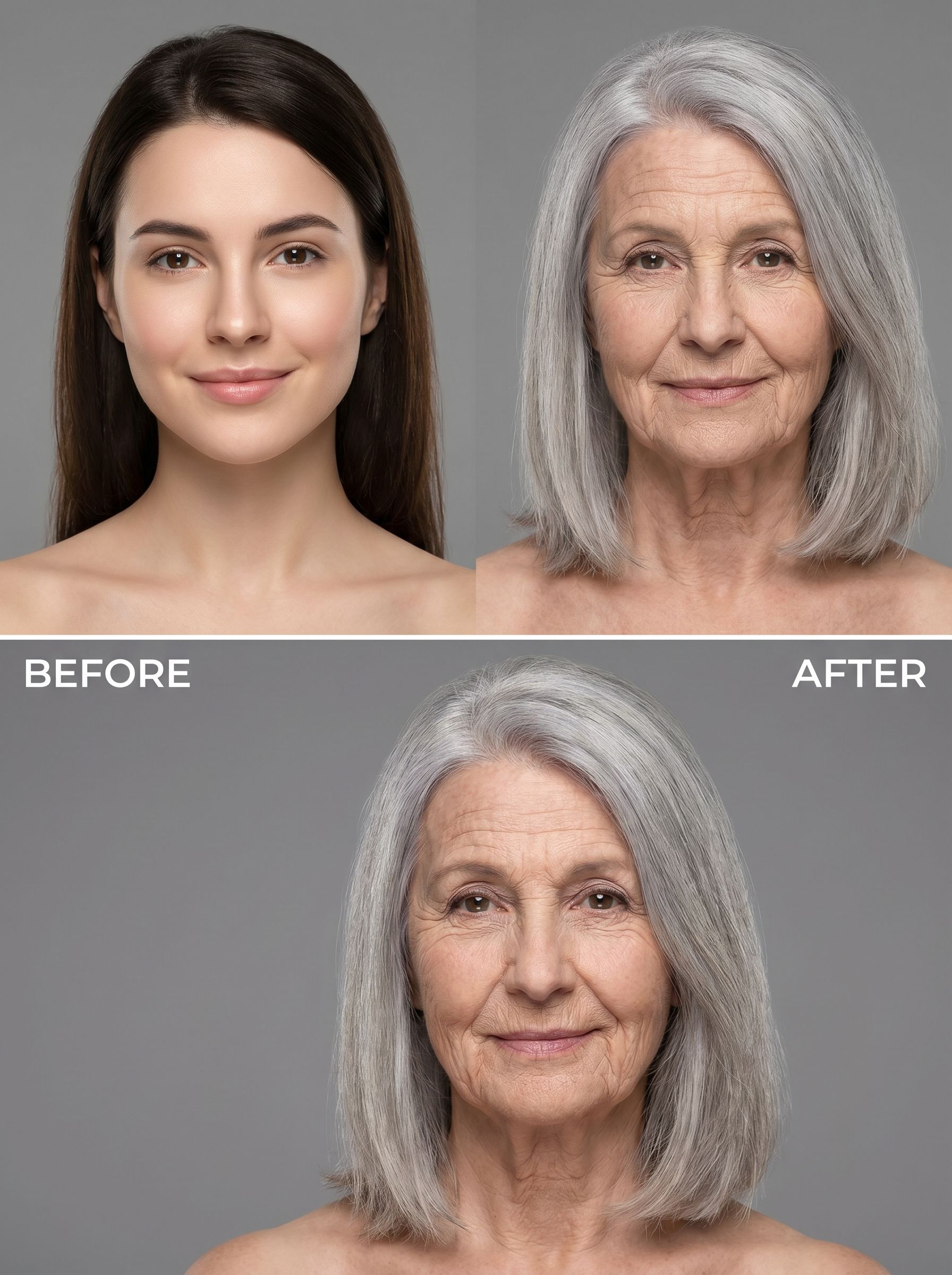
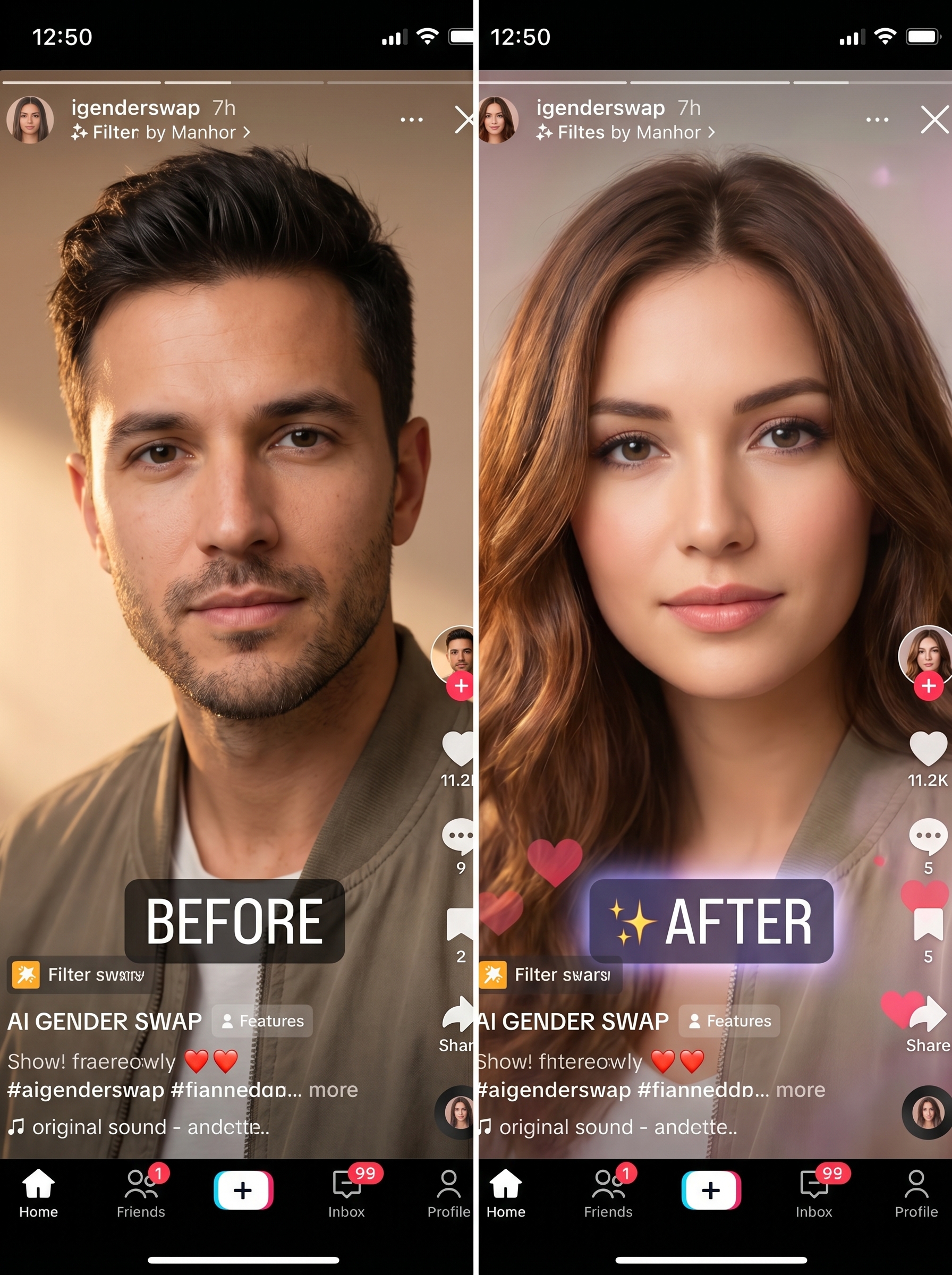
The Gender Swap effect on PromptNerdyToMe allows you to transform your portraits with a realistic gender-swapped aesthetic. By analyzing the facial structure of your original photo, the AI generates an alternative version that maintains your recognizable features under professional studio lighting. The resulting image offers a high-quality, natural-looking transformation that preserves your core identity in a new light.
Best for
- • Creating engaging profile pictures for Discord or Reddit
- • Generating fun transformation content for TikTok trends
- • Sharing side-by-side comparison posts on Instagram Reels
- • Creating eye-catching thumbnails for YouTube Shorts
How to use Gender Swap
Upload your photo
Select and upload a clear, well-lit portrait of yourself or your subject to begin the transformation.
Adjust settings
Fine-tune any optional parameters to guide the AI's interpretation of your features.
Generate the image
Click the generate button to let the AI process the photo and apply the studio-quality gender swap filter.
Download and share
Save your high-resolution output directly to your device or share it across your social channels.